Overview
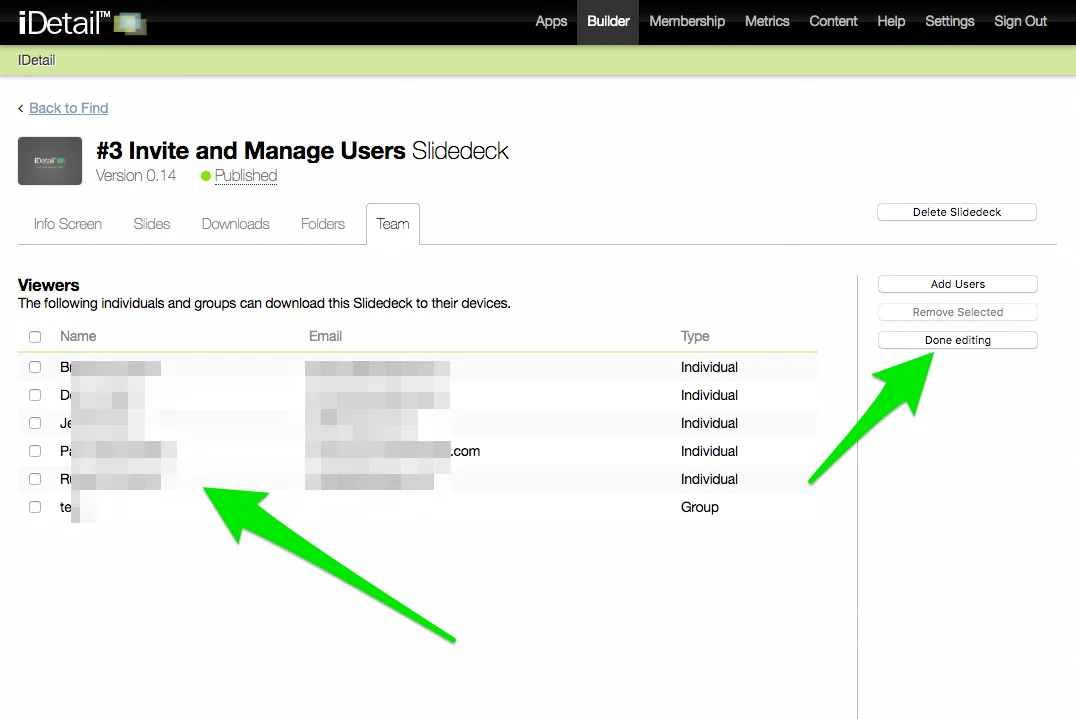
Within the iDetail web service, each Content Item has access permissions granted to the individual member and group. The steps to set permissions for a content item are identical for each case.
Steps to permission a content item
Open iDetail Web Service - https://launch.idetailapp.com
Select the Builder from the top navigation
Select the Manage Content link
Click on a content item
Once the content item is selected, a set of tabs will appear, select the Team tab
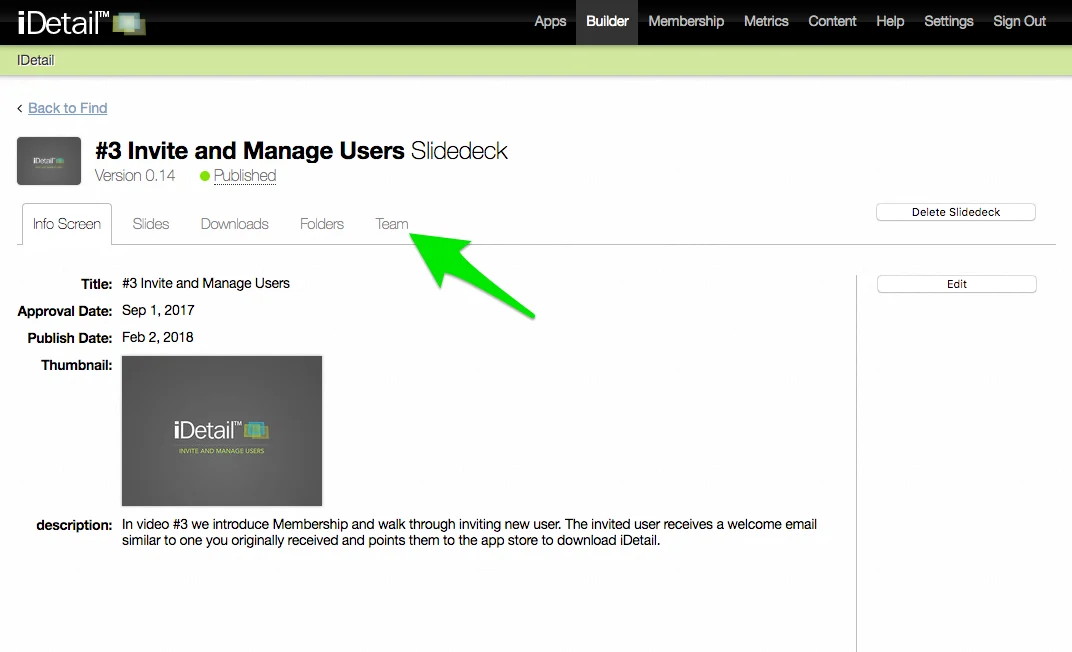
Click the [Edit] button from the right side channel
While in edit mode, click the [Add Users] button from the right side channel
A popup will appear displaying a list of members and groups who can be added to the Content Item
Select one or more members or groups from the list using the checkboxes
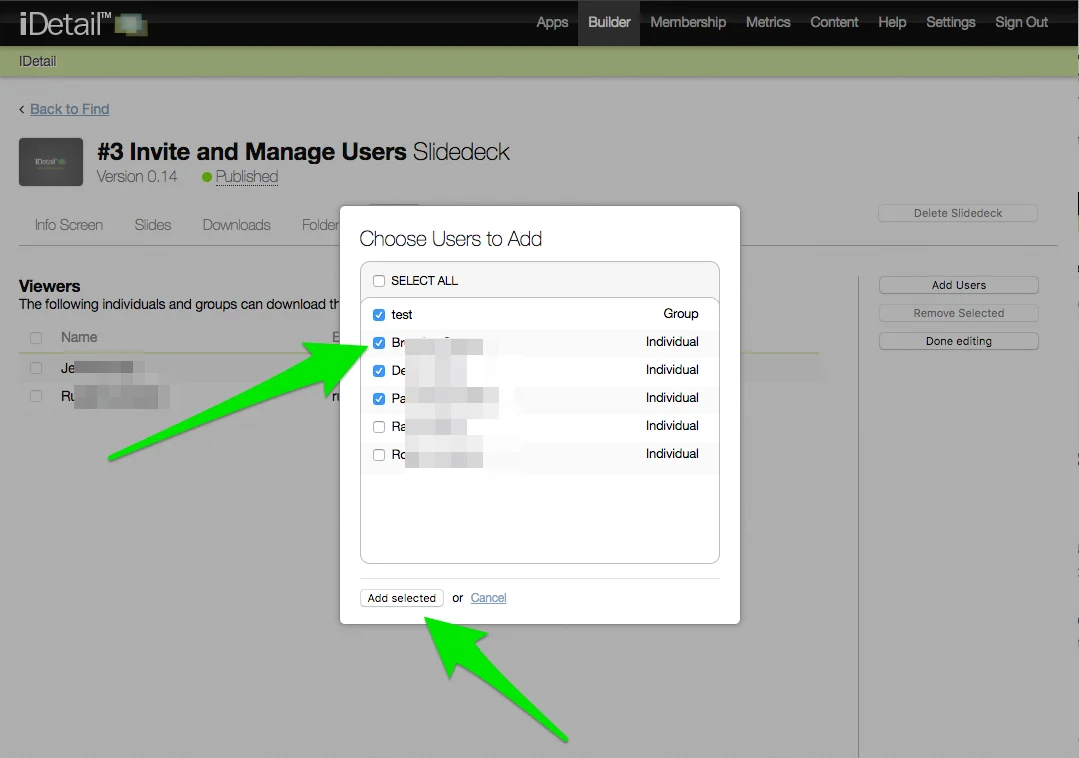
Click the [Add selected] button in the popup
Click the [Done editing] button in the side channel
New permissions have been applied