The iDetail Web Service has the ability to present a slide deck from an internet browser and can be used on a number of devices. The Present feature on the Content screen lets you make presentations in fullscreen mode using your laptop.
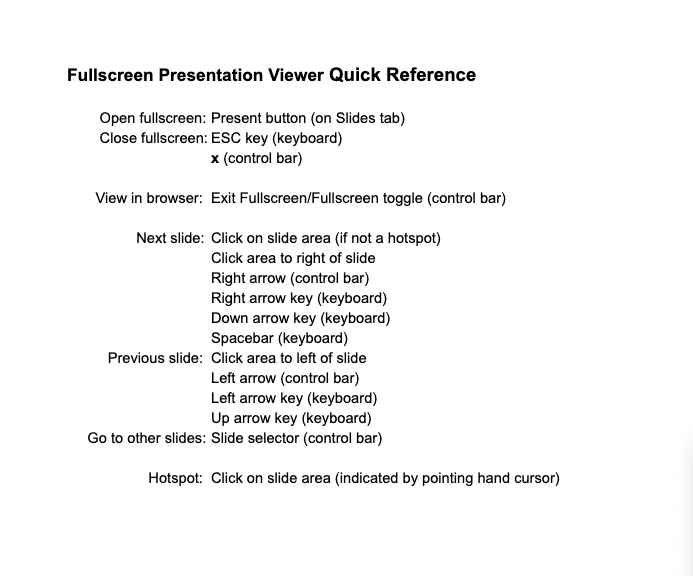
How to launch the fullscreen presentation viewer
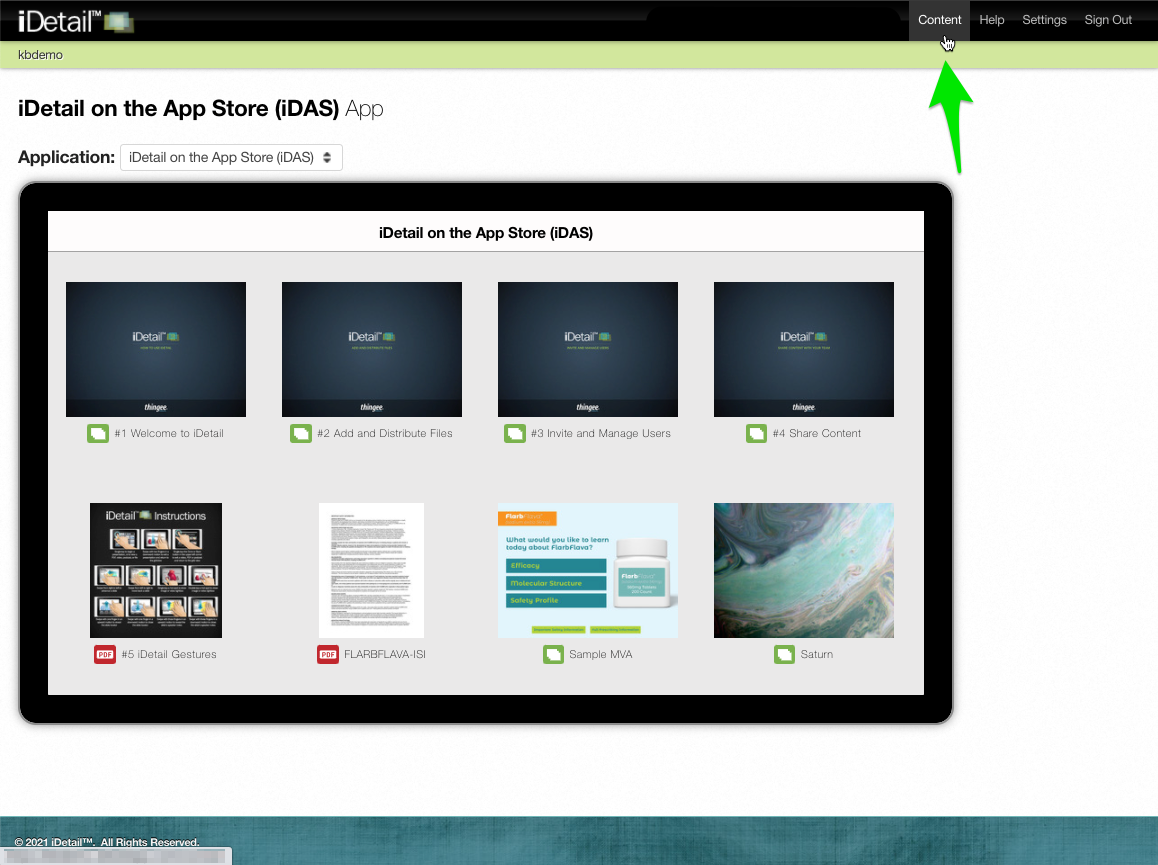
Click the Content section in the iDetail Web Service menu
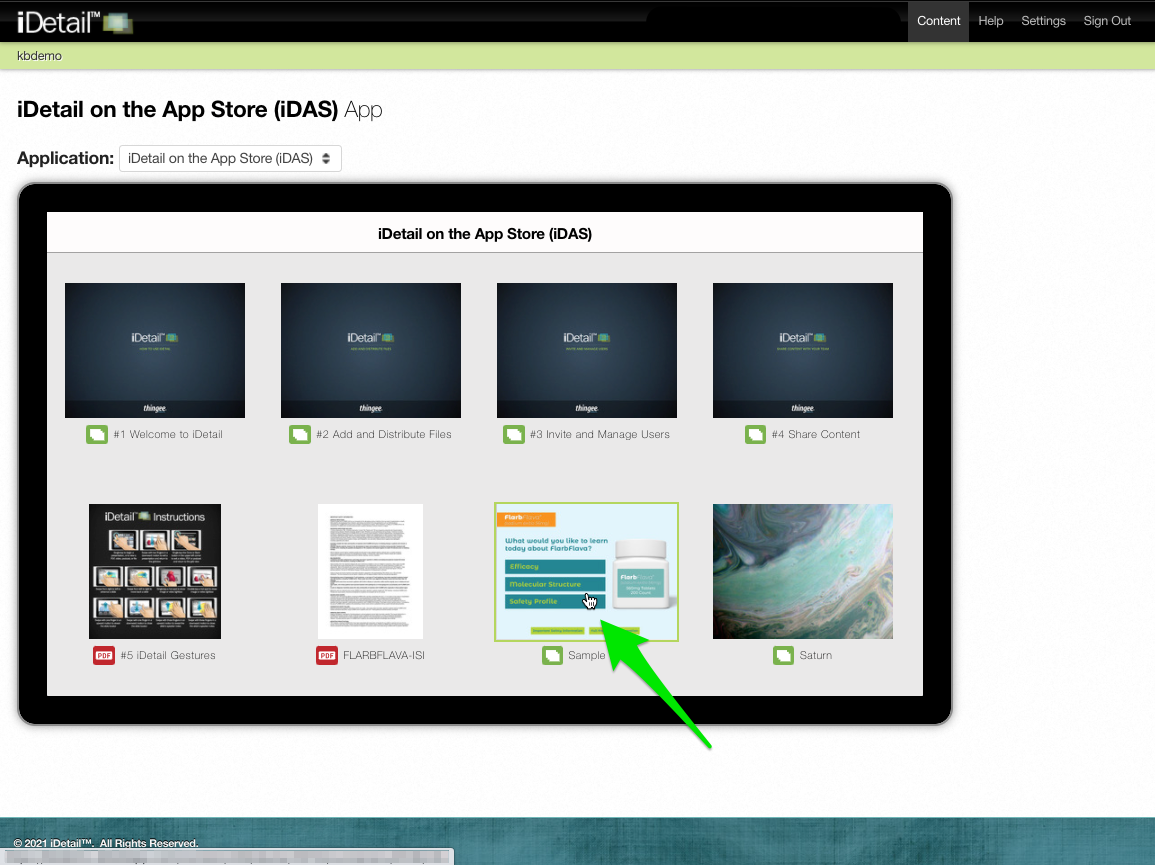
Select a slide deck to view
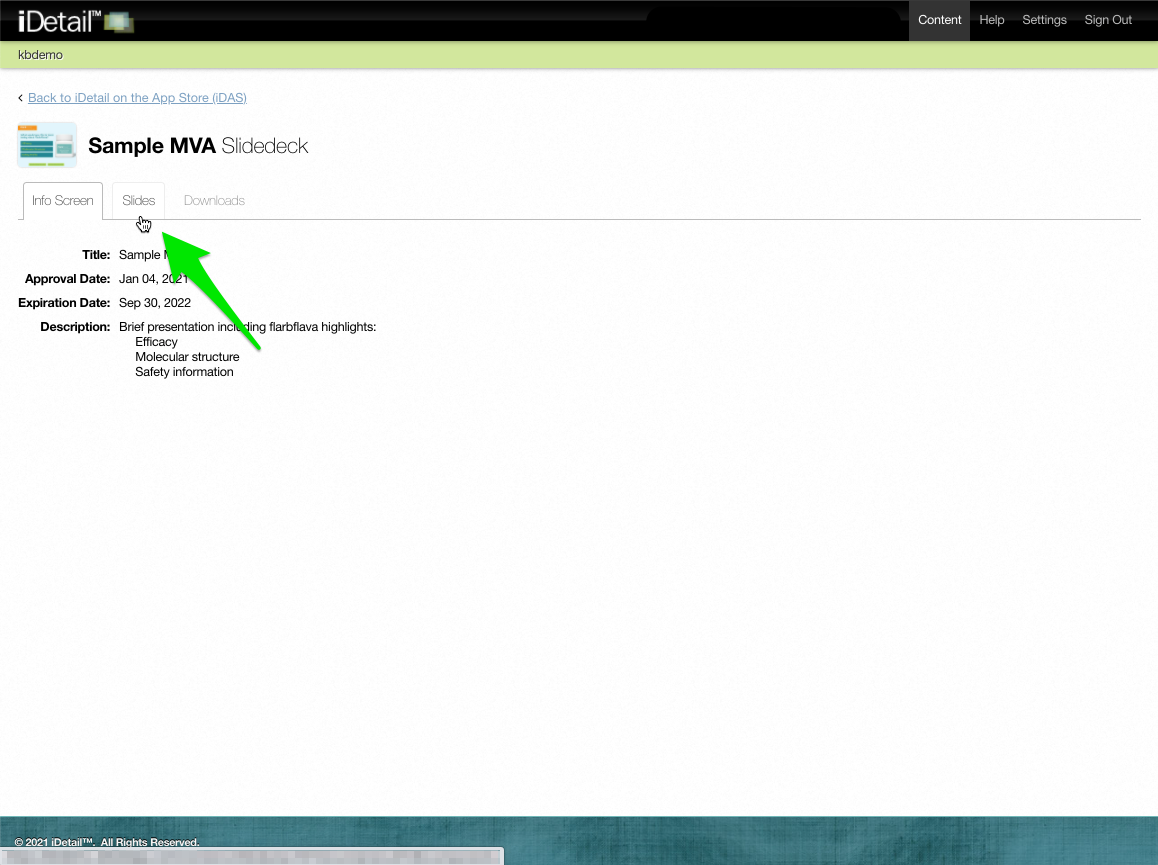
Click the Slides tab
Click the Present button
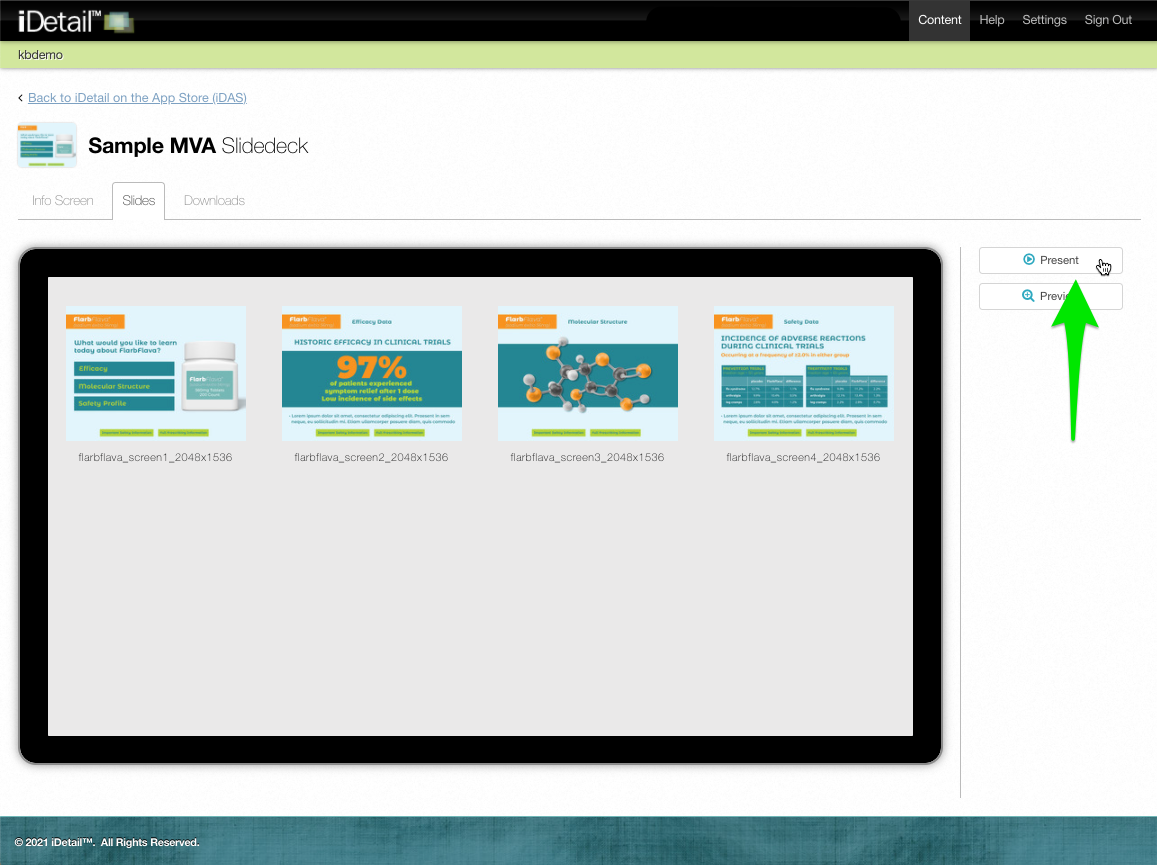
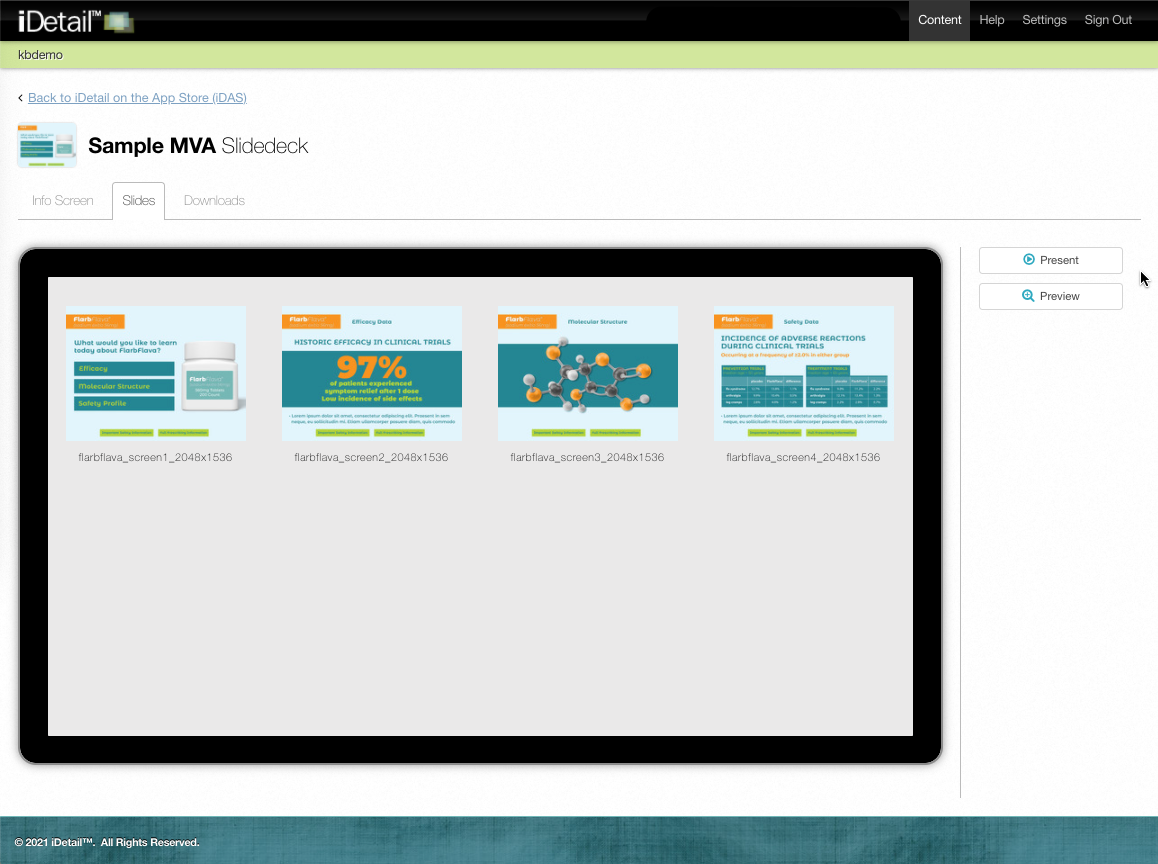
The slide deck will will open and display fullscreen

Press the ESC key to close the presentation
The Web Service returns you to the Content grid view
How to go to the next/previous slide
To go to the next slide when using the fullscreen presentation viewer, click on any part of the slide that is not a hotspot (the cursor appears as an arrow when not over a hotspot)

You can go to the next slide by clicking the area to the right of the slide
You can also go to the next slide using the following keyboard commands: right arrow key, down arrow key, or spacebar

To go to the previous slide when using the fullscreen presentation viewer, click the area to the left of the slide
You can also go to the previous slide using the following keyboard commands: left arrow key or up arrow key

How to use hotspots
A hotspot is an active area on the slide that allows you to jump to another slide in the presentation. A pointing hand cursor appears when you are on a hotspot.

Click on the hotspot to jump to the indicated slide

How to use the presentation control bar
The presentation control bar puts all of the presentation viewer features in a convenient location inside the viewer. To bring up the control bar, move the cursor to the lower left of the viewer
To go to the next slide using the control bar, click the Next arrow

To go to the previous slide using the control bar, click the Previous arrow

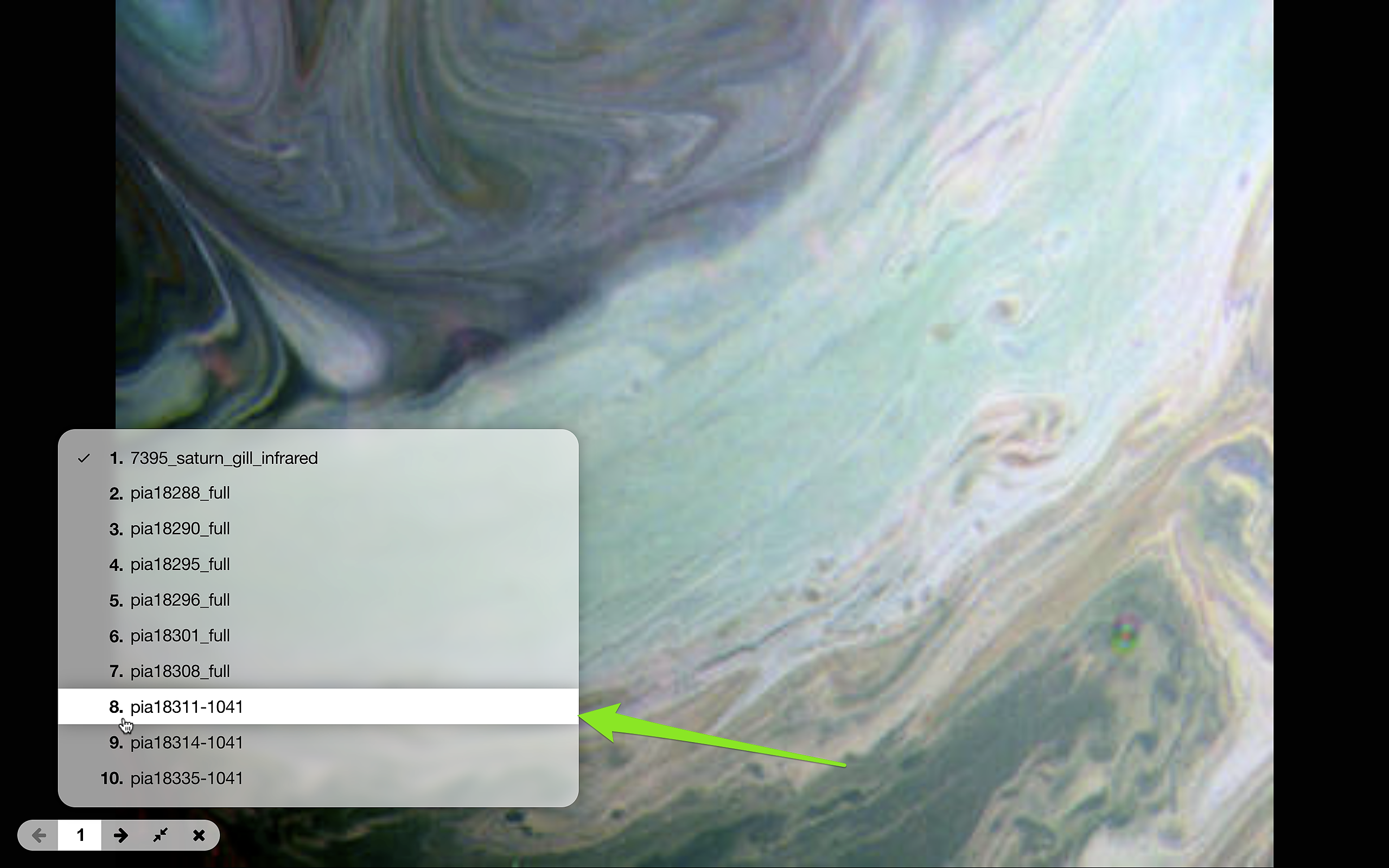
To go to another slide in the presentation, click the slide number in the control bar and a list of slides appears
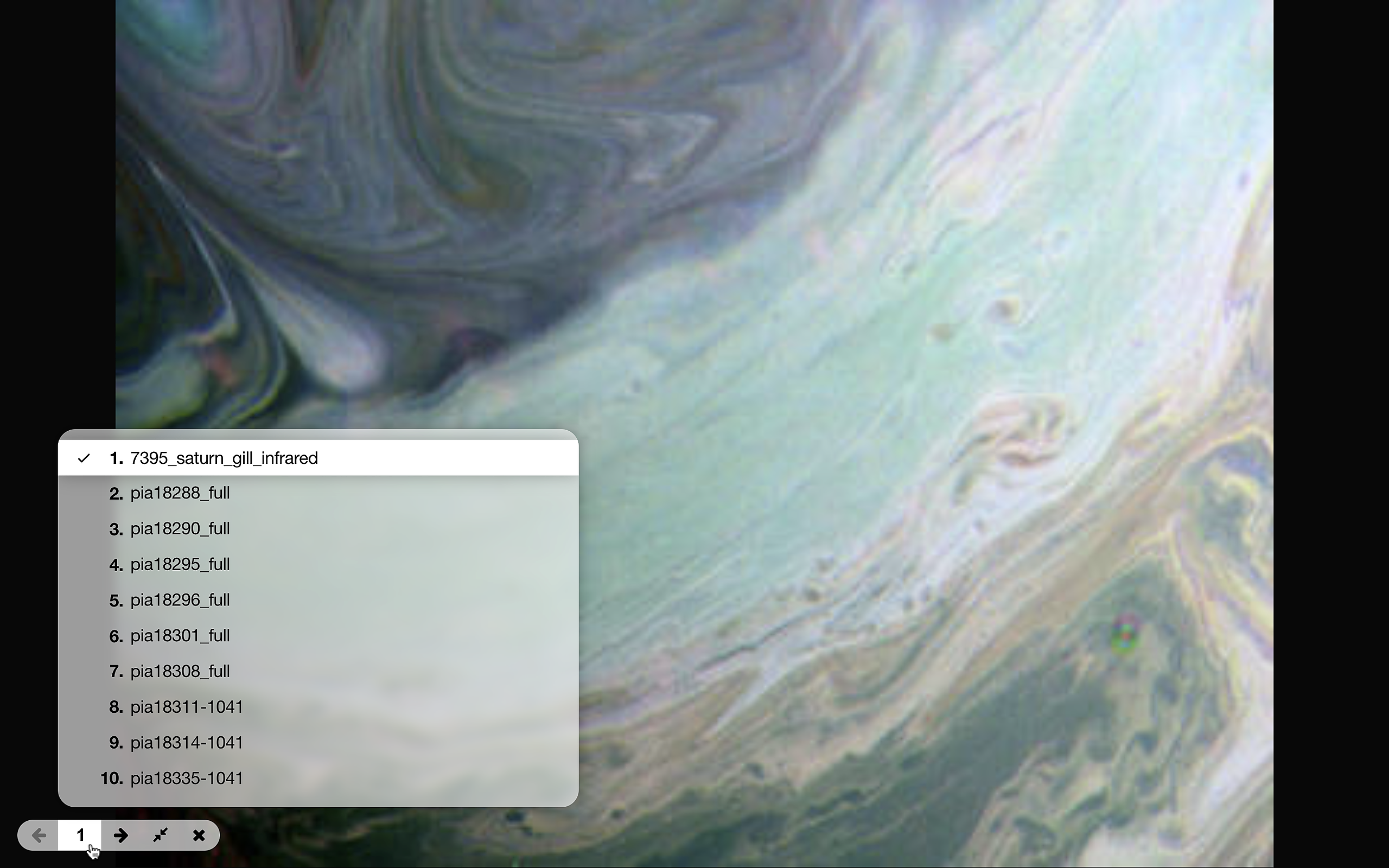
Click the slide number in the list to go to the new slide

Click the Exit Fullscreen toggle icon to view the presentation in your web browser

To return to the fullscreen viewer, click the toggle icon again

Click the Close Presentation icon in the control bar to return to the iDetail grid view

How to present from a browser
To present from a browser, go to the control bar in the fullscreen presentation viewer and click the Exit Fullscreen icon

The presentation will appear in the browser

To return to fullscreen mode from the browser, click the Fullscreen icon