

Return from an external app
When viewing a content item displayed by an external app or when an External link content item is launched a small bread crumb link will be displayed in the top left corner of the screen after you reach the destination.
When viewing a presentation in an external app, tap the “Back” link in the top left corner of the screen to exit the presentation.
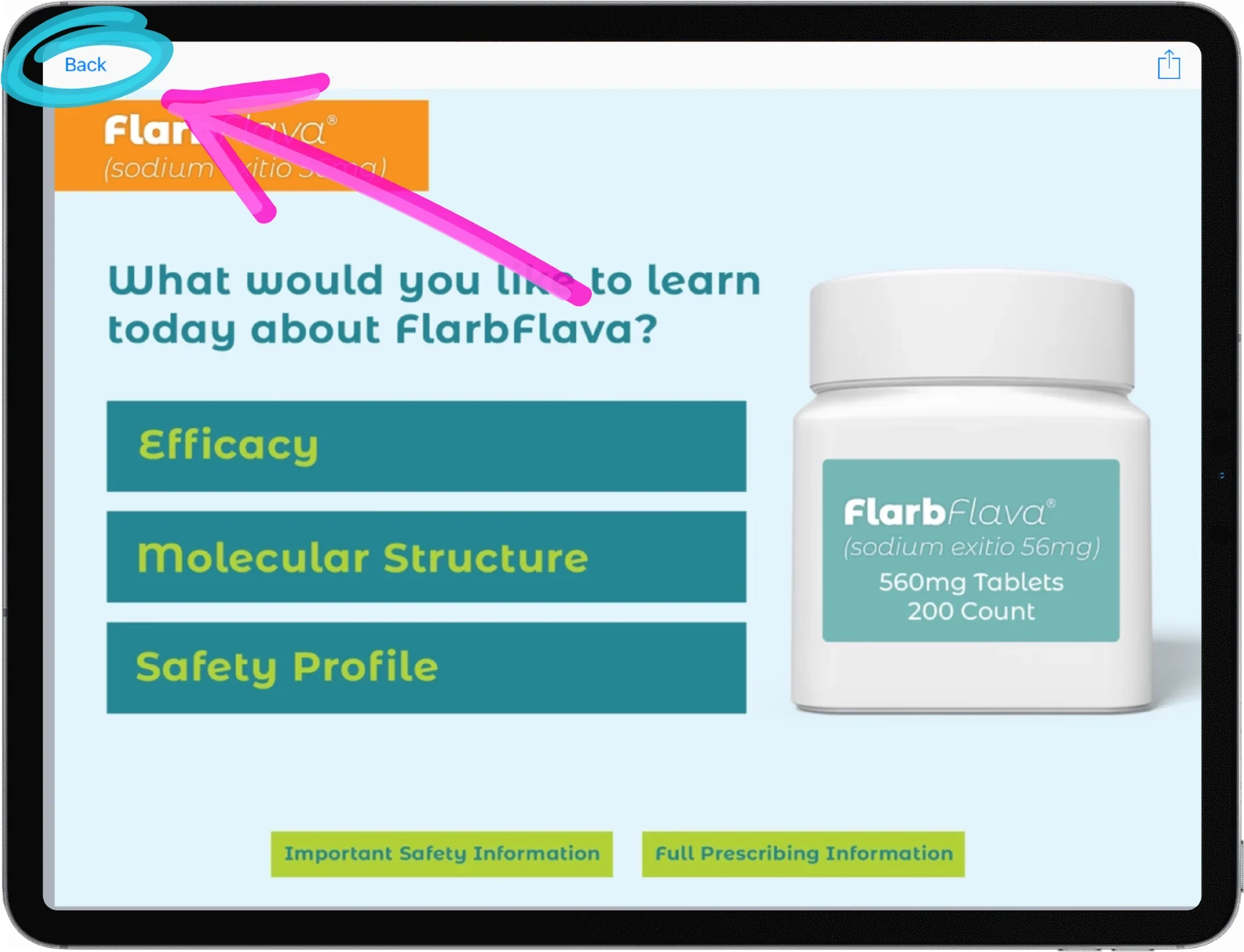
The bread crumb link is a feature of iPadOS and currently only remembers one bread crumb. Therefore if you launch a 2nd app, a new bread crumb will appear and the one for iDetail will be lost.