

iDetail iOS app versions since 3.8.6 have used Apple’s OpenURL scheme to give you the ability to launch these apps from a URL. Now the iDetail app lets you open a specific content item from the URL string.
This feature is useful for including links to a content item in communications to individuals and teams who share content on the iDetail platform. You can quickly inform users of new or updated content, as well as provide convenient access to specific content of interest.
You can use any app (such as Messages or Mail), that allows you to include a link, to send a notification that will appear on the user’s iPad.
How to set up a link to iDetail content
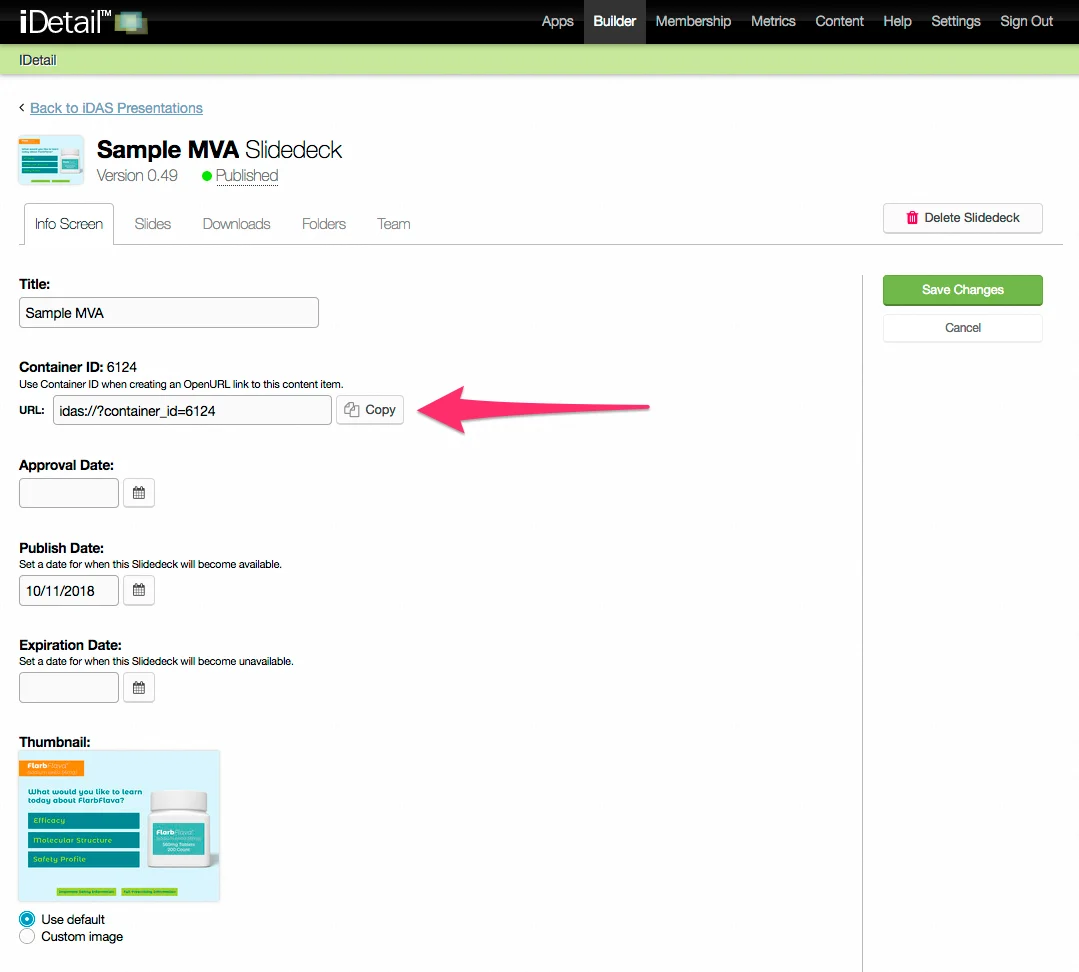
Go to Builder in the iDetail Web Service and choose the content item you want to include in a link
Go to the Info Screen tab for that content item
Choose Edit
Go to the Container ID entry
Click on the Copy button next to the URL entry
Include the link in any iOS communications app that can be read on the receiver’s iPad (for example, email, text message, or any other app that allows an embedded link)
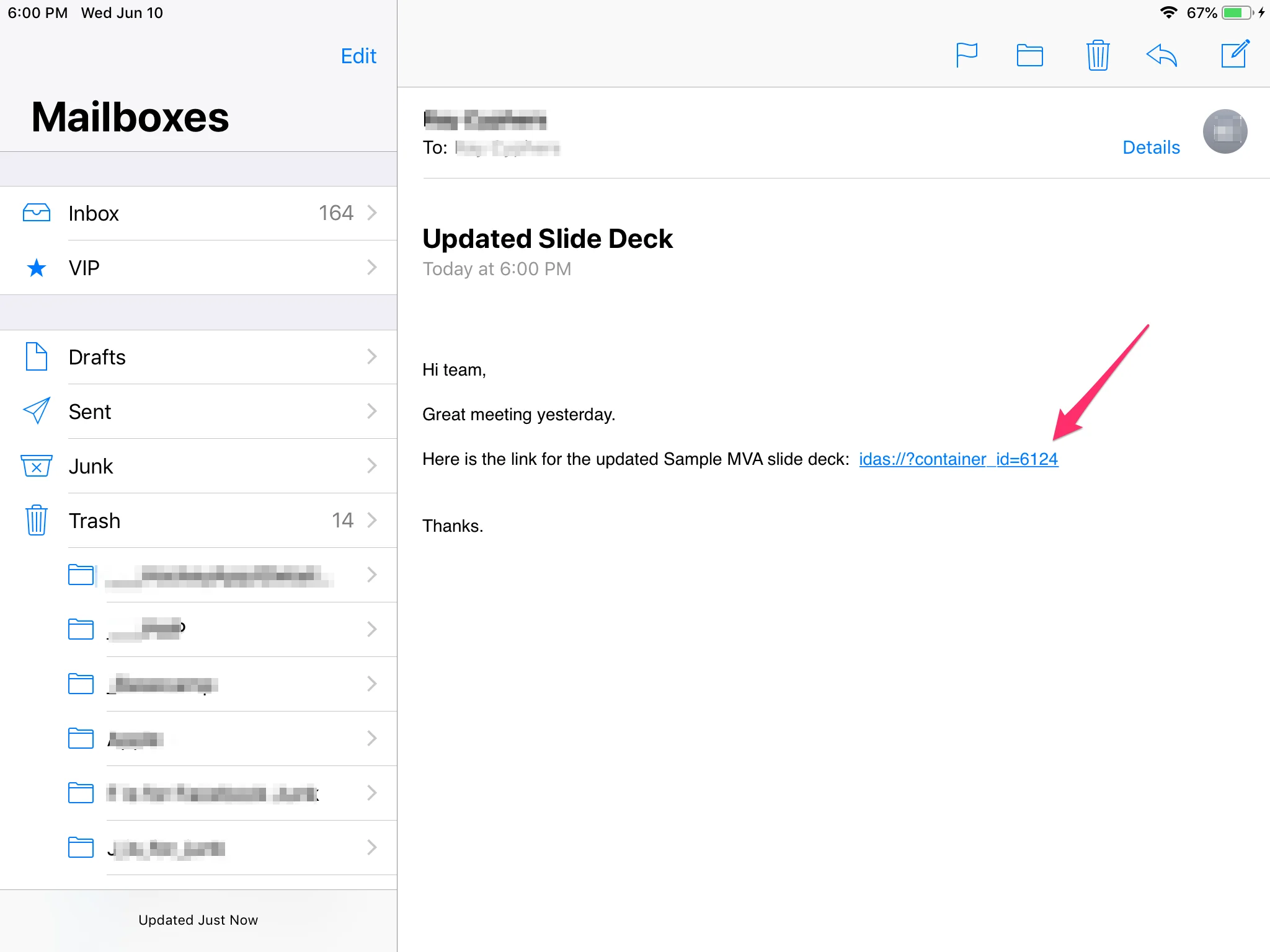
When the link is tapped, the iPad will open the iDetail app, which will display the first slide of the designated slide deck.
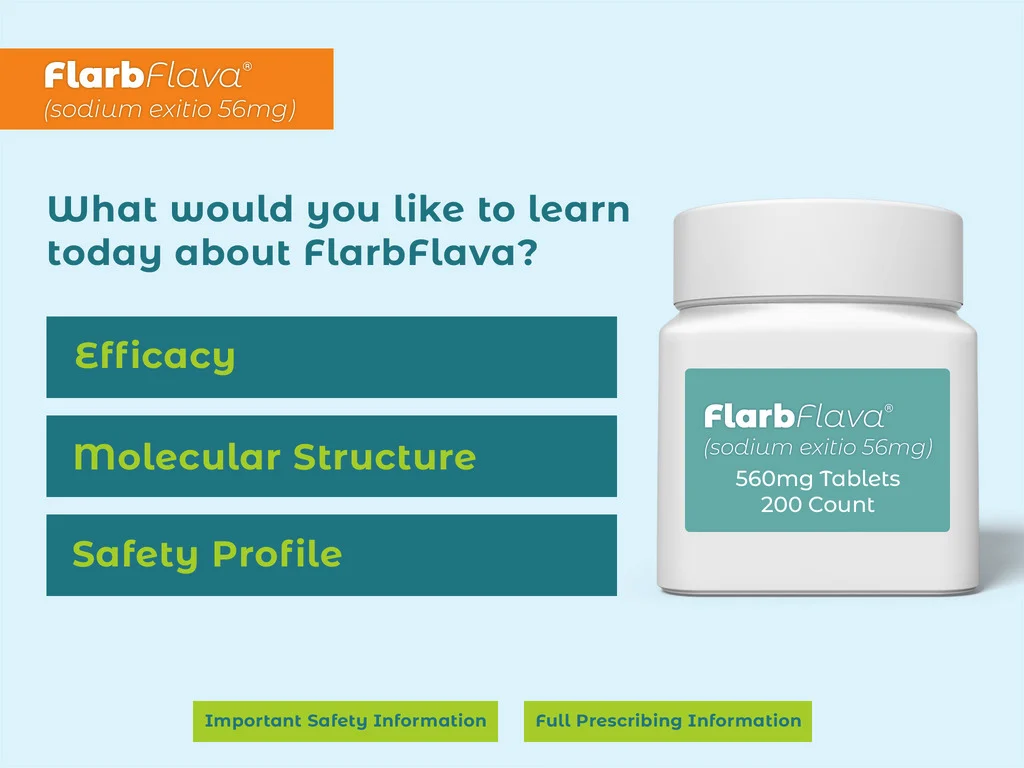
How the iDetail app handles the link to iDetail content
How the iDetail app responds to the link depends on what conditions are present.
If the iDetail App is not installed on the device, the link will not open the item
If the iDetail App is installed but the user has not yet signed-in, the link will not open the item
If the content item cannot be found or if the user does not have permission to the content item, the app displays the message "Content Item not found".
If the content item is available but has not been downloaded to the user’s device, the app will prompt the user to download the file
If the app is normally configured to automatically open a default content item, then that item will be skipped and the linked content item will be displayed
If another content item is already opened in the app, then that content item will be closed and the linked content item will be displayed