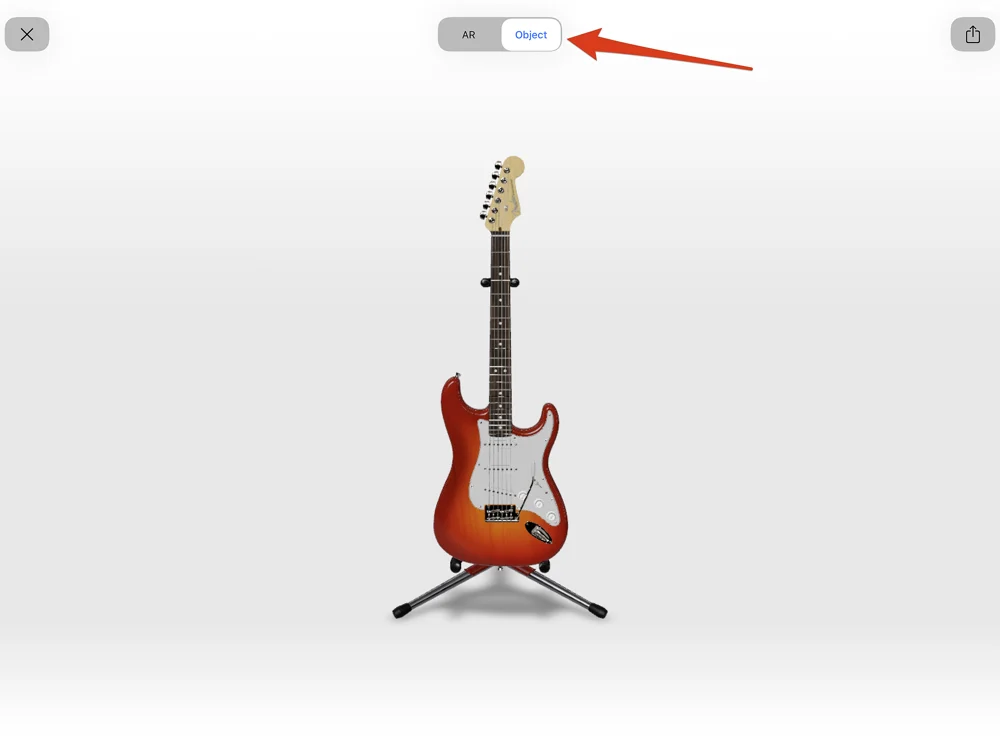
iDetail and iDAS apps version 3.8.8 and later support viewing .USDZ and .reality augmented reality (AR) files.
Uploading AR files
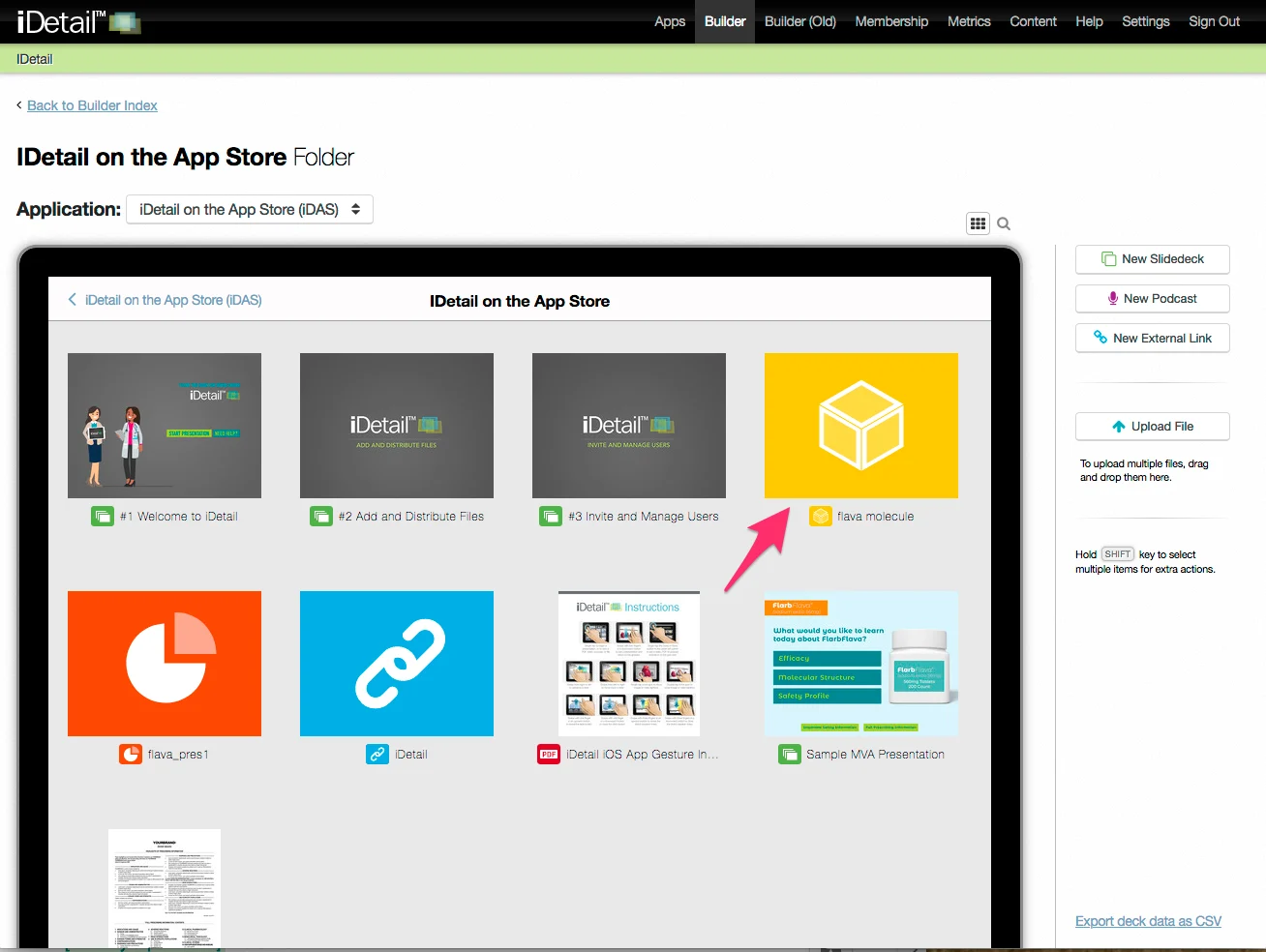
On the iDetail Web Service, you can add .USDZ or .reality AR files by dragging and dropping them to the grid view in Builder or using the Upload File button. AR files appear in the grid view with the following default icon:
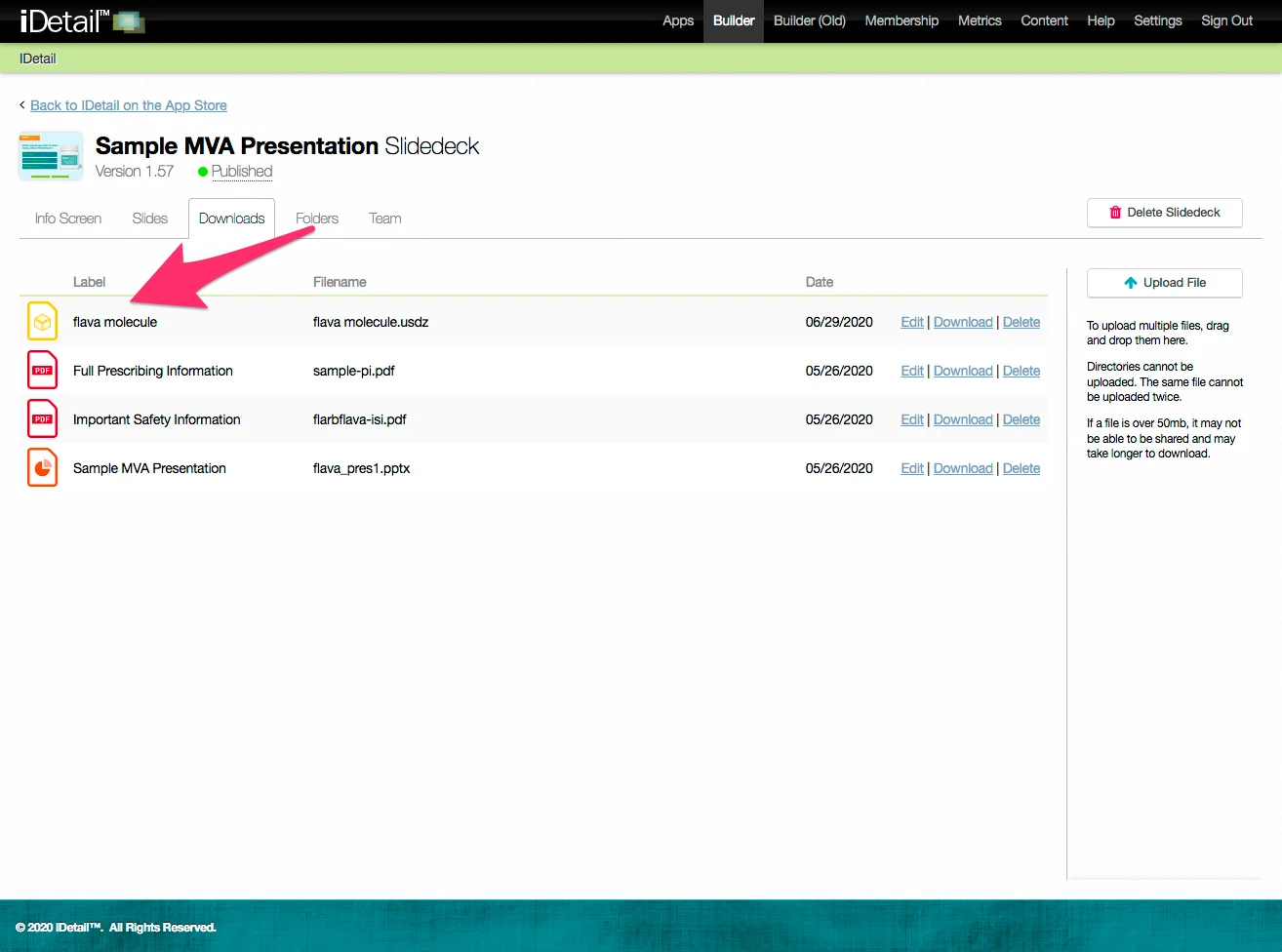
You can also upload AR files as attachments under the Downloads tab:
Viewing AR files in the iDetail iOS app
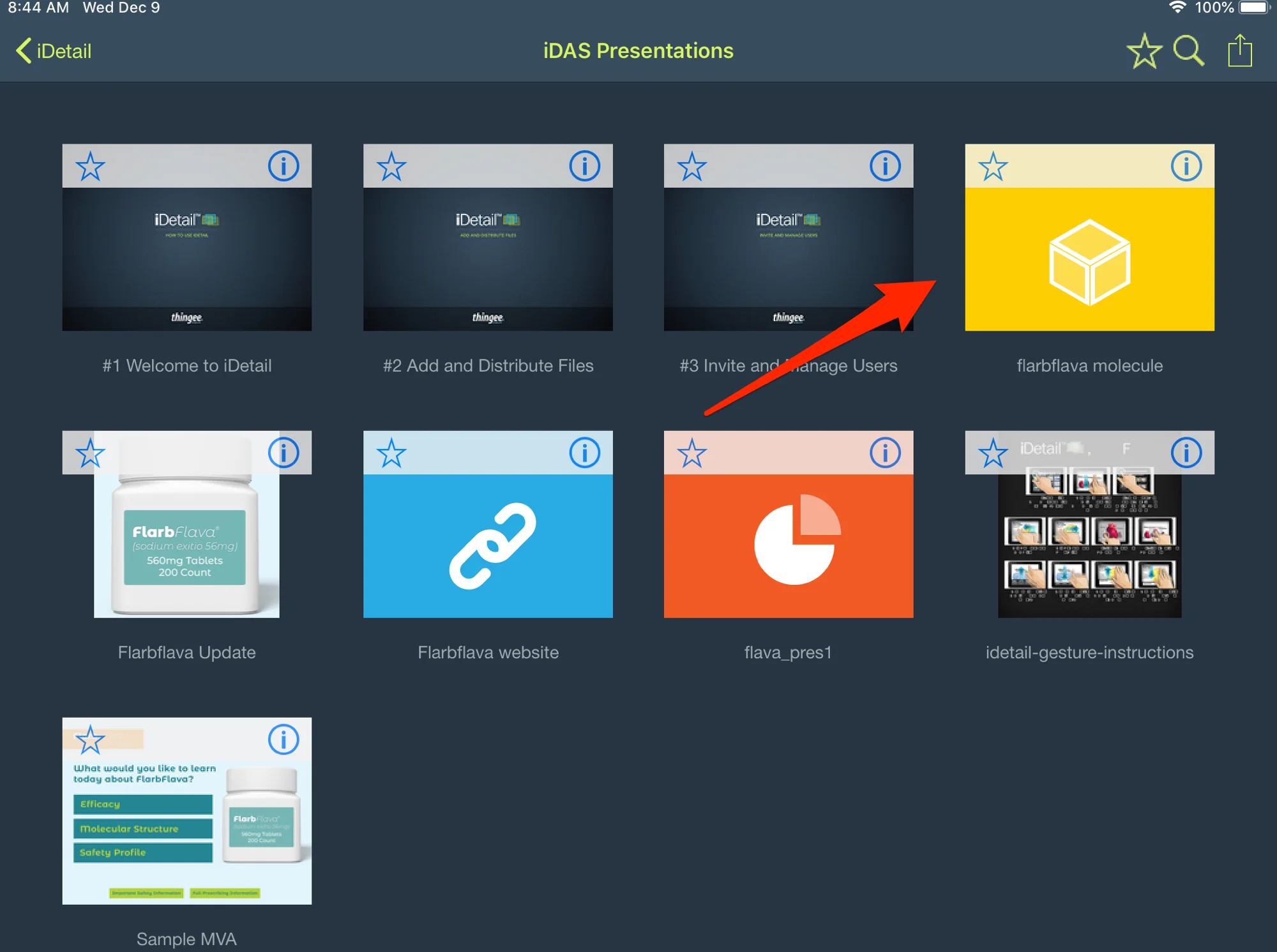
Augmented reality files appear in the iDetail iOS app with a similar default icon.
How to view an AR file in iDetail
Tap on the grid view thumbnail to launch the AR file
The AR file opens and activates the iPad’s camera
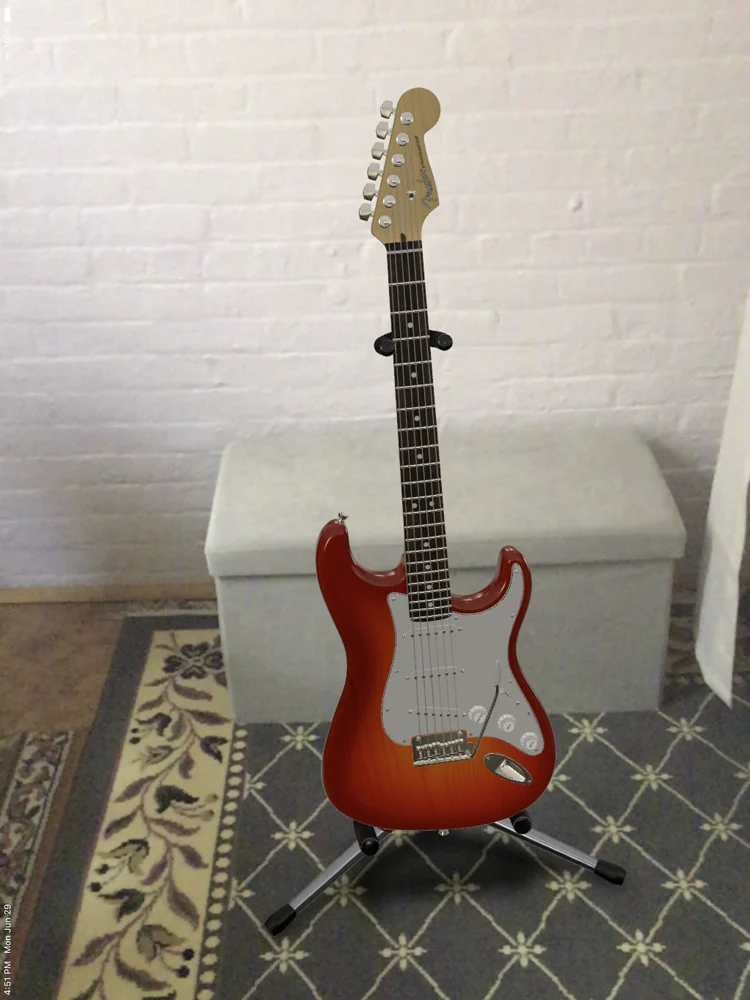
Place the AR object where you want it to appear in the frame
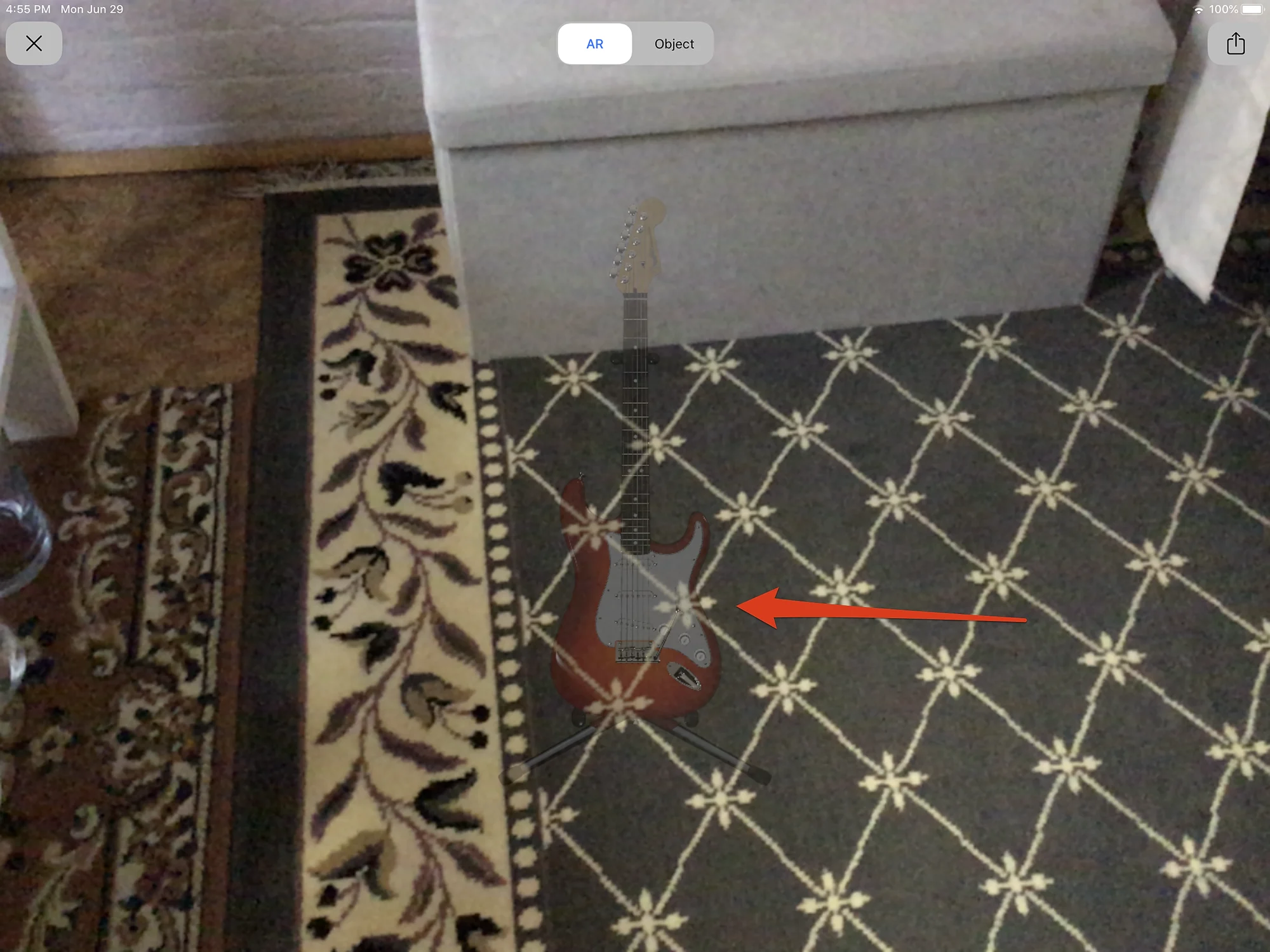
Rotate the iPad to place to activate placing the AR object in the camera frame
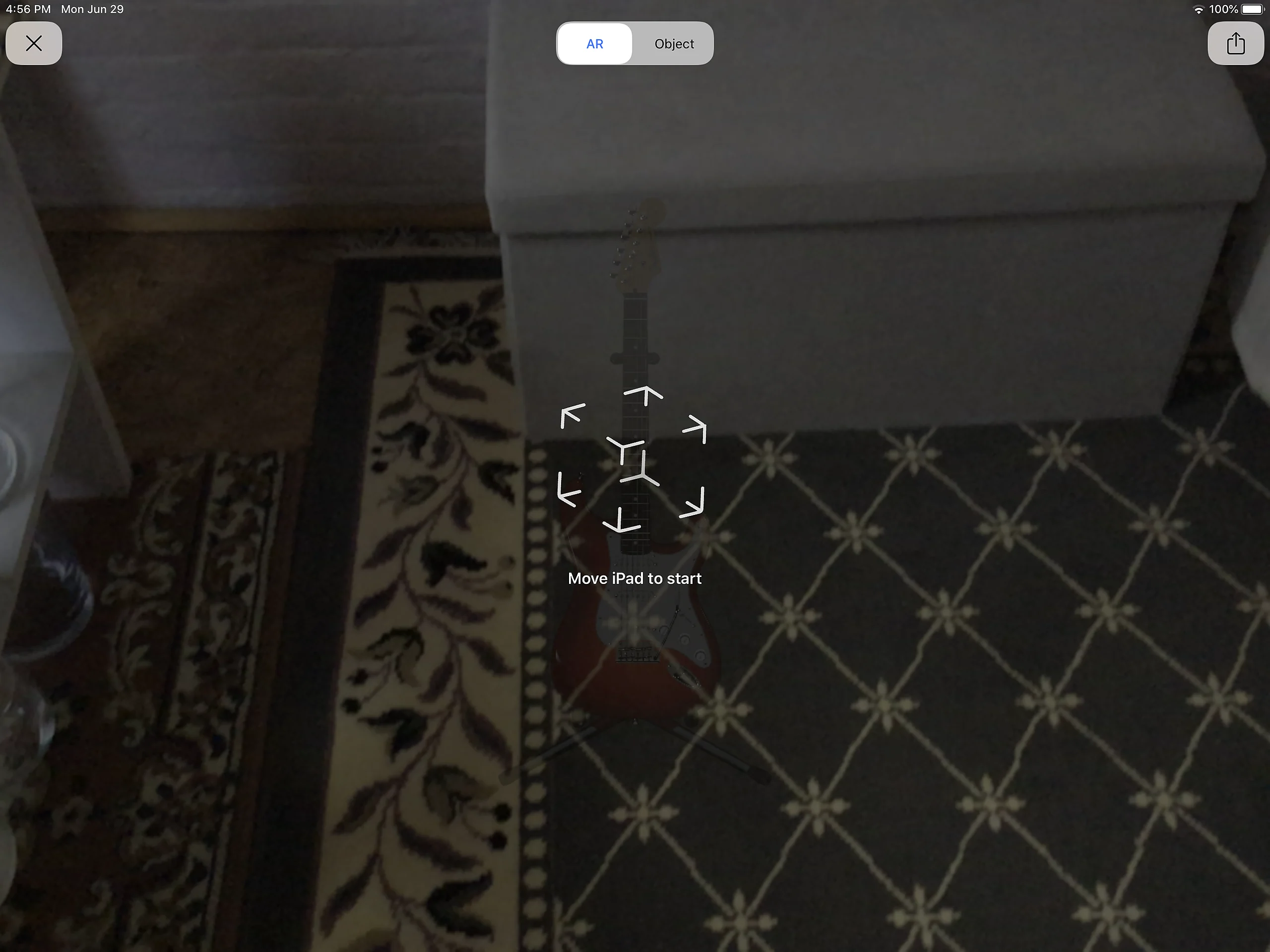
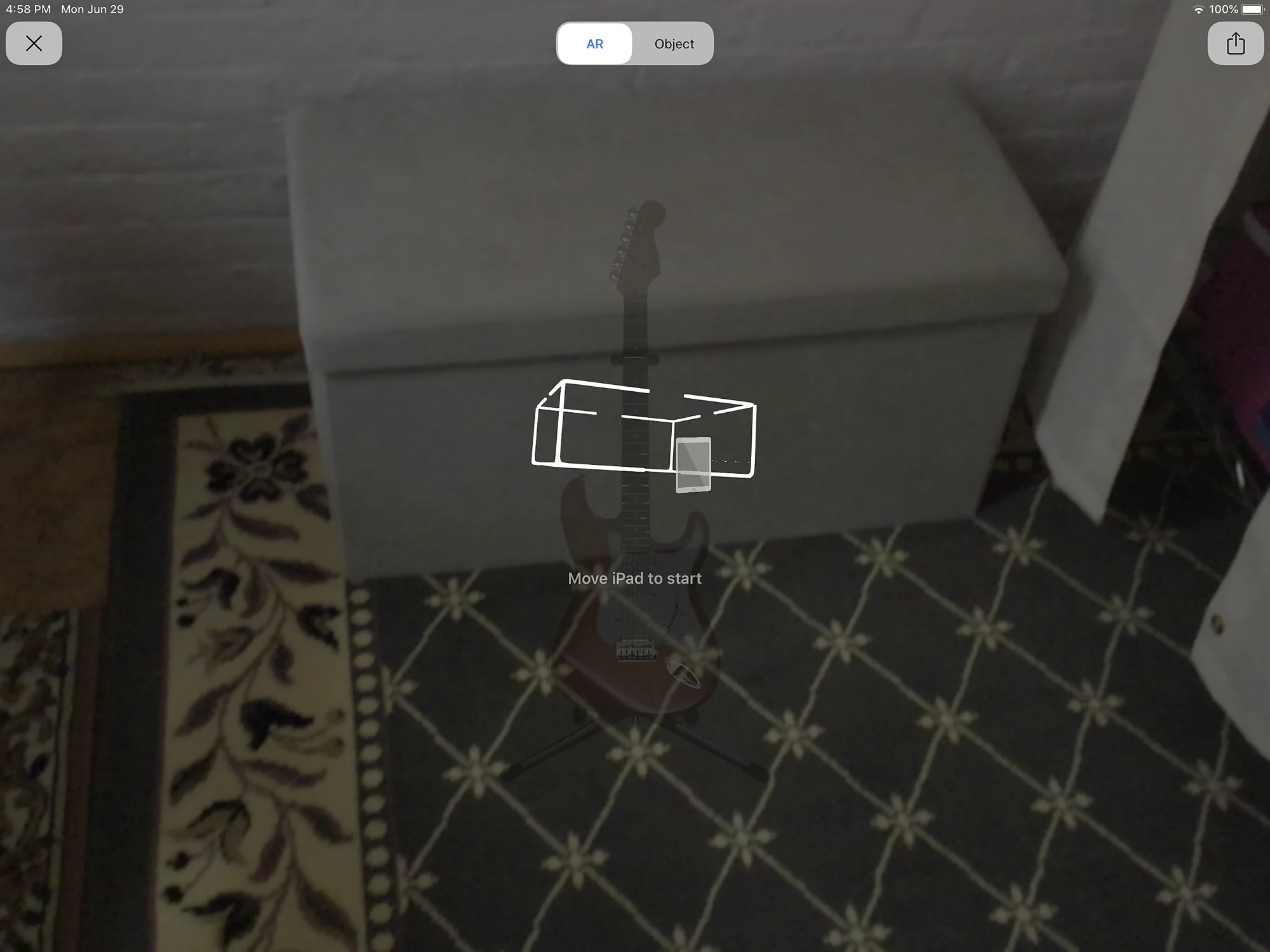
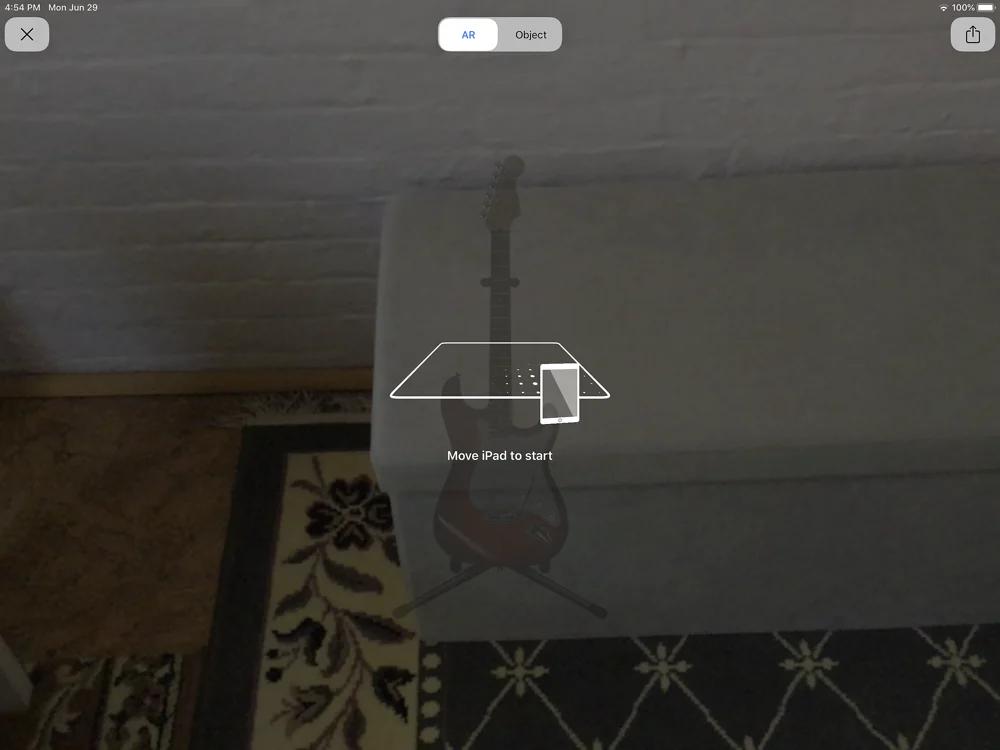
The object appears in the camera frame
You can also view the object separately from the camera