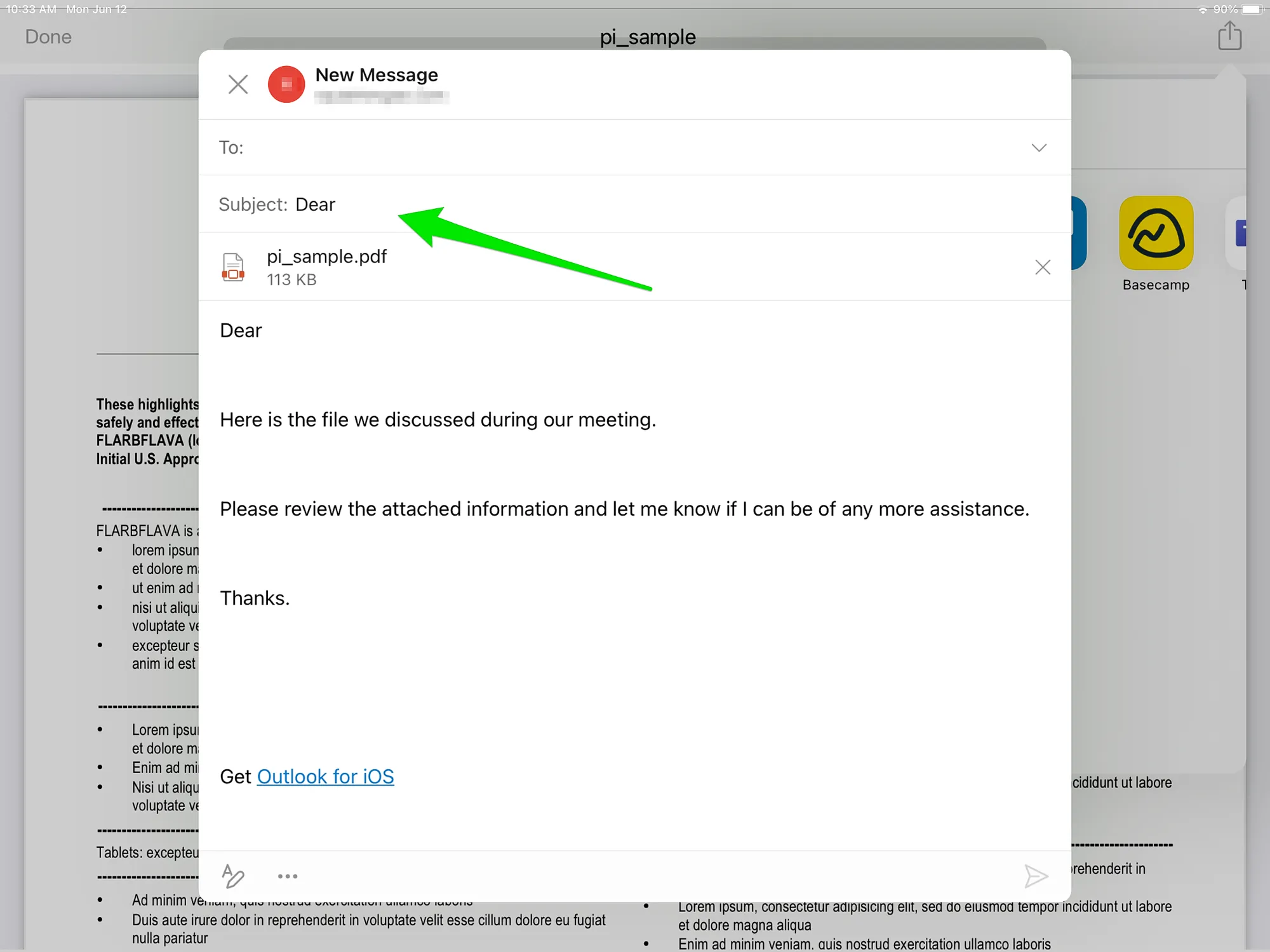
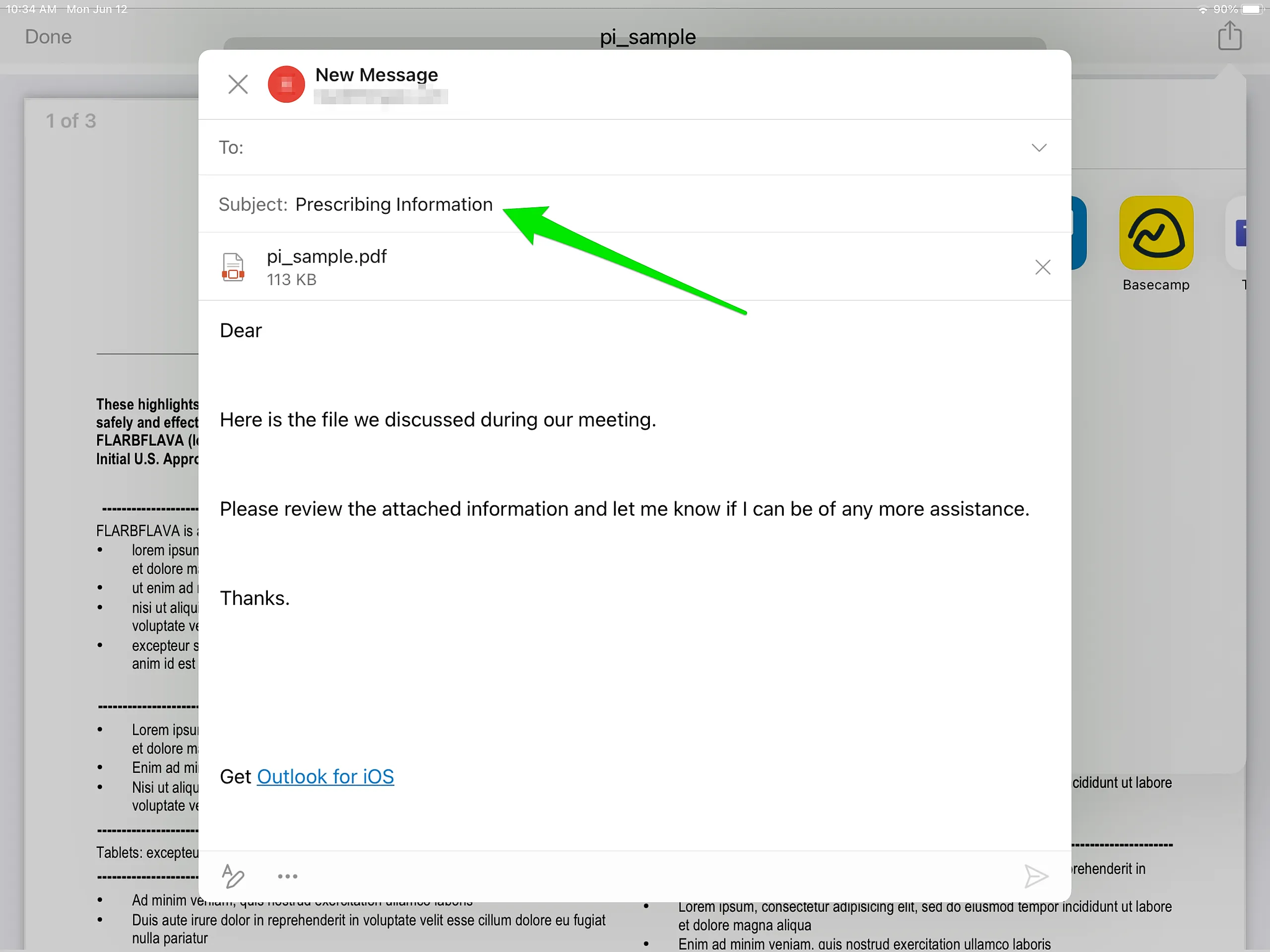
When emailing an attachment file from the iDetail iOS app, the app will usually automatically use the Apple Mail app, since it is the default iPad email app. However, some organizations may choose to use a different email app, for example Microsoft Outlook, as the standard email app for their iPad users.
If this is the case, the user can choose the third-party email app from the Options dropdown menu when viewing the attachment on the iPad screen.
How to send an attachment using a third-party mail app
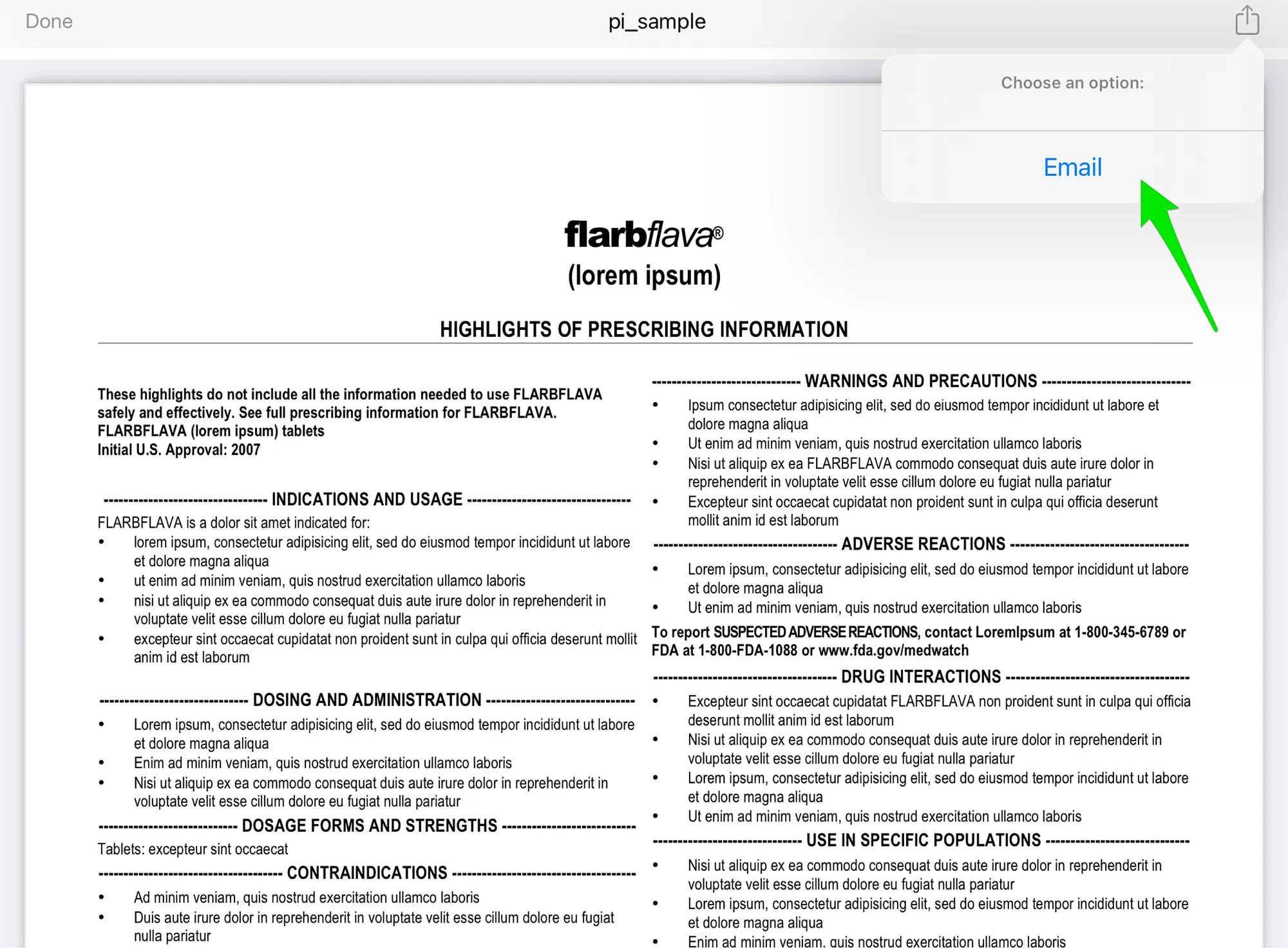
Tap the Sharing icon
Choose the "Email" option or the "Open In..." option
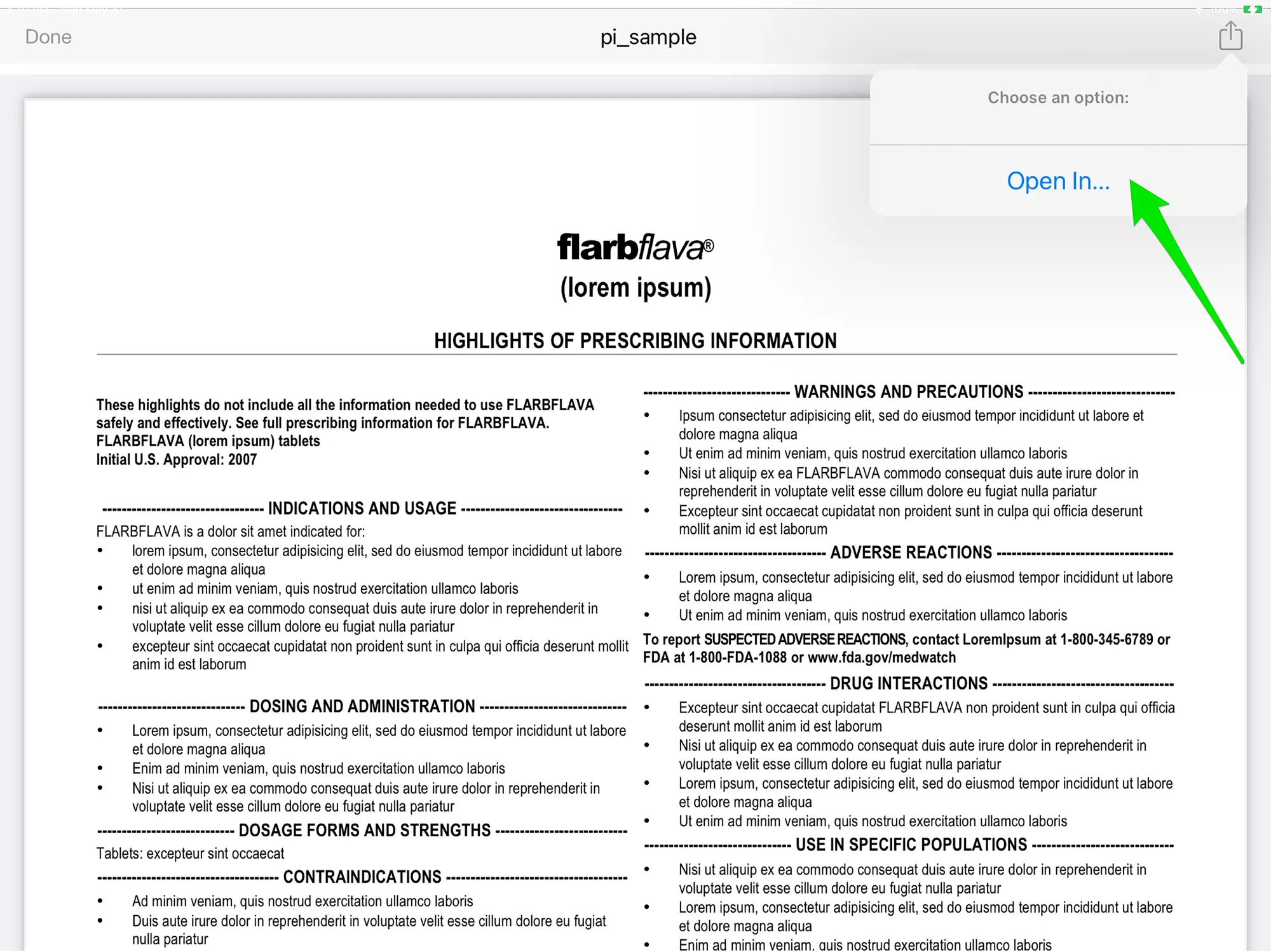
Choose the email app from the menu:
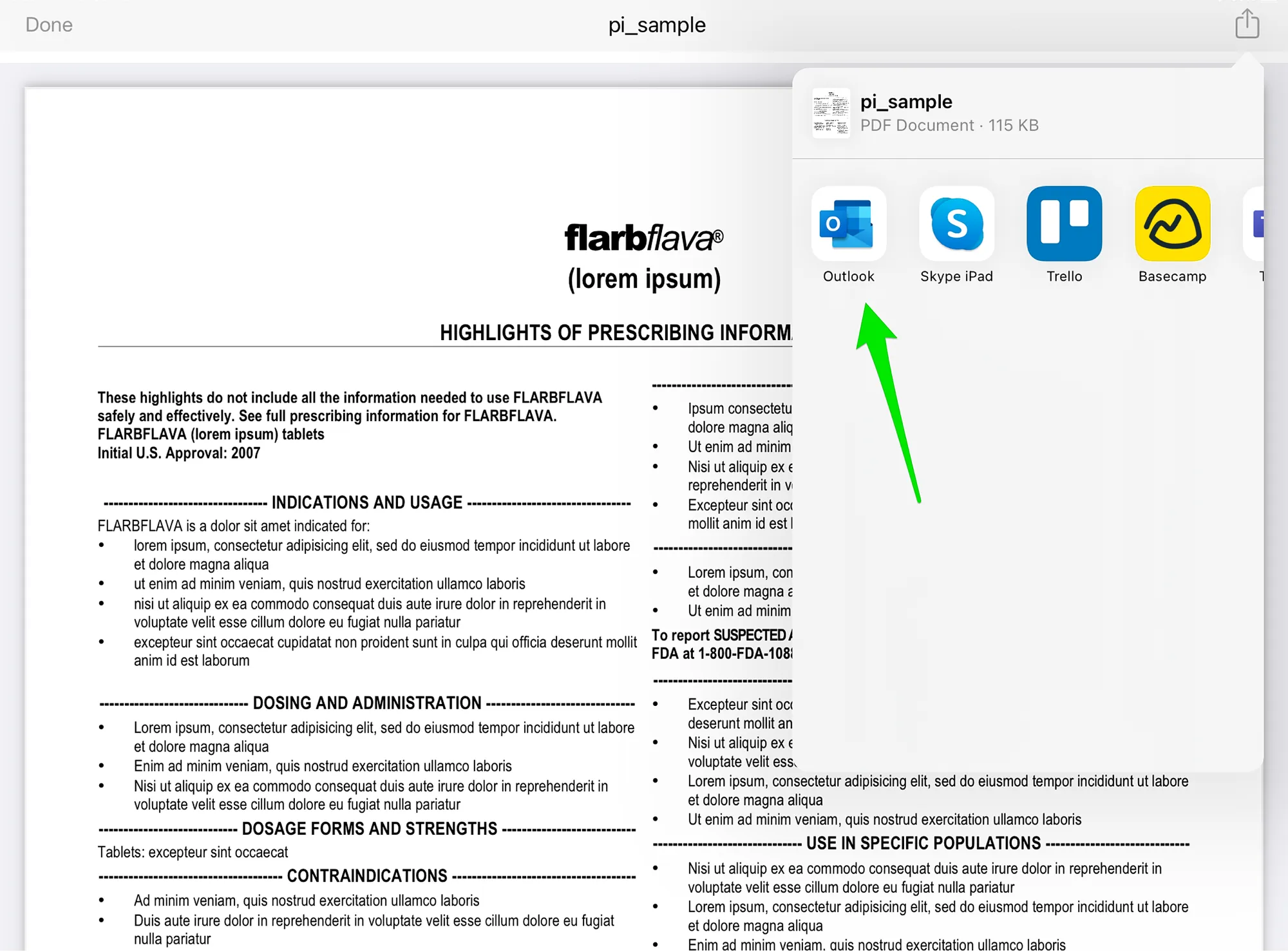
A new email message will appear. If the organization has an email template enabled, it will filled pre-formatted text that the user can modify.
Note: What appears in the subject line may depend on the email app used. For example, the Microsoft Outlook email app automatically displays the first line of the body text as the subject. It is up to the user to change the subject line if the text from the template is not suitable.