

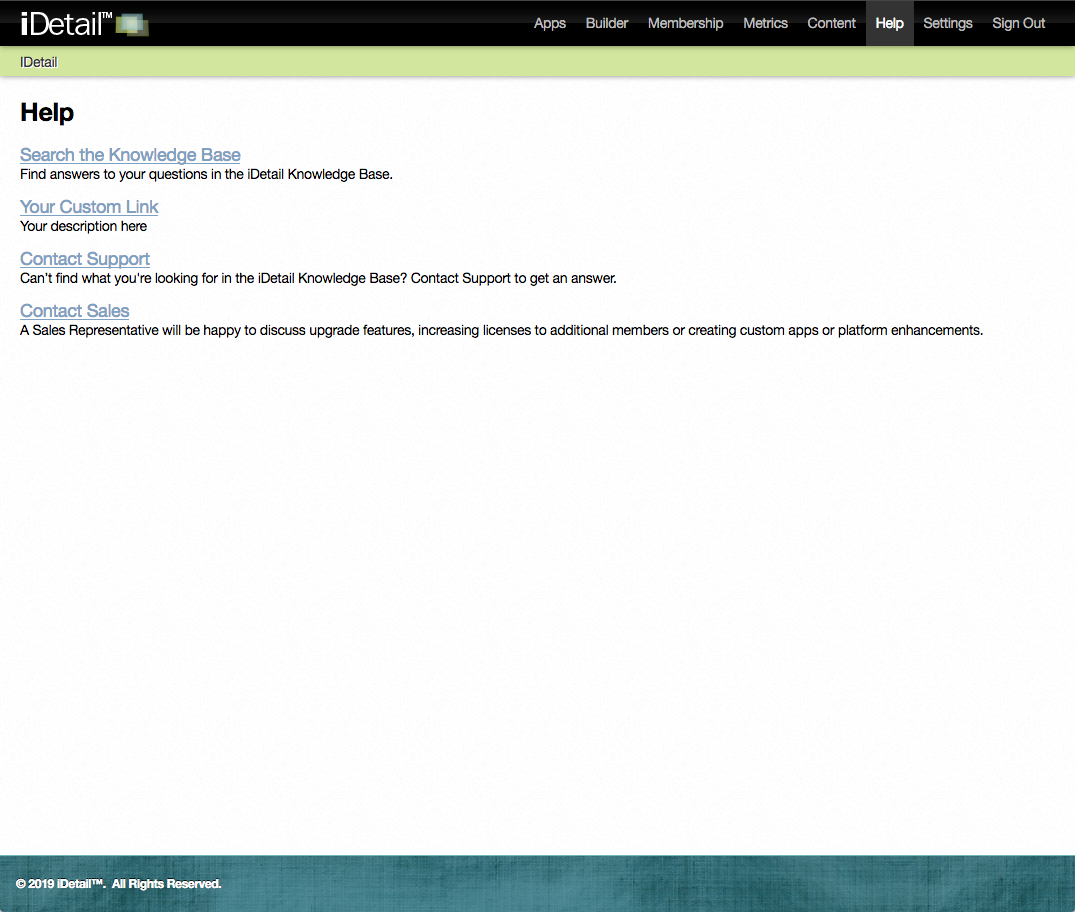
The iDetail Help tab has links to different pages that provide assistance in navigating the iDetail service. These links are customizable, so you can create a unique help experience for your members. The default links are:
Search the Knowledge Base
Contact Support
Contact Sales
Search the Knowledge Base
The Knowledge Base feature lets a member search for various questions, keywords, and topics related to iDetail.
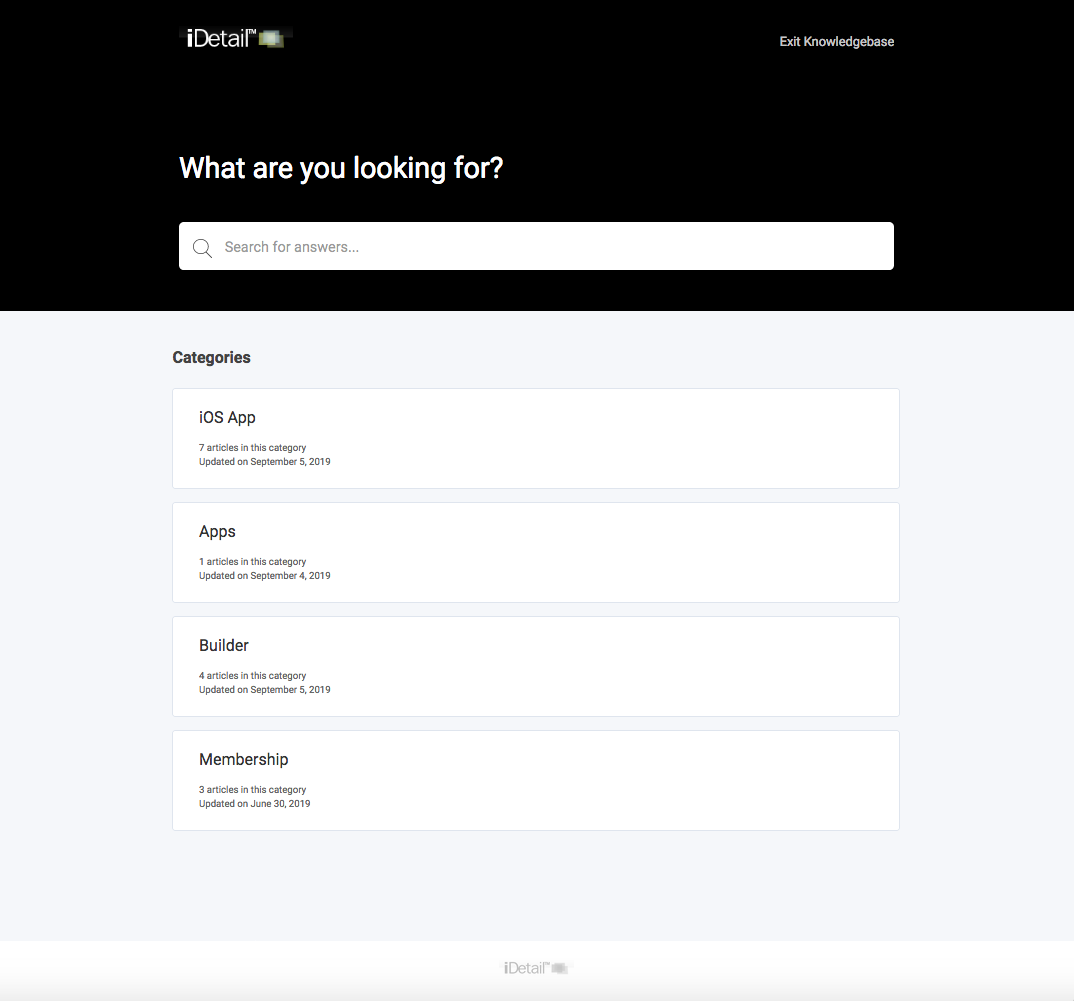
Steps to access the Knowledge Base
Open the iDetail Web Service - https://<your-organization>.idetailapp.com
Select the Help tab from the top navigation
Select the Search the Knowledge Base link. This link redirects you to the Knowledge Base on the iDetail Web Service.
Enter a question, keyword, or topic related to iDetail in the search bar
Select one of the links related to your search query
Contact Support
The Contact Support link opens a mailto://support@idetailapp.com link to the iDetail support team. You can ask the Support team any questions or discuss concerns related to iDetail via this email.
Steps to contact Support via the Help tab
Open the iDetail Web Service - https://<your-organization>.idetailapp.com
Select the Help tab from the top navigation
Select the Contact Support link
State any questions or concerns in your email
You will receive assistance in a timely manner, usually within two business days
Contact Sales
The Contact Sales link opens a mailto://sales@idetailapp.com link to the Sales team. You can ask the Sales team any questions or discuss any concerns related to sales, licensing, and apps via this email.
Steps to contact Sales via Help tab
Open the iDetail Web Service - https://<your-organization>.idetailapp.com
Select the Help tab from the top navigation
Select the Contact Sales link
State any questions or concerns in your email
You will receive a response in a timely manner, usually within two business days
Customization
You can customize any of the three links discussed above. In addition, you can create a fourth link that is unique to your organization.
The Search the Knowledge Base URL can be replaced to redirect to a different web page if you want your members to review a different website first.
For both Contact Support and Contact Sales, the URLs can be changed to send the emails to different addresses or to redirect the member to a web page you specify.
Steps to customize the Help tab links
Contact your iDetail Reseller or the iDetail Support team and they will help walk you through the customization process
Allow 3-5 business days for your organization’s Help Tab to be updated