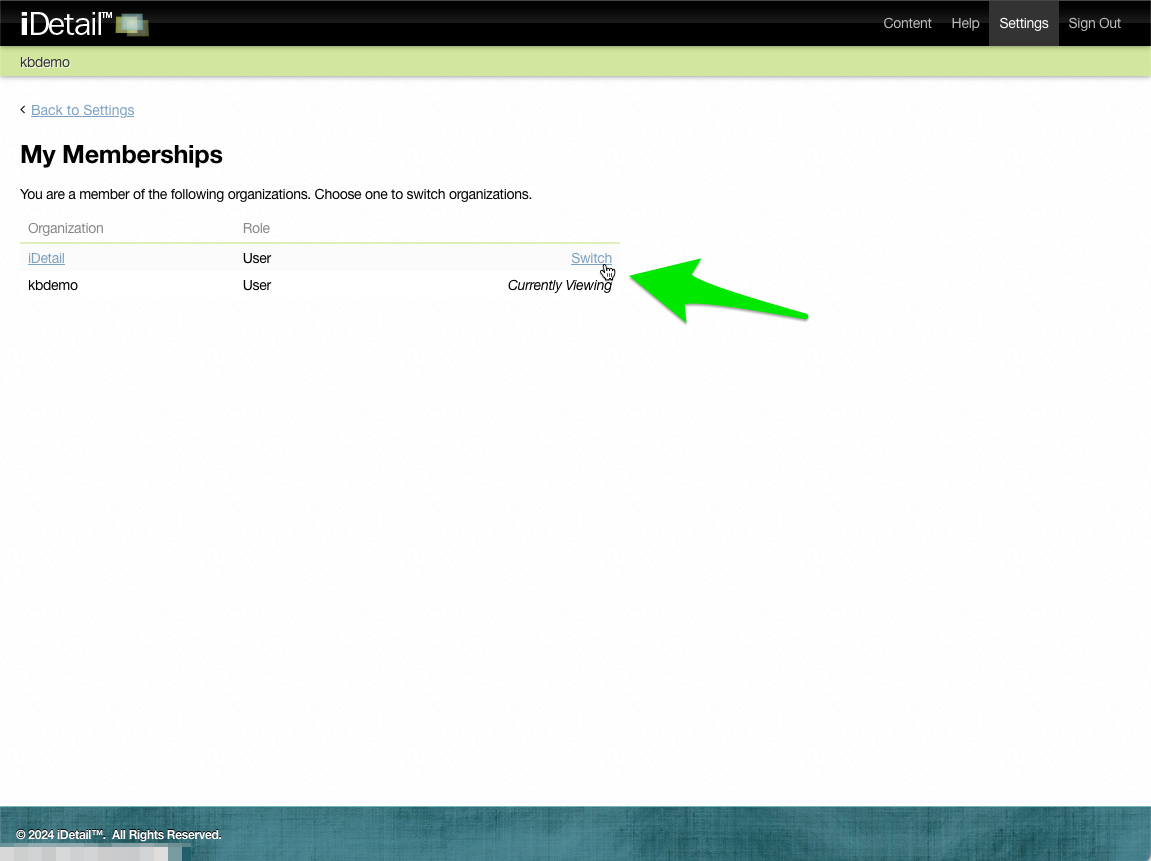
The Settings page lets you change certain information about your account and lets you view other organizations you belong to.
How to use the Settings page
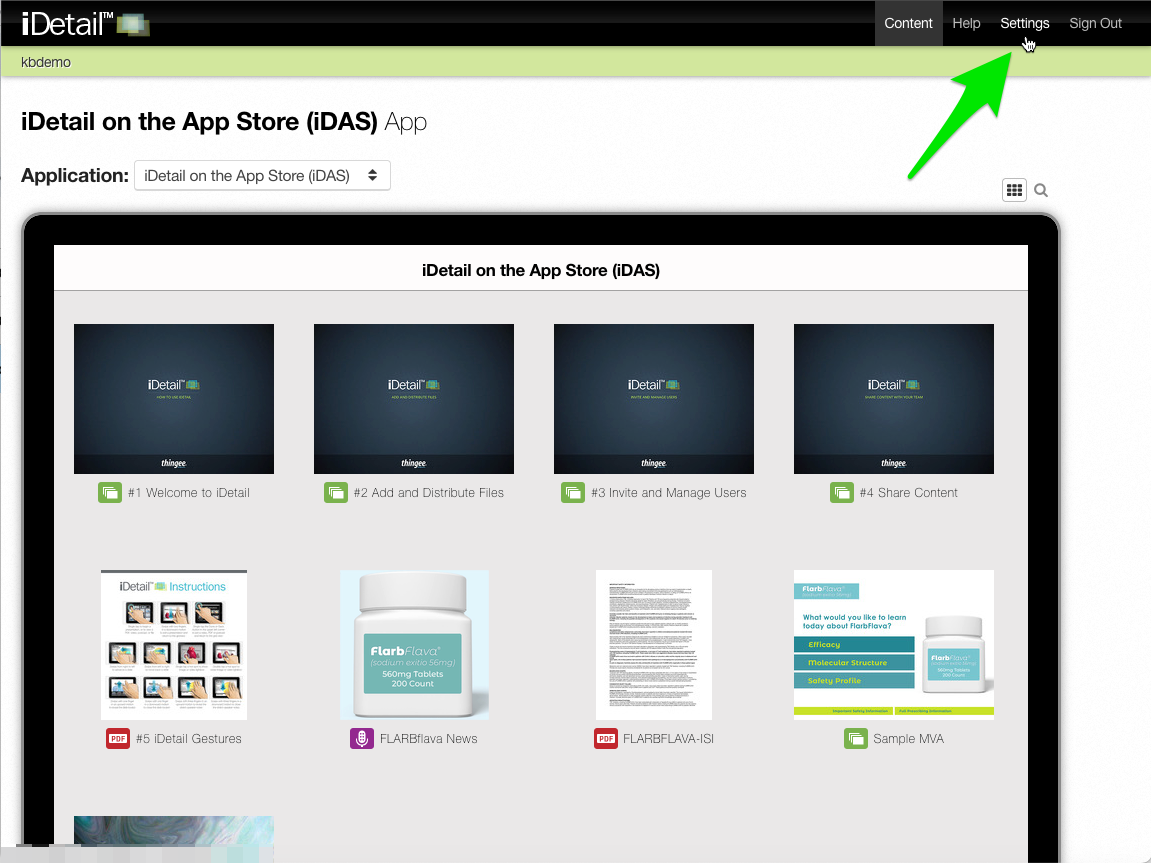
Sign in to the iDetail Web Service then choose Settings from the main menu at the top of the screen
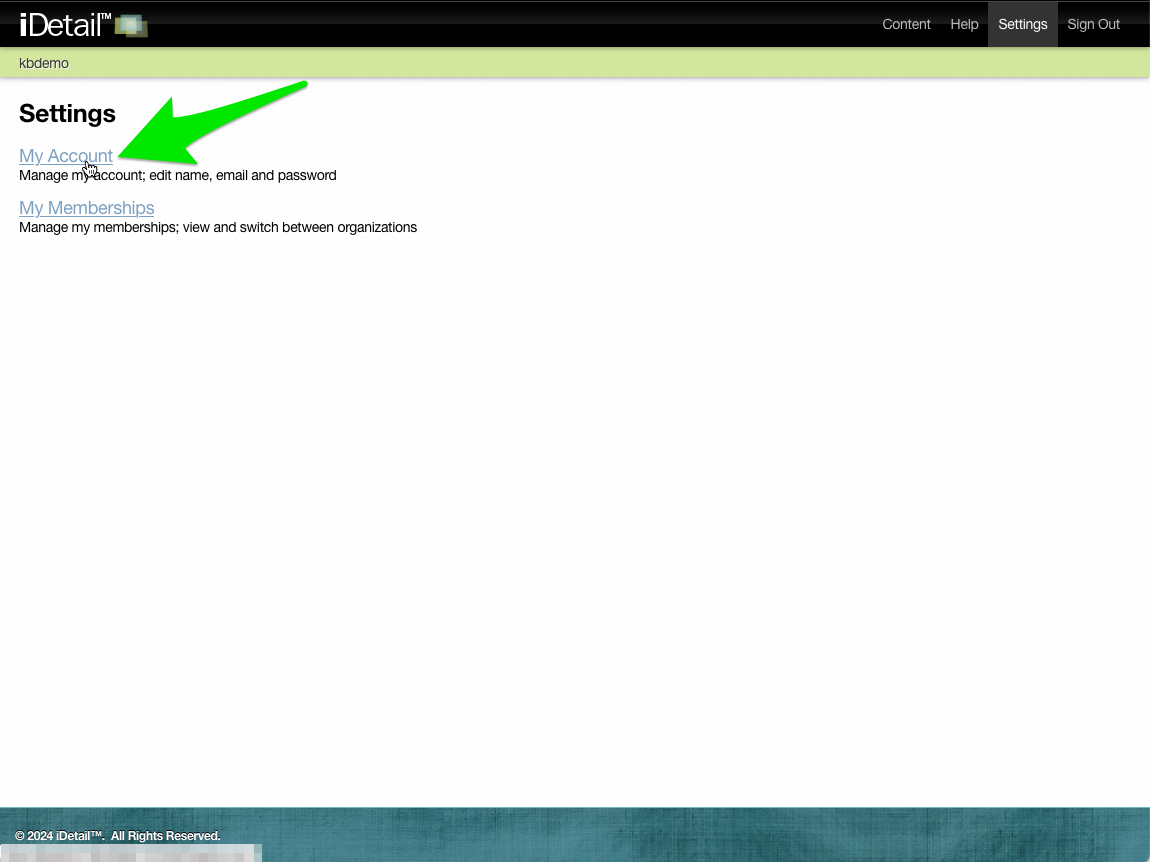
On the Settings screen click My Account
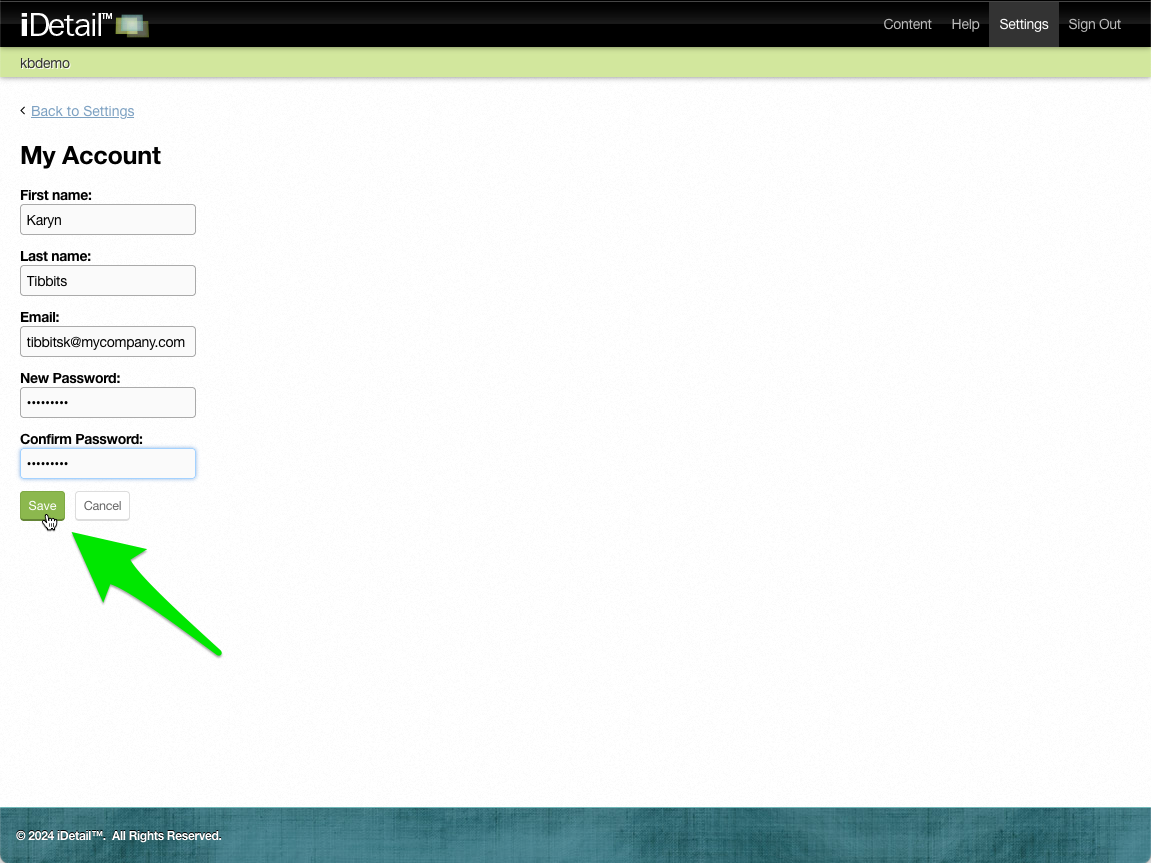
You can edit any of the account fields on the page. If you want to change your password, enter your new password in the New Password field, then retype it in the Confirm Password field. Click Save to keep your updates.
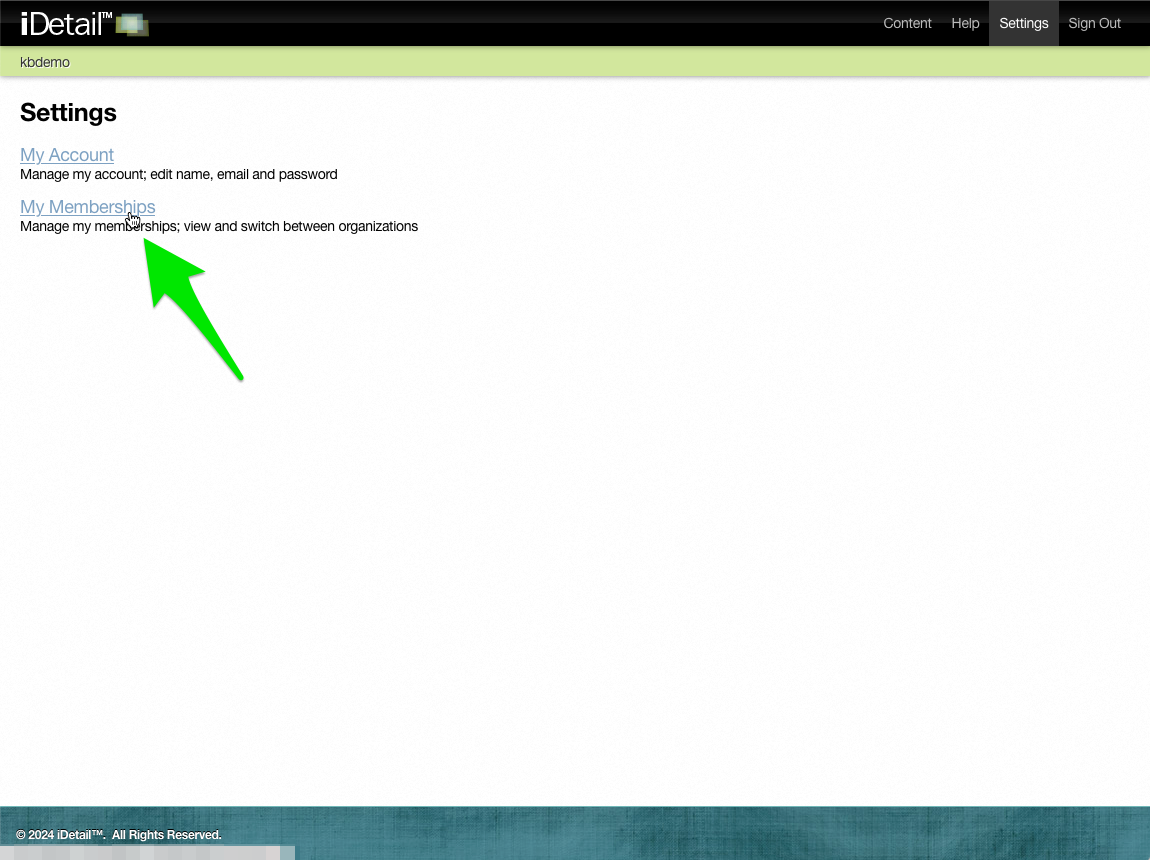
Click My Memberships on the Settings screen to view other organizations you have permission to view
To go to a different organization you are a member of, click the Switch link