Logo

What are you looking for?

How is color coding used on the iDetail Web Service?

Builder

How is color coding used on the iDetail Web Service?

The iDetail Web Service uses icons and color coding to create a more unified user experience and to indicate the results of specific actions taken when interacting with buttons and fields.

Last updated on 17 Dec, 2025

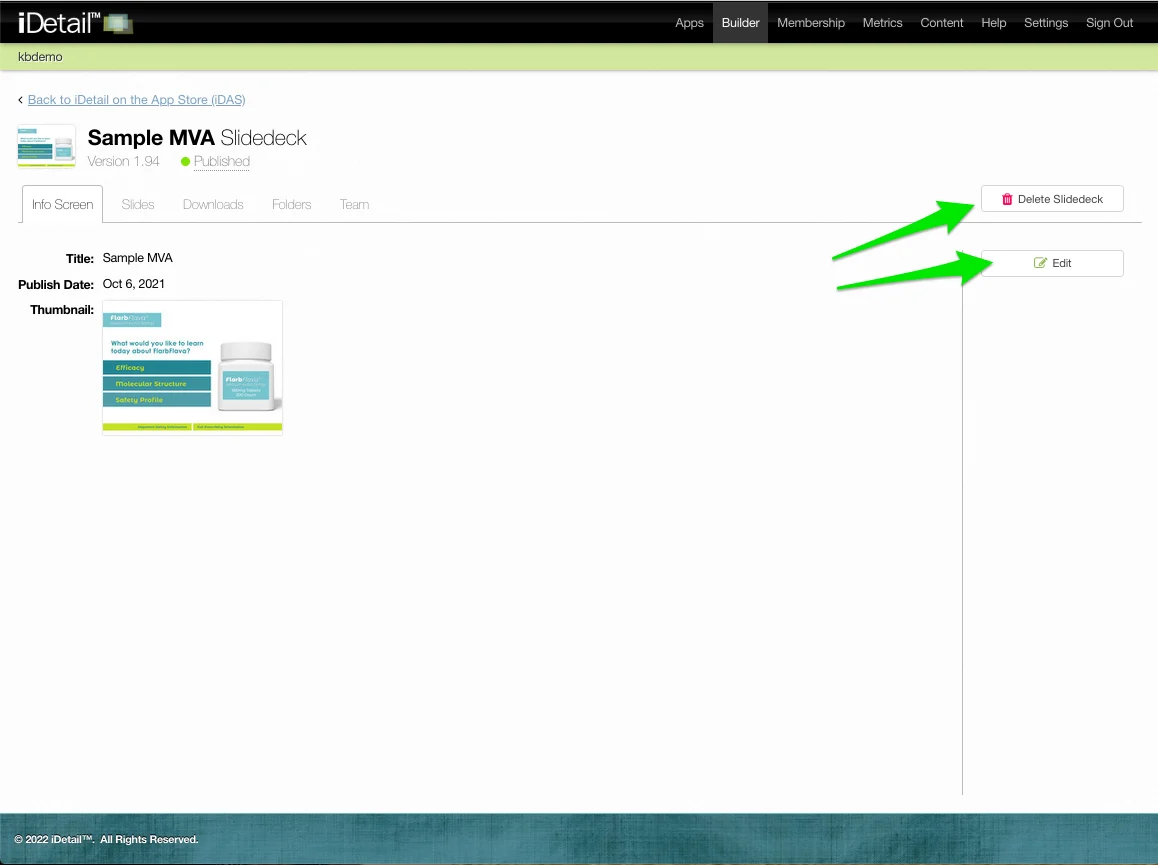
The iDetail Web Service in general uses color-coded, easy-to-read buttons with icons relating to their function.
article_image_aa38faf3-f0d3-4a31-bc2e-cb945945cb71.webparticle_image_82ce827a-a386-4a35-8cc8-d73ce2ccd515.webp001m-3.webp

Green

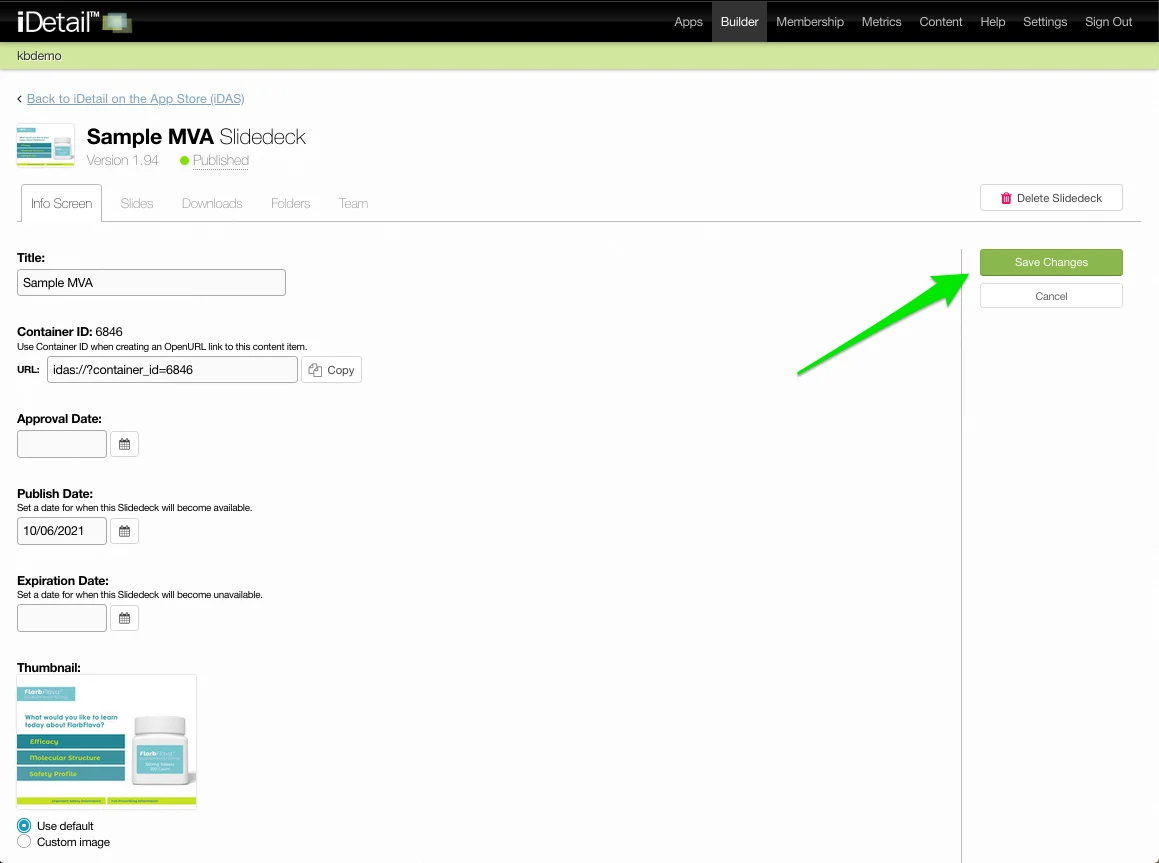
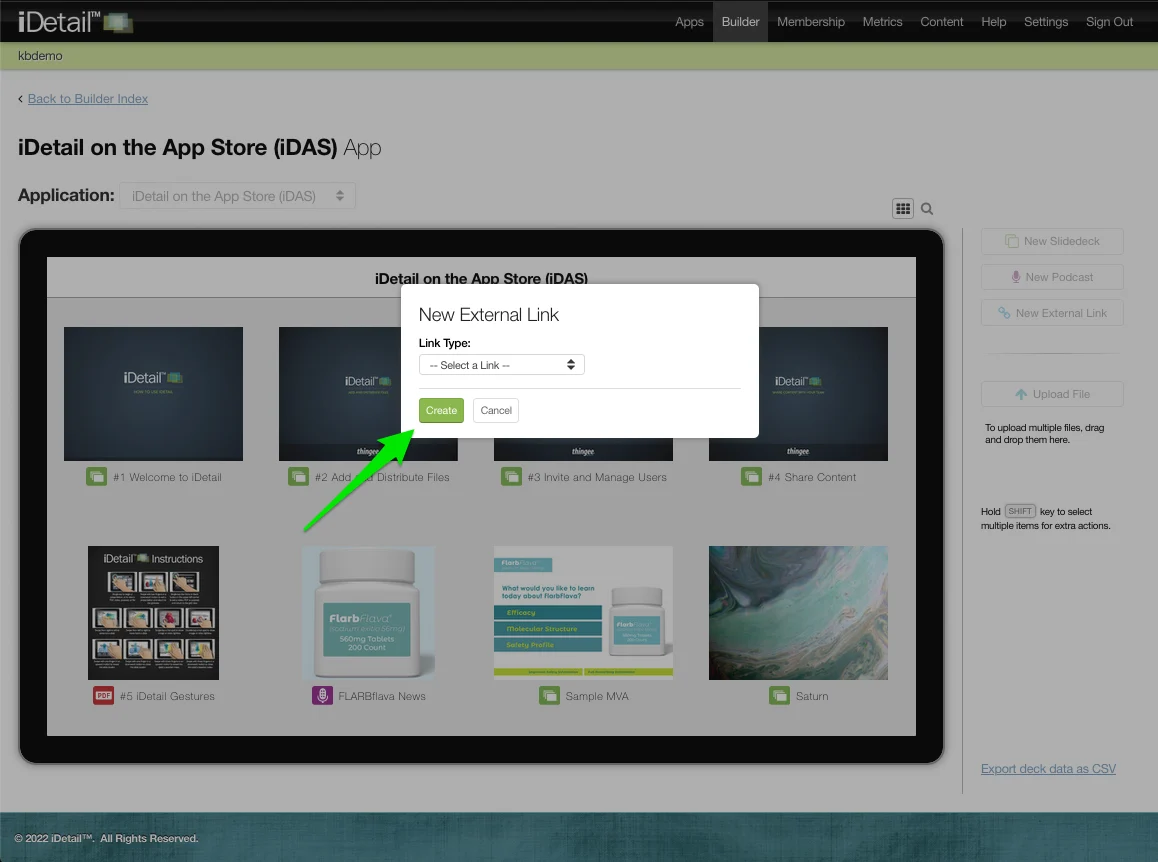
Green is used for constructive actions, such as Save Changes and Create, and, for example, to indicate positive results while typing in a Filter field
003m-2.webp010m-2.webp011m-2.webp

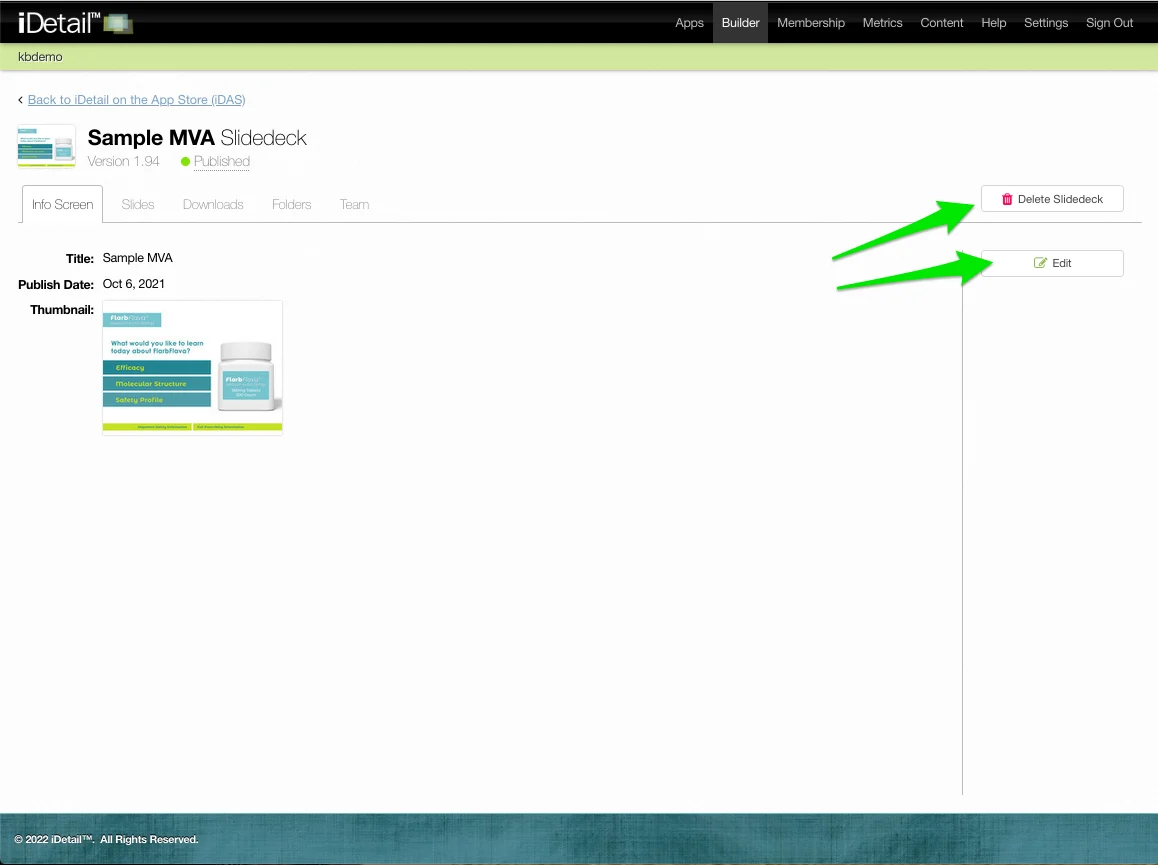
Red

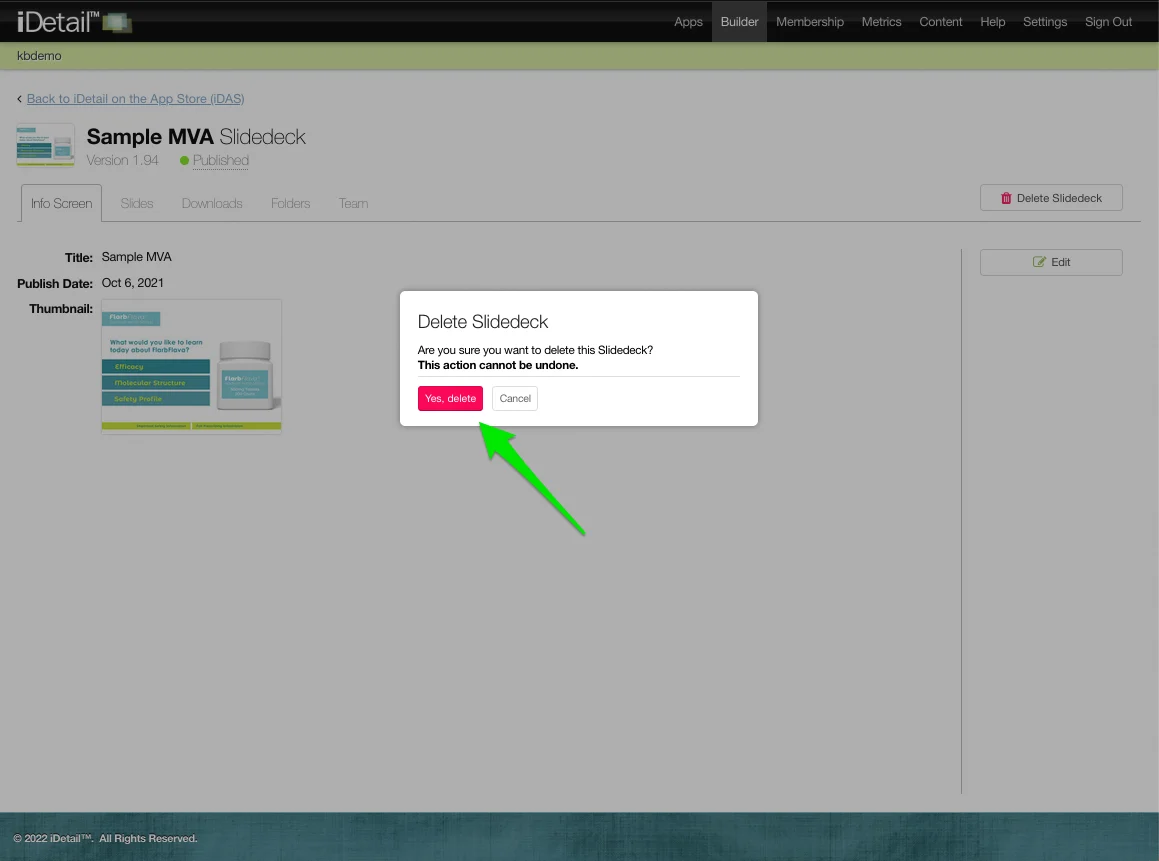
Red is used for destructive actions, such as Delete and Remove
004m-2.webp

And also to indicate no filtering results
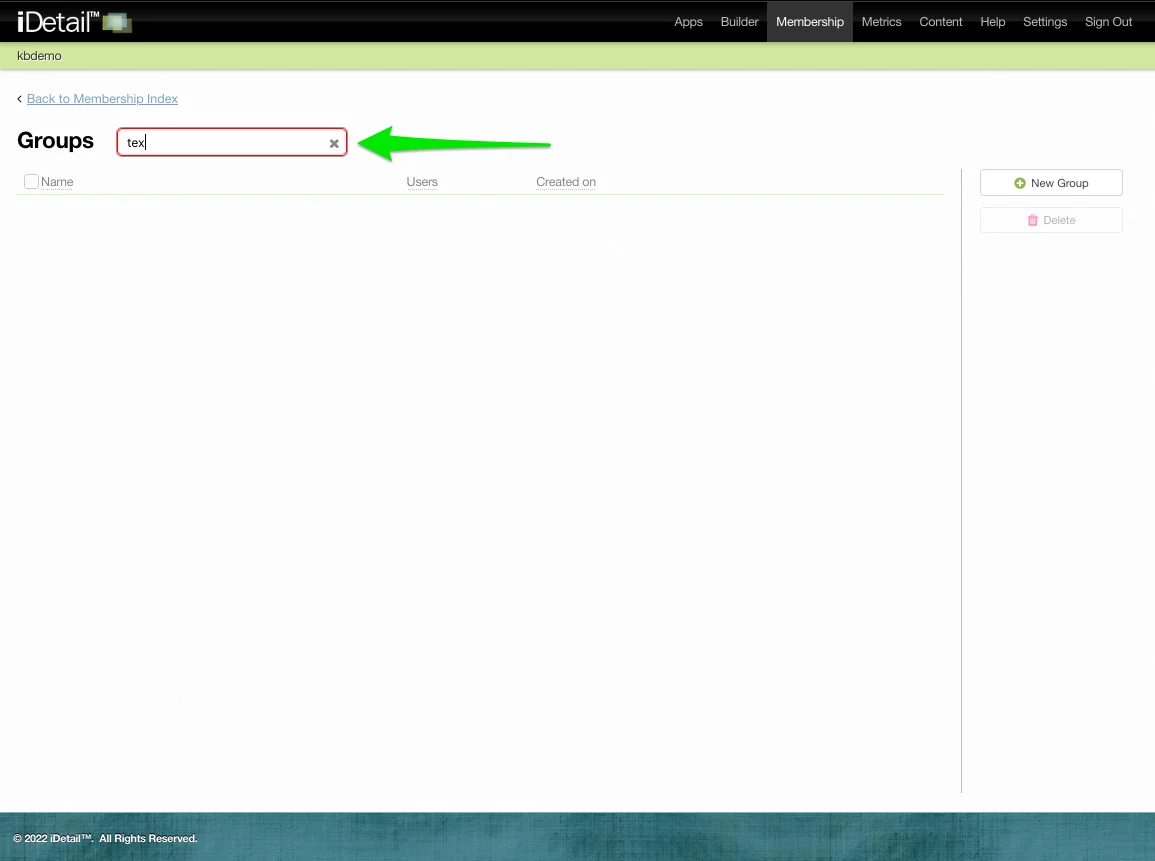
005m-2.webp

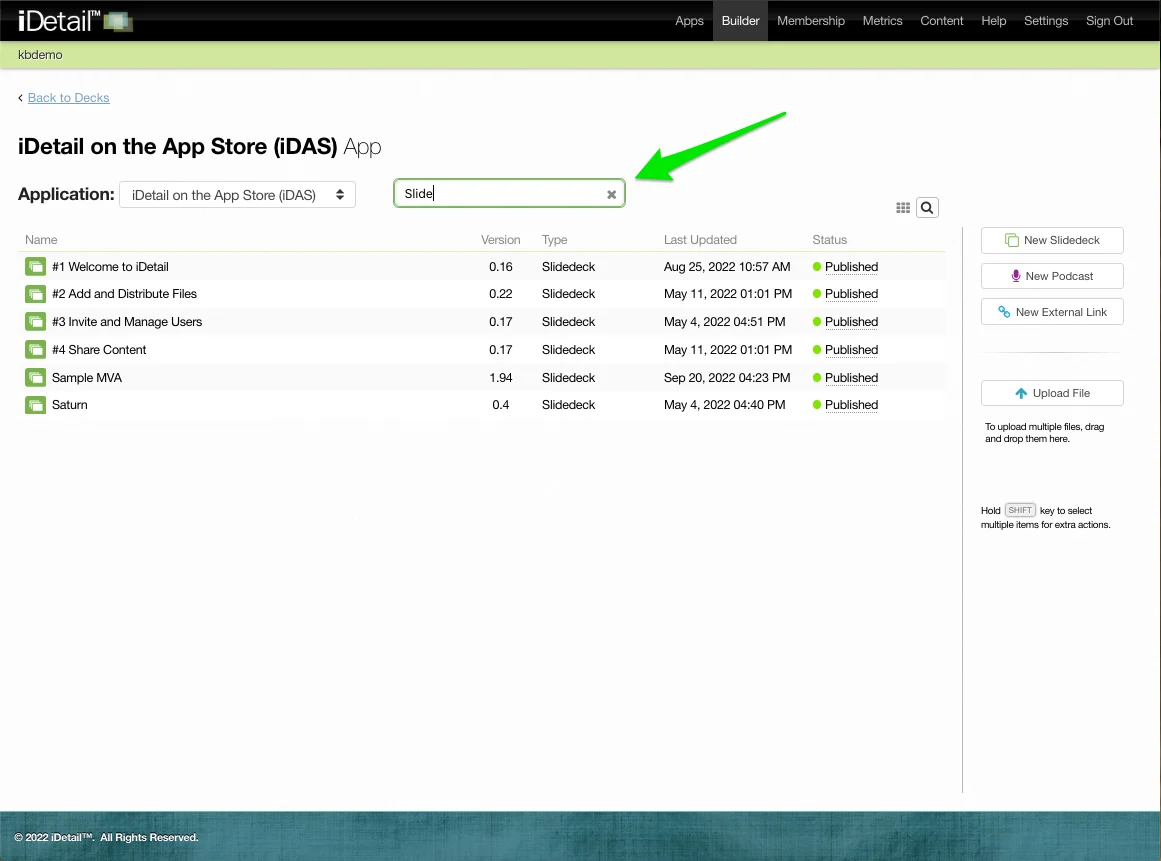
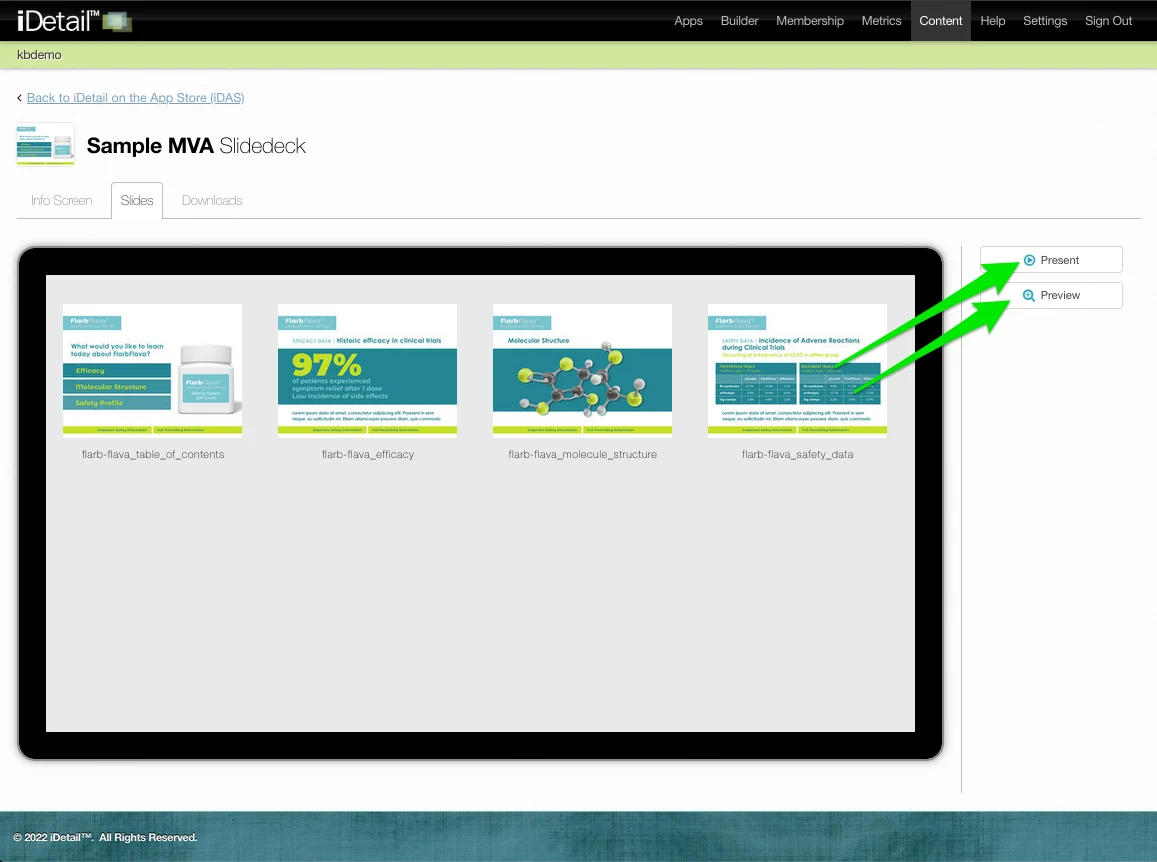
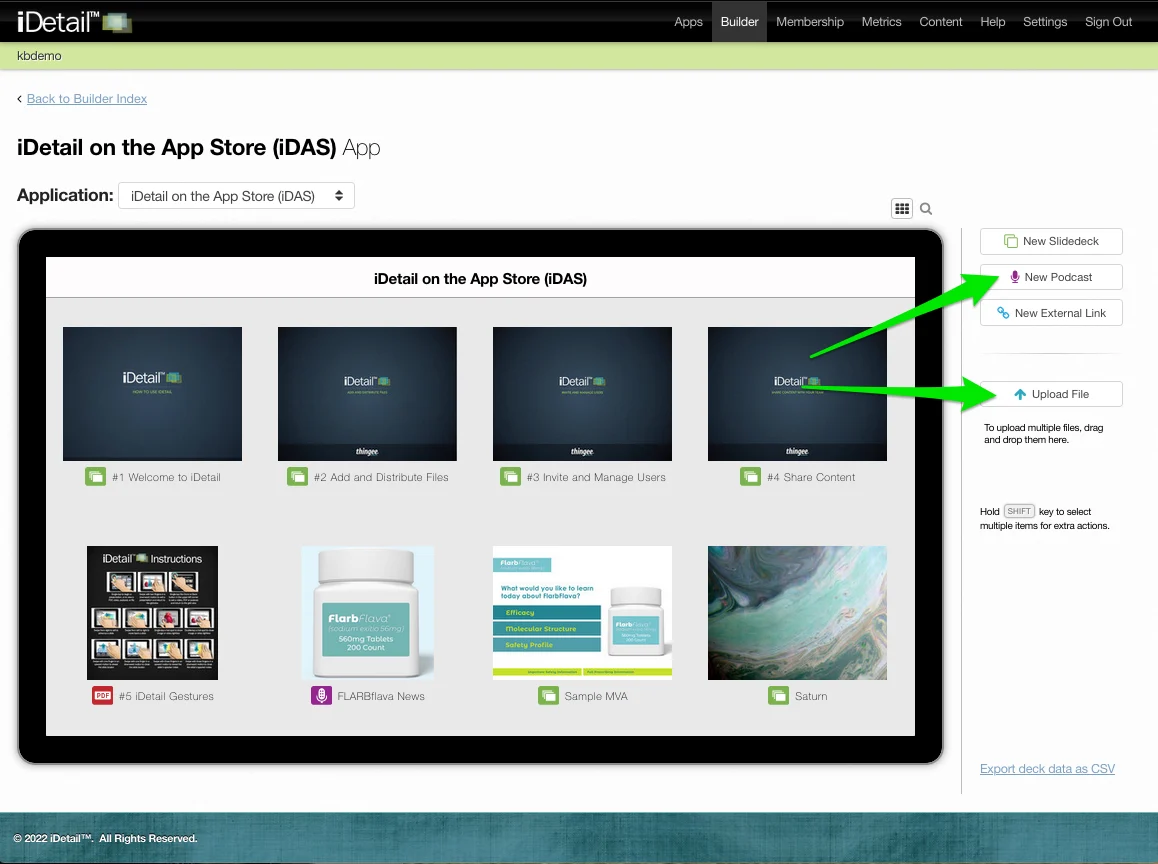
Blue

Blue generally indicates some nondestructive activity
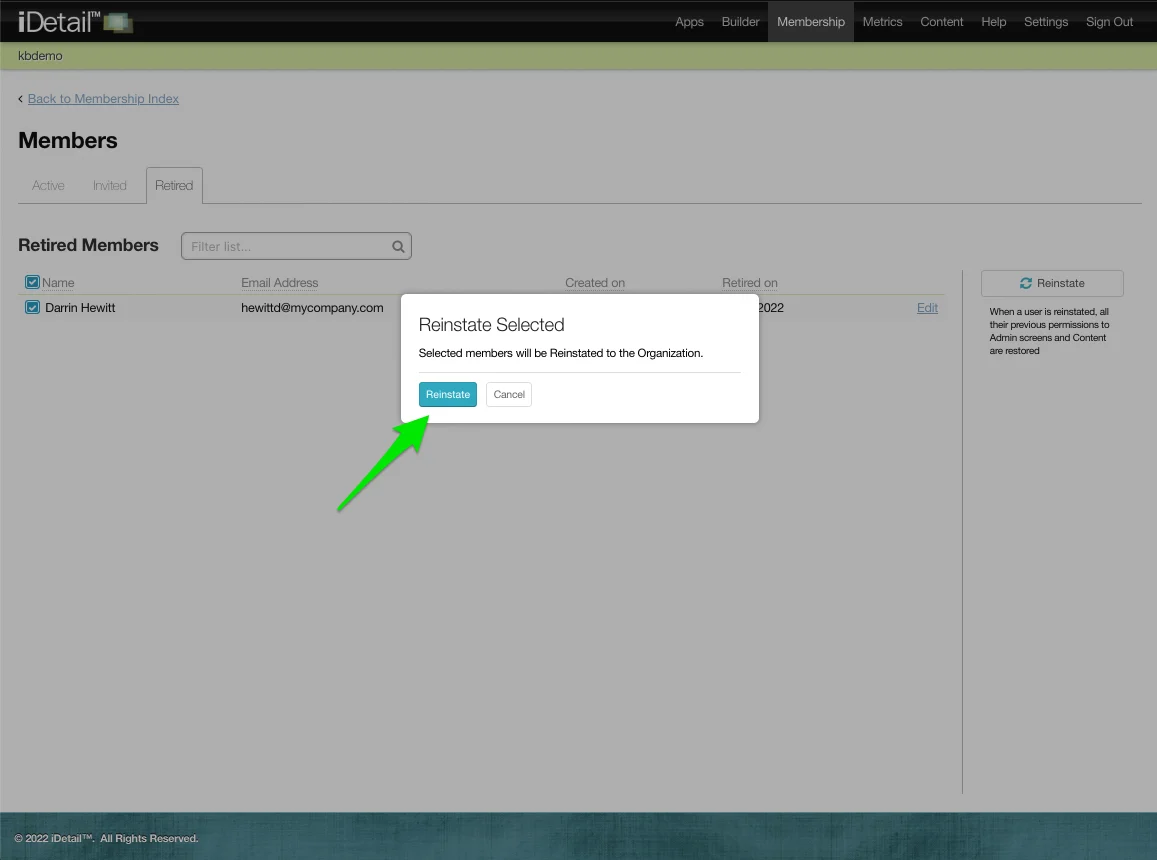
006m.webp007m.webp

Orange

While orange generally indicates a negative, but reversible change
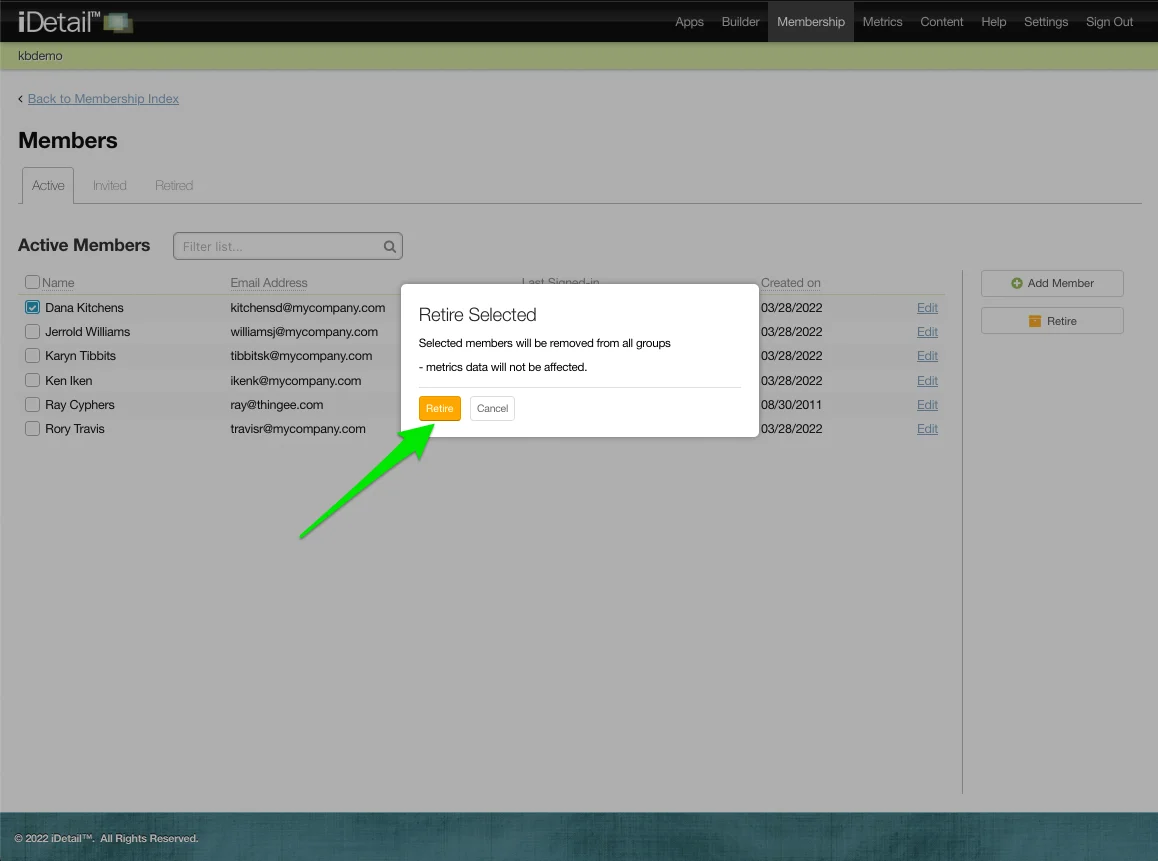
008m-2.webp

Did you find this article helpful?
Previous

How do I add and delete slides?

Next