Overview
If the member knows their current password, they may sign in and change their password in their account settings.
Steps to change your password
Open iDetail Web Service - https://launch.idetailapp.com
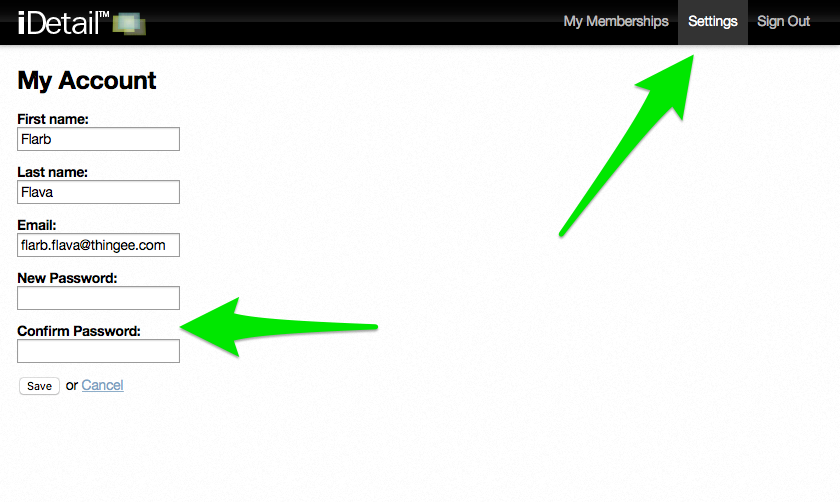
Select Settings from the top navigation
Enter in the new password in the “New Password” field
Enter the identical password in the “Confirm Password” field
Click the Save button
if the passwords do not match an error message will display