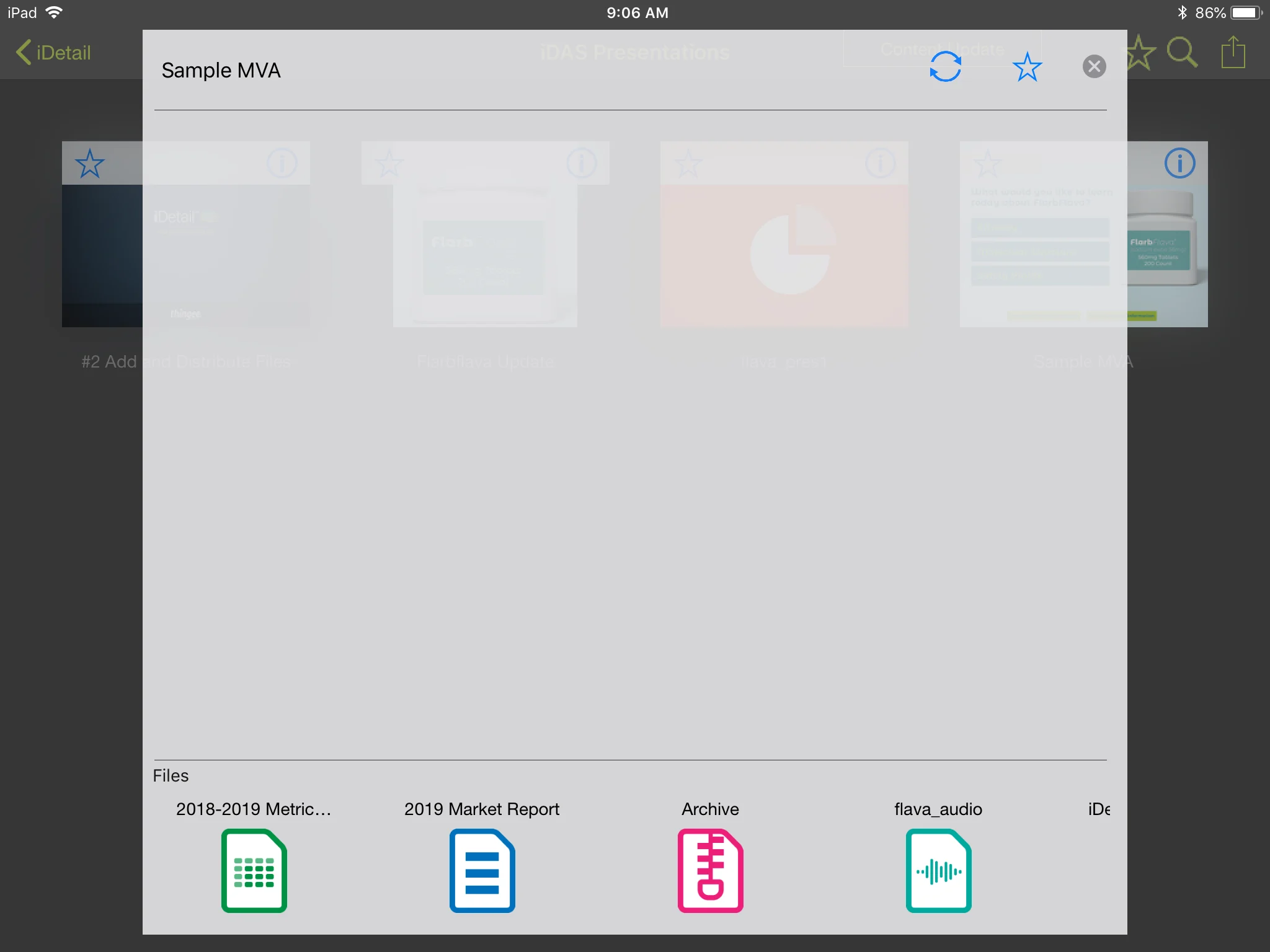
Attachment files uploaded to the Downloads tab can be identified by the icon appearing to the left of the Label name.
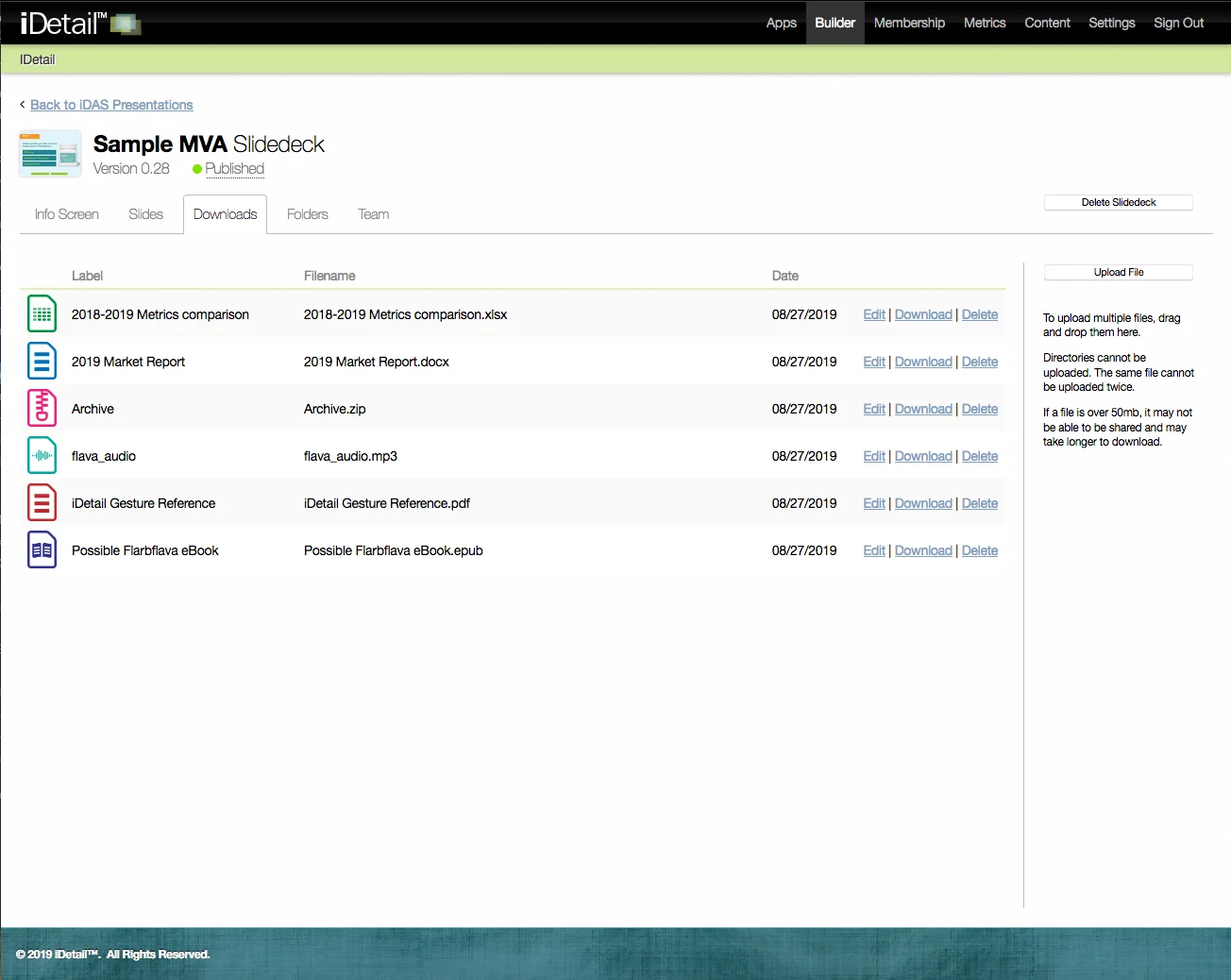
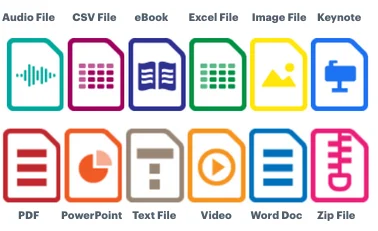
The following is a list of attachment icons and their types:
If an attachment file is not of a known type, it is assigned a generic file icon:

In the iDetail App, the associated attachments for the content item appear in a scrolling row at the bottom of the Info Screen.