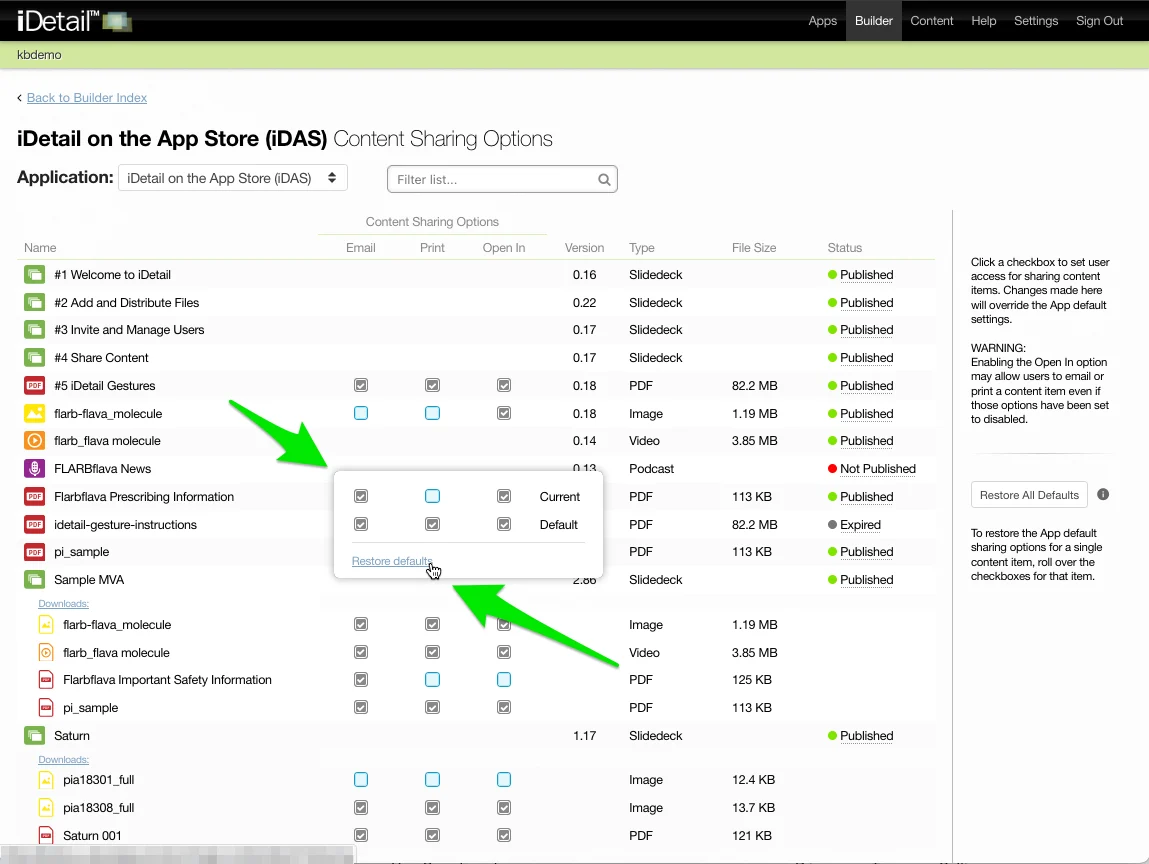
You can change the content sharing options for an individual content item back to the original default settings that are specified on the Apps page.
Restore Content Sharing Options Defaults for a Content Item
Hover over one of the checkboxes for the content item without clicking the checkbox
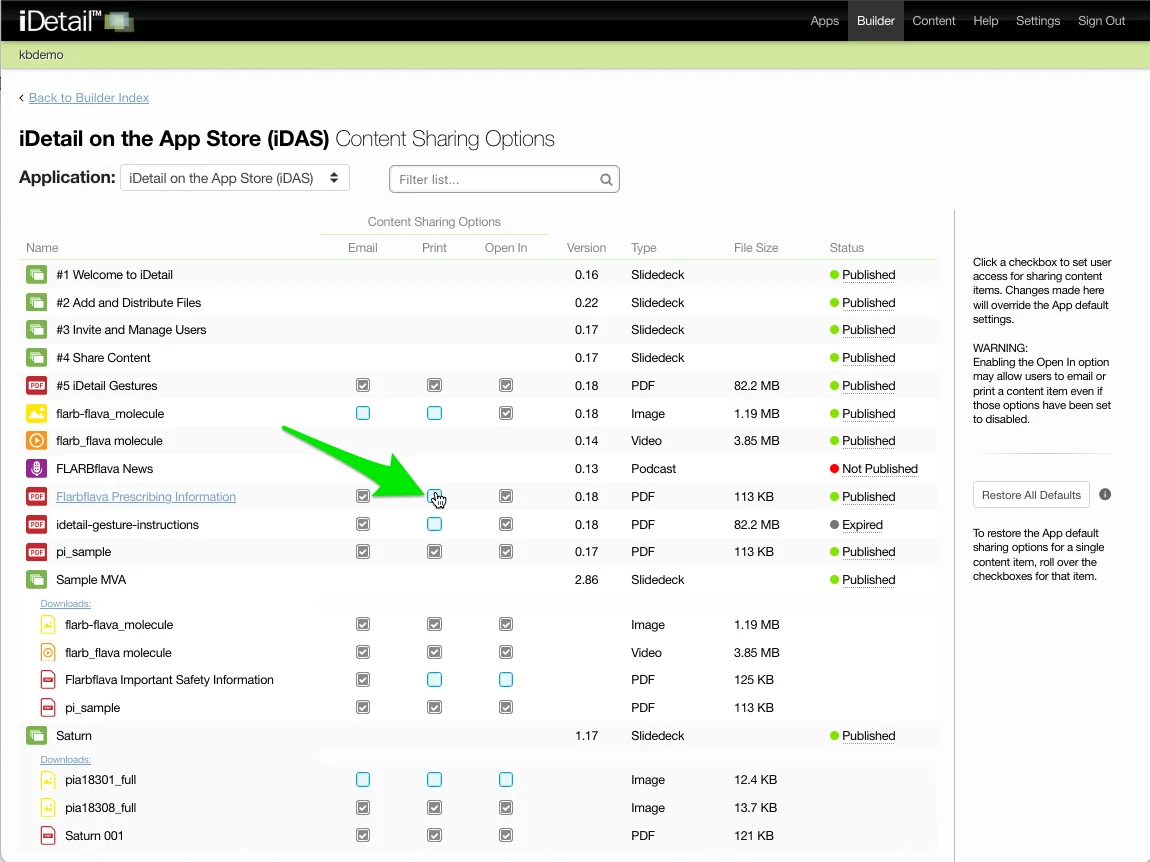
A popup will appear for the item showing the current content options settings and the default settings. Click the Restore defaults link to change the content sharing options to the default settings.