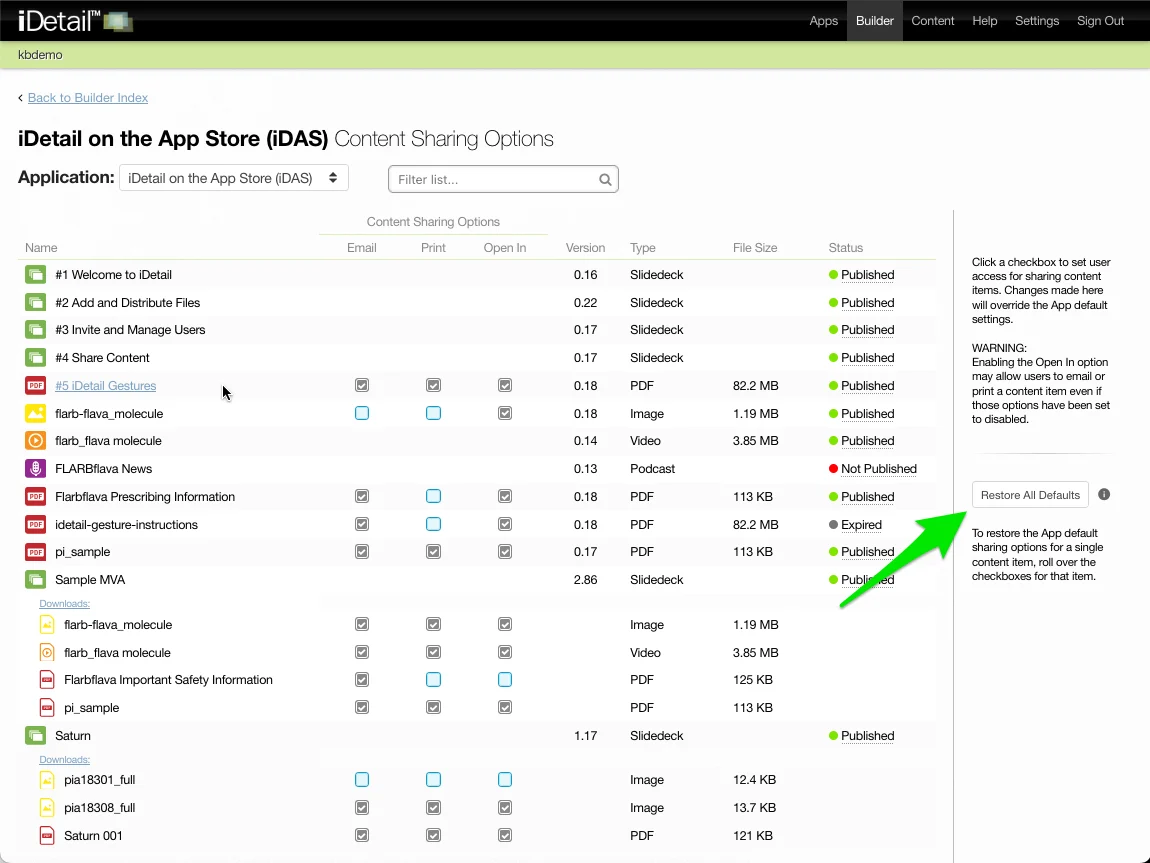
In addition to providing the ability to change the content sharing options for a content item, the Content Sharing Options report page contains a lot of useful additional information about the content item in a single place.
Features of the Content Sharing Options report page
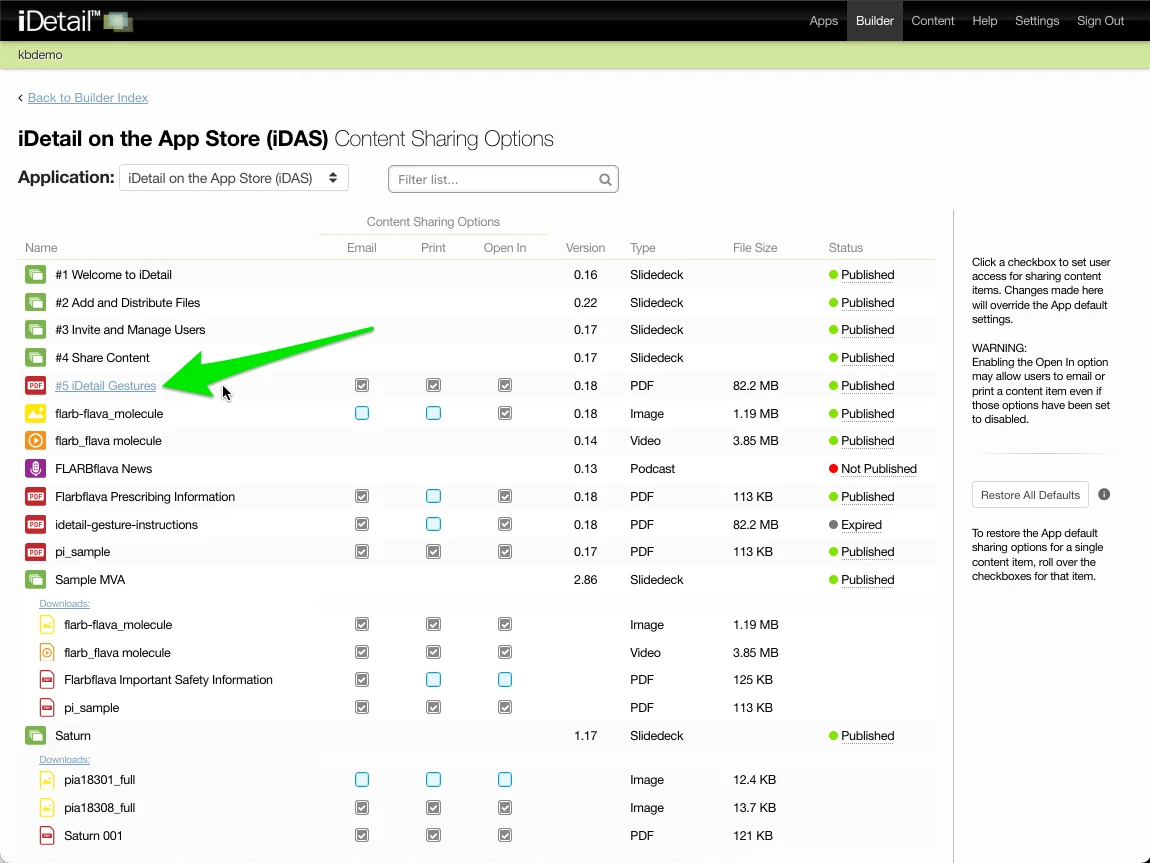
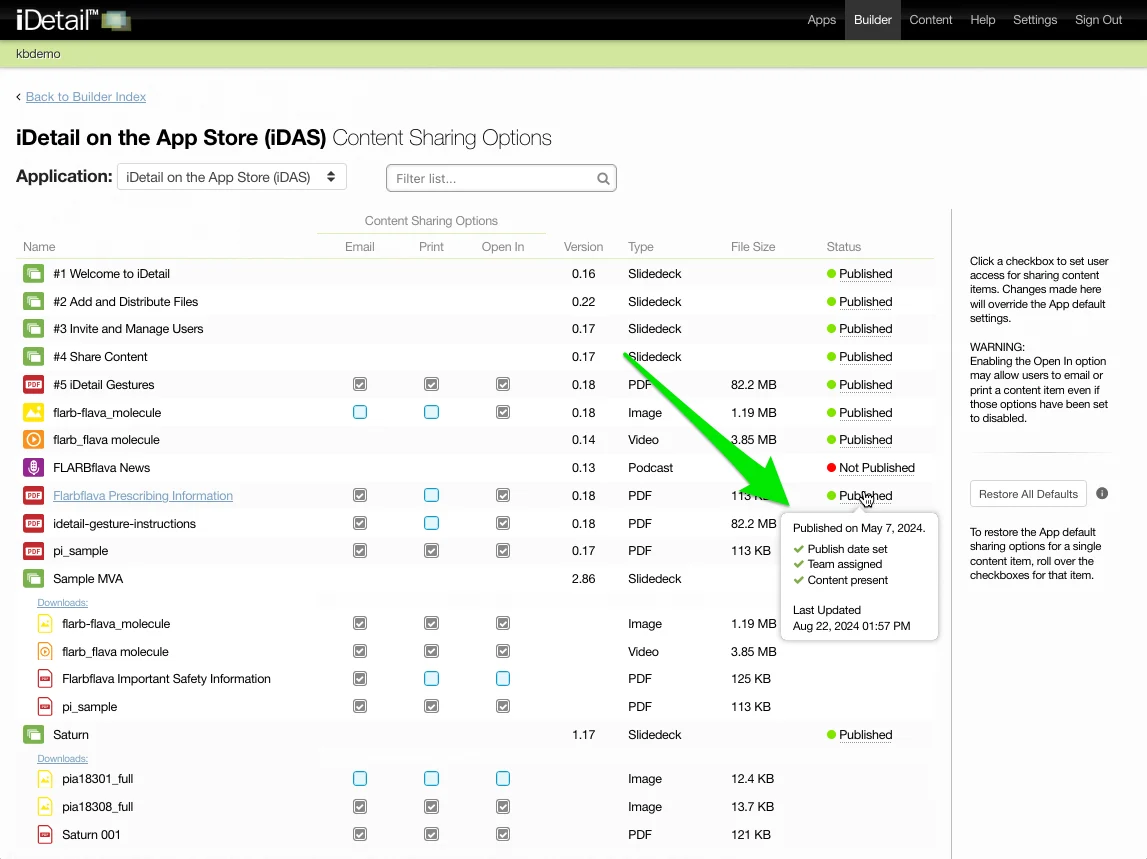
The content item listed in the Name column is also a link to more detailed information about the item. Links are provided for the content item files as well as any Downloads files (also referred to as attachments) associated with the content item.
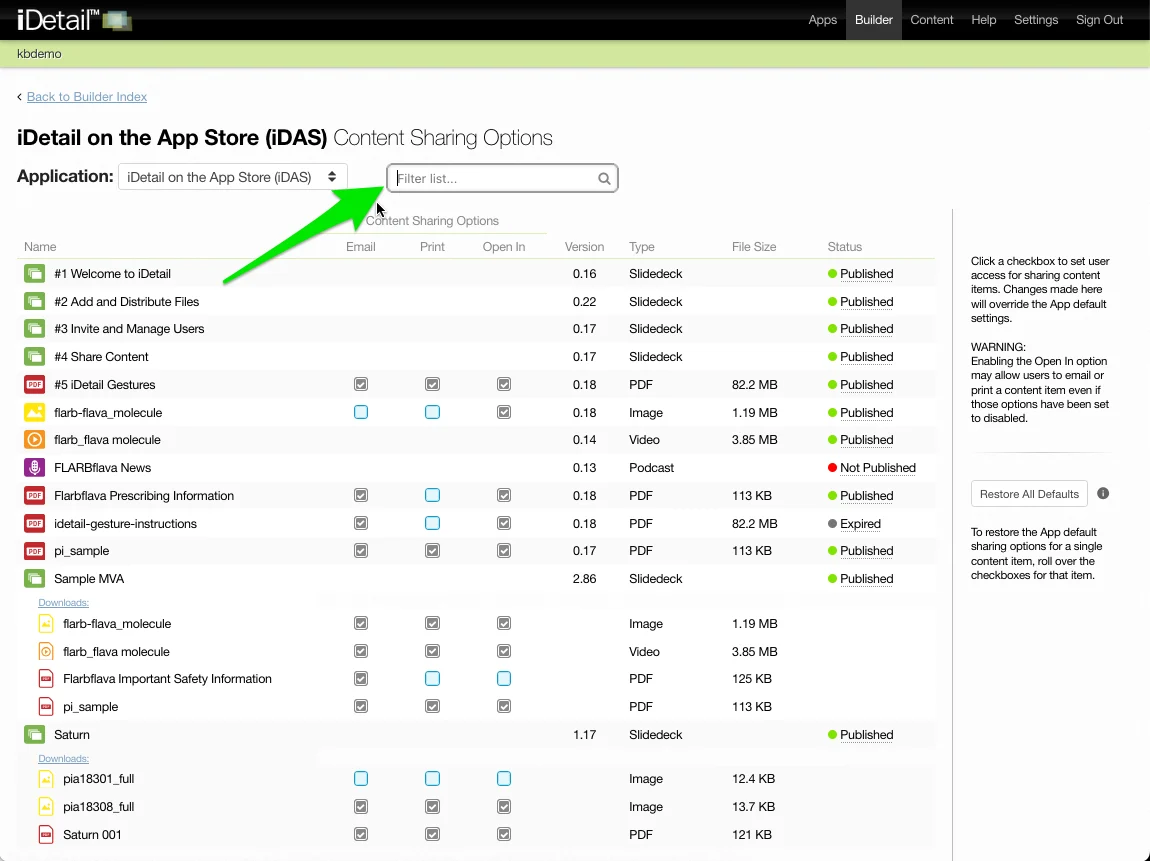
Filtering
The Content Sharing Options report page has a Filter list… field that allows for limited text search capabilities in the Name column, as well as some specific searches using “Type:” or “Status:” as a prefix (see How do I use filtering on the Content Sharing Options report page?)
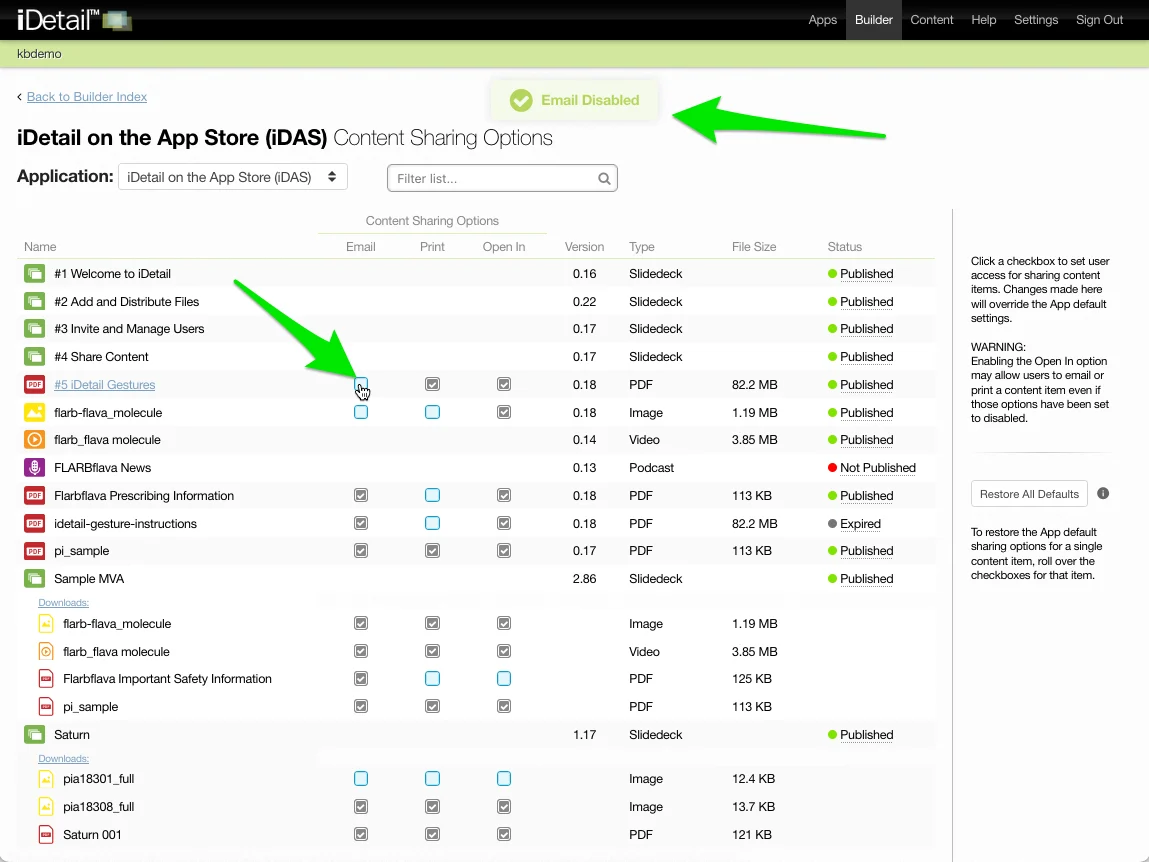
Change Sharing Options
Content Sharing Options for a given content item may be changed using the checkboxes associated with that item. Changes are displayed in a success message at the top of the screen.
Review and Compare Default Sharing Options
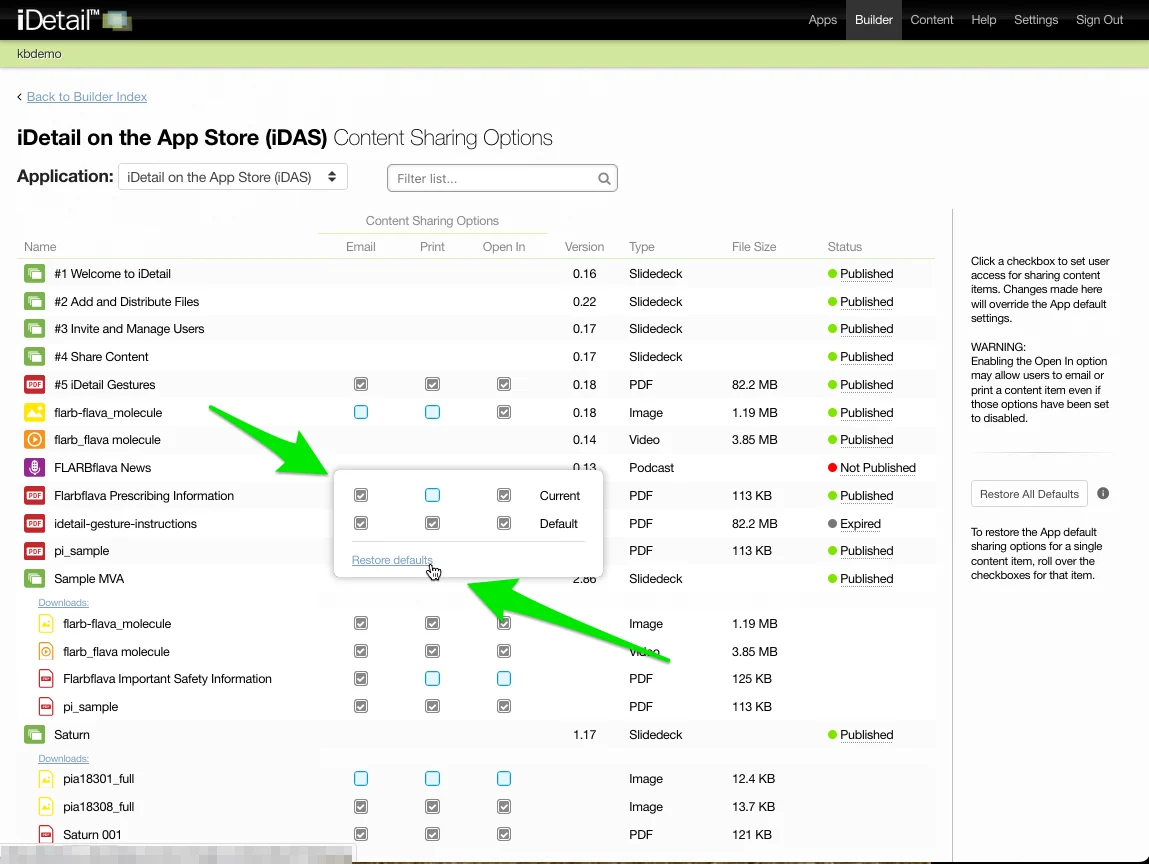
Each content item has a rollover that appears when the user hovers over the checkboxes. The rollover shows the current and default content sharing settings for the items. The default settings can be restored by clicking the Restore defaults link.
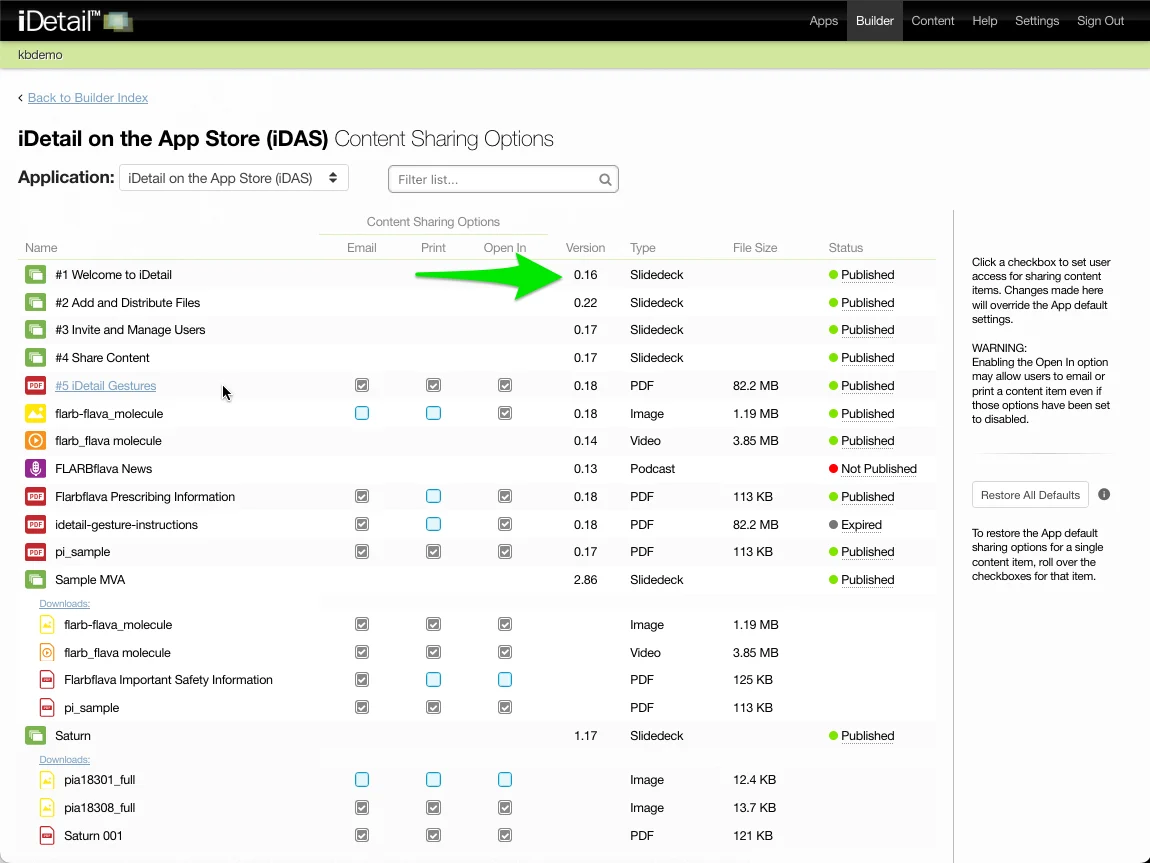
Version Number
Version information is included for each content item. Slidedeck Downloads items (attachments) do not show versions.
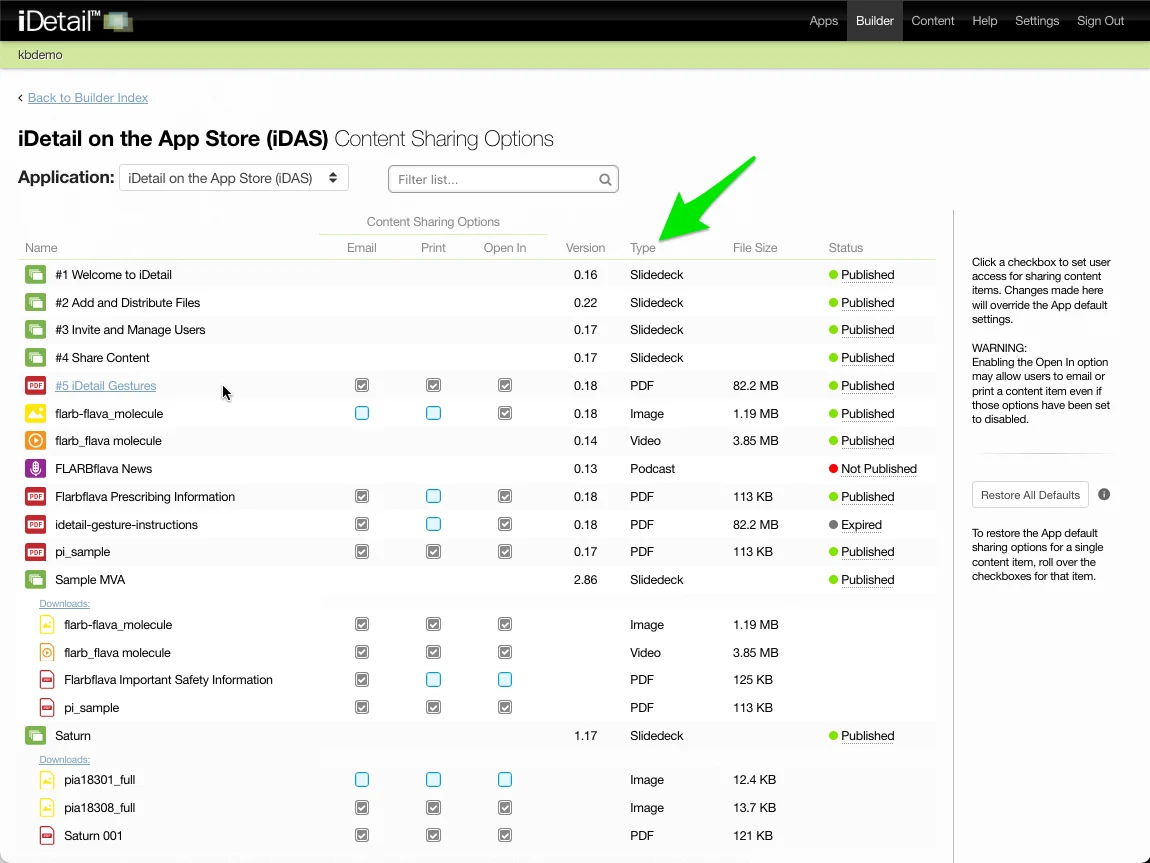
Type
The content item file type is shown for each item as well as for any Downloads (attachment) items associated with it.
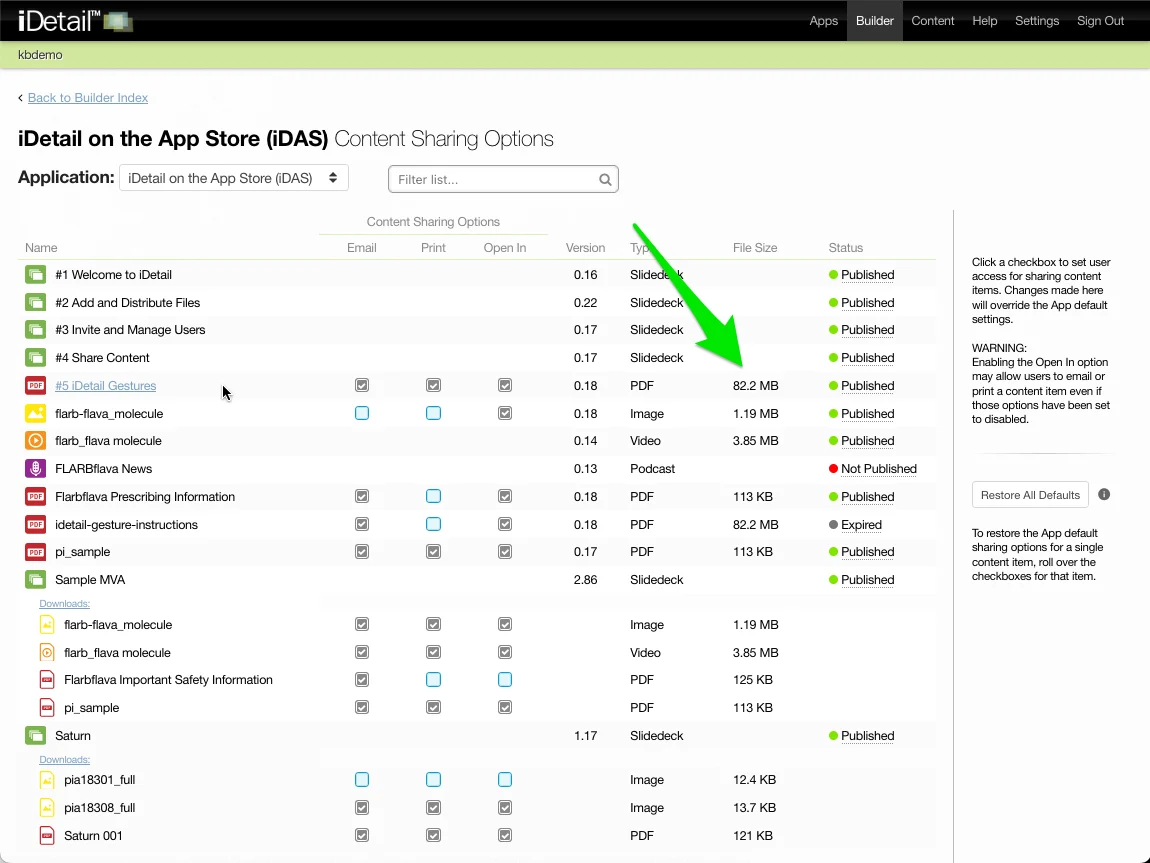
File size
The content item file size is shown for each item as well as for any Downloads (attachment) items associated with it. Slidedecks, which may include several subfiles, do not show an overall file size.
Publishing status
The publishing status shows content items that are currently published, not published, or expired. Additional publishing information is included in a rollover. Publishing information is not provided for Downloads items (attachments).
Restore All Defaults
The Restore All Defaults button opens a dialog box that allows the admin to reset the Content Sharing Options for all of the contents items and Downloads items in the app to the default settings specified on the organization's Apps page. Any individually customized sharing options that were set for a content item will be lost.