If you are working on individual content item pages, you can also set the Content Sharing Options using the content item’s Sharing Options tab instead of going to the Content Sharing Options report page.
Content Sharing Options for Individual Content Items
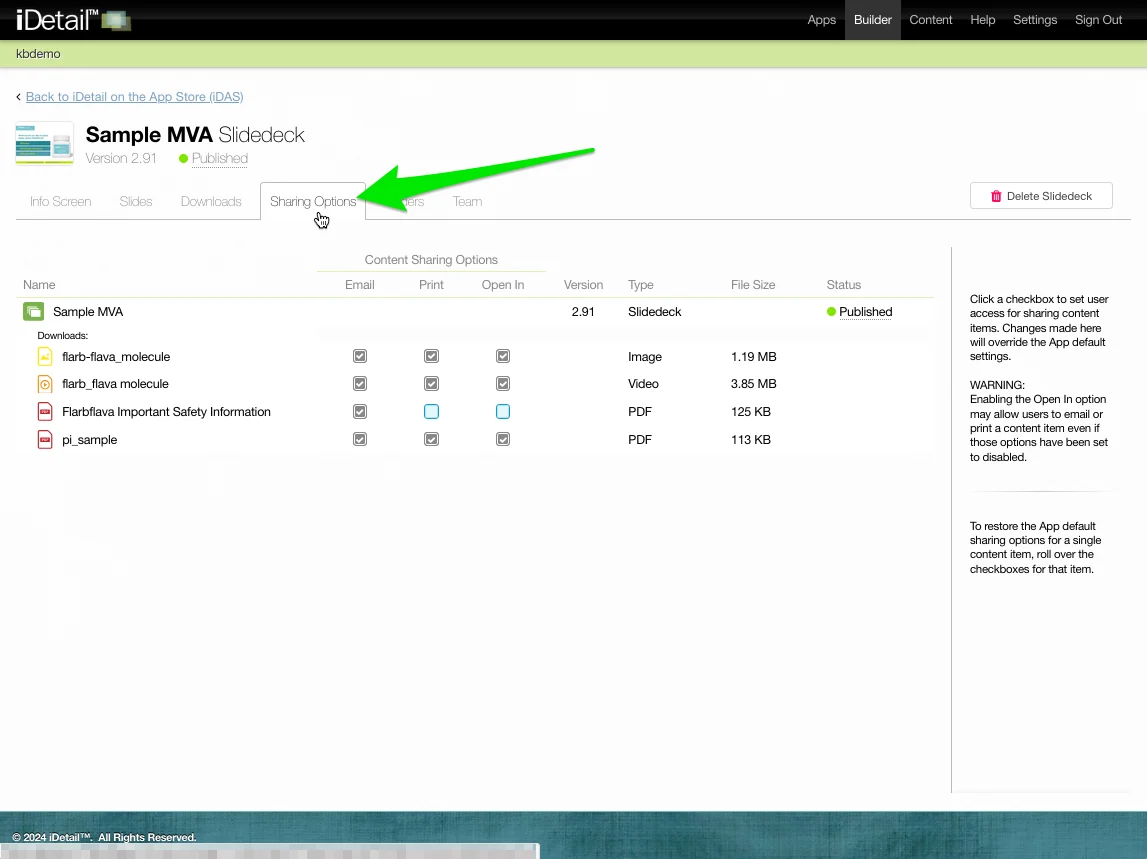
Click the Sharing Options tab for the content item. The Content Sharing Options for the individual content item will appear.
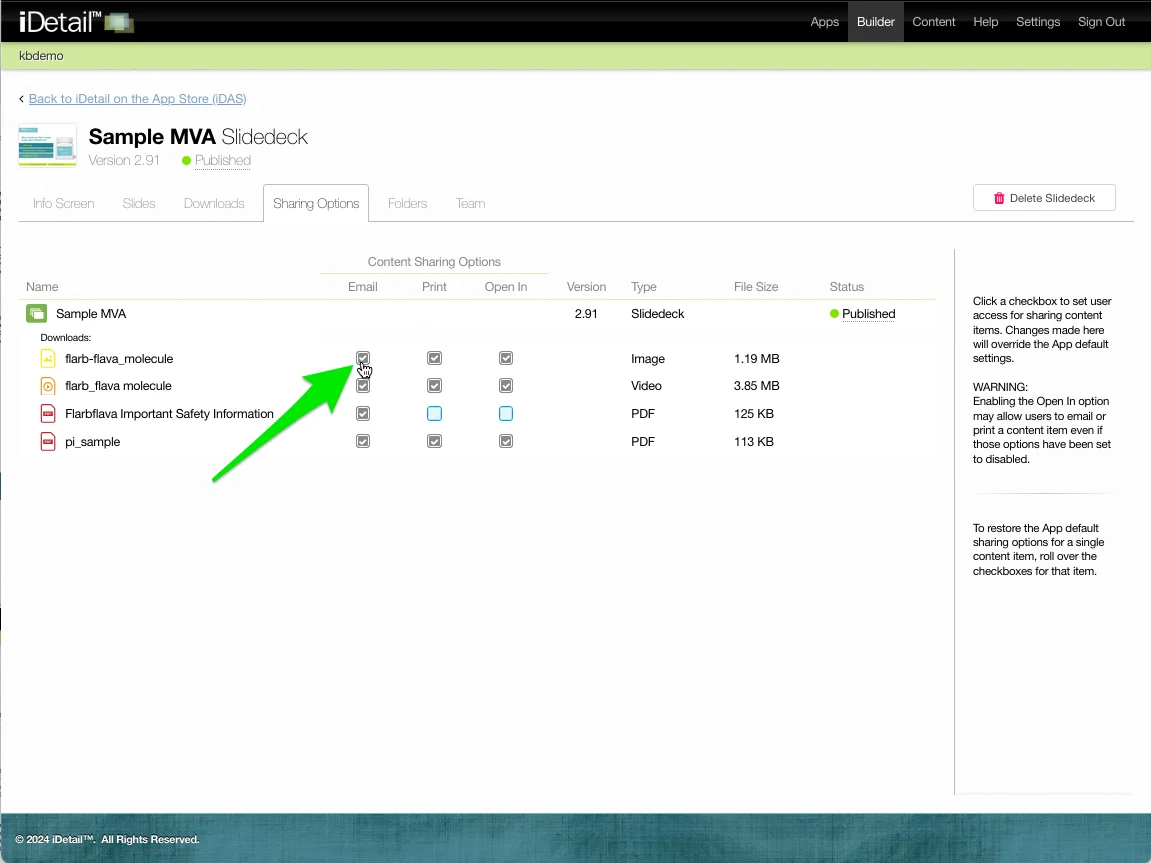
The content sharing text boxes work exactly like the checkboxes on the Content Sharing Options report page. Click a checkbox to enable or disable the content sharing option.
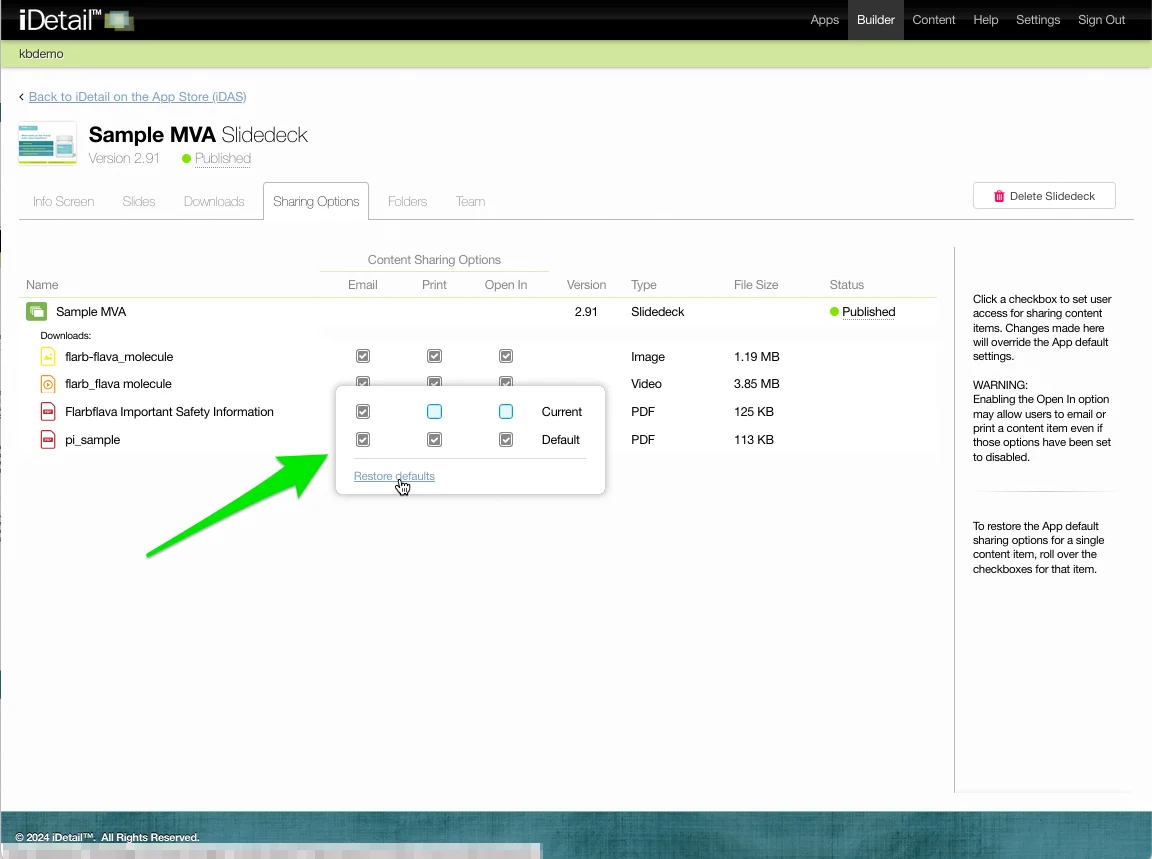
Hold the cursor over a checkbox without clicking to view the item’s default settings or to restore the defaults by clicking the Restore defaults link.