

Signing into the iDetail Web Service
When accessing the iDetail Web Service the user signs into their organization through the Sign In screen by providing their username and password. Once signed into the web service the user can access all the organizations they are a member of. To sign into the web service the members account must already exist.
Authenticate the iDetail iOS App to your organization
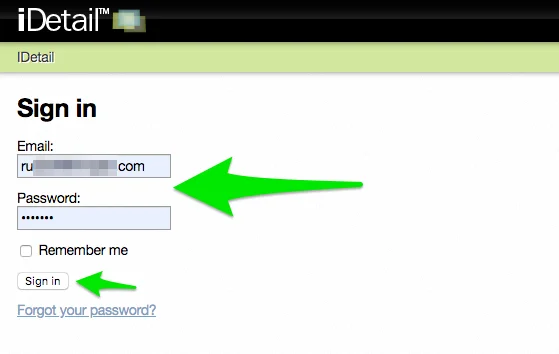
For the iDetail iOS App, there is not a sign in required each time to access the App. The iDetail iOS App uses an Authentication method which combines your email address, password, and device to the app to a specific organization where the Content Library for the App is stored.
Authentication is the process to register your device (currently iPad only) and version of the iDetail with your organization. Each iOS App is associated with only one organization, and that organization holds the iOS Apps profile settings and user group. Once you have authenticated the App on your iPad with your organization on the web service, the app will begin to download the content items you have permission to.
Your membership information is stored in the app and used to connect to the web service periodically to check for content item updates.
Steps to authenticate iDetail iOS App to the iDetail Web Service
Install the iDetail iOS App to your iPad
Open the iDetail iOS App
If the iDetail App is from the Apple App Store
Tap the [Sign-In to an existing iDetail Organization] button
Enter organization name
Enter email
Enter Password
Tap next arrow
Or tap the [Create a new iDetail Organization] button
Follow the prompts
If the iDetail App is a customized Tool Kit version the organization has been pre-programed and branded
Enter email
Enter Password
Tap the Authenticate button