

Depending on the iDetail pricing plan you have purchased, you will have access to either Standard or Advanced content management features.
Standard Content Management
The “Manage Content: Standard” setting provides access to basic content features. A member can drag and drop files into the Web Service grid view to create presentations. They may also create static slide decks, meaning the slide deck will display the image or video content used to create it, but with no interactivity.
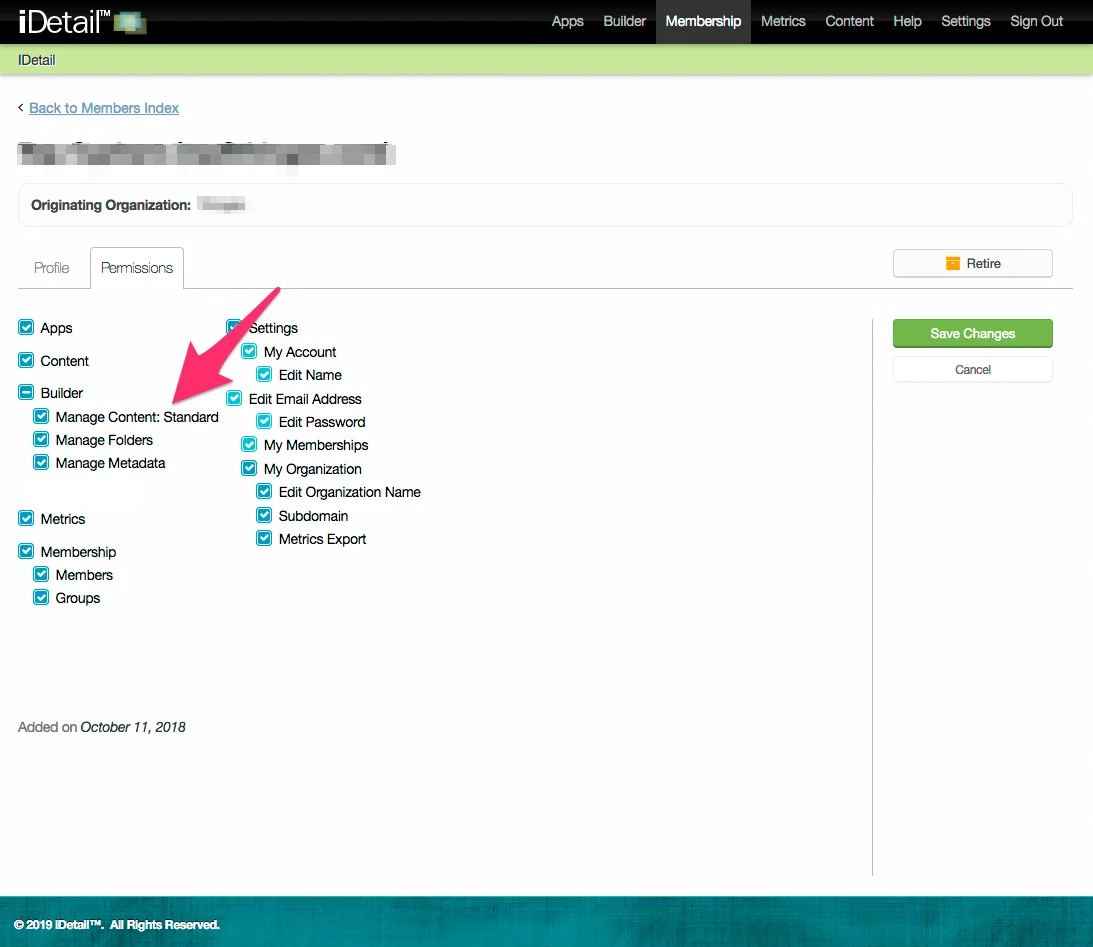
Standard Content Management Features
Access to the content library
Add and Remove content Items
Upload any file type
Create a new slide deck (static)
Create a new podcast
Create a new external link
Set Team permissions for each content item
Add associated file attachments to a content item
Set publish and expiration dates
Add and Remove Folders
Modify the following content item metadata
Content Item Title
Thumbnail
Approval Date
Advanced Content Management
The “Manage Content: Advanced” setting provides additional features on top of the Standard set. A member can add “hotspots” to slides in a slide deck, which create interactive spots on the slide. When a user viewing the slide deck in the iDetail app on the iPad taps the hotspot, the slide deck jumps to a different slide, which can be located anywhere in the slide deck. A member can also add Speaker Notes to each slide.
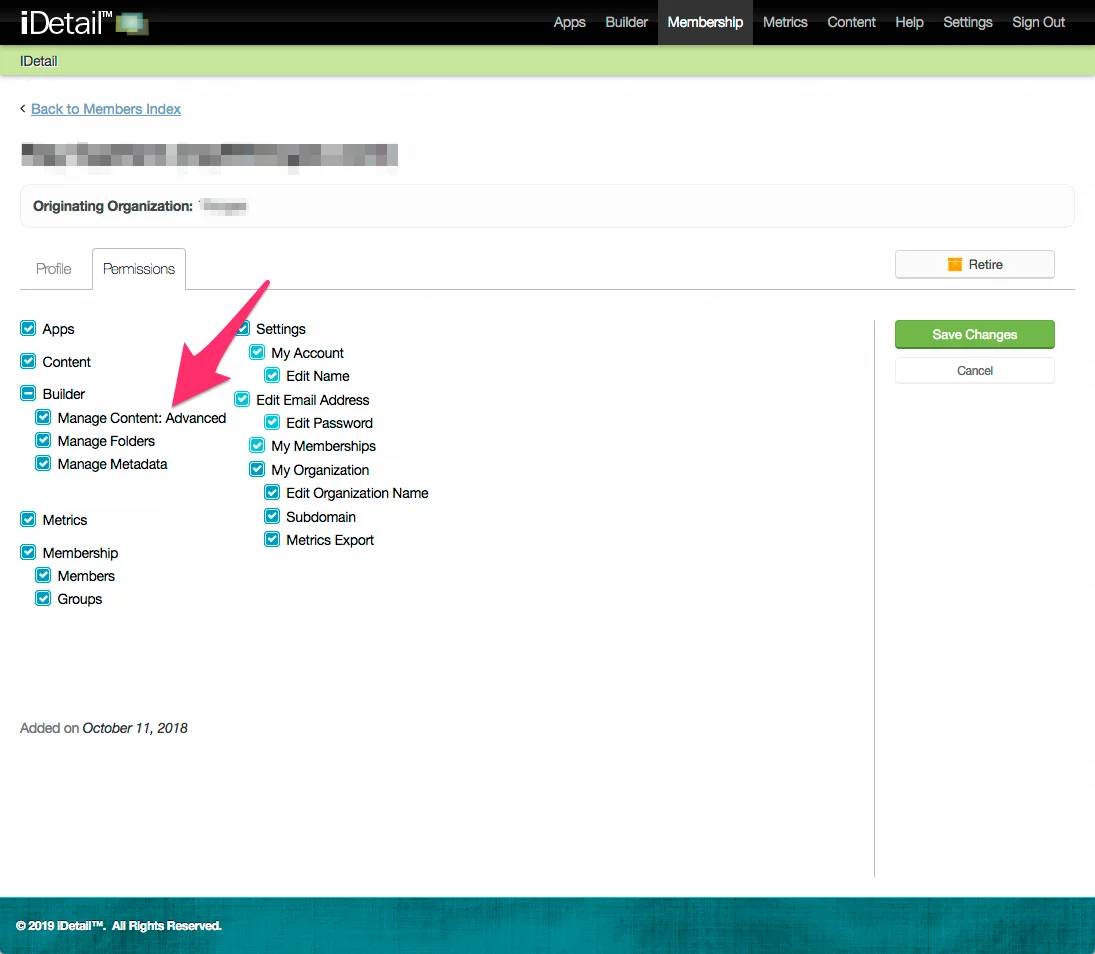
Advanced Content Management features
All of the Standard content management features
Add hotspots to slides
Add speaker notes to slides
How to check the Manage Content setting
Open the iDetail Web Service - https://launch.idetailapp.com
Select Membership from the top navigation menu
Select the Members link
Select a member from the Active Members tab and click on their name or click on the Edit link for the member
Select the Permissions tab
Click the Edit button on the right side of the Info Screen
Under Builder, you can select or deselect the Manage Content option for the member
Click the Save Changes button